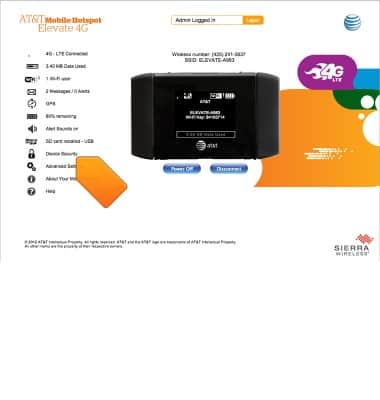
- From the Elevate Manager, click Device Security.
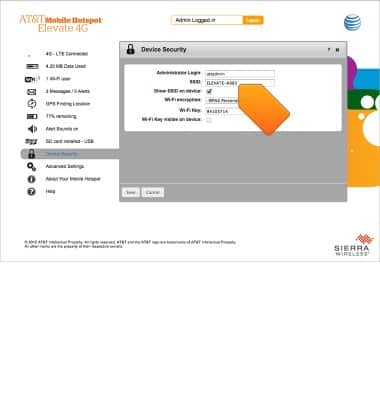
- Click the SSID field, then enter the desired network name. To change the password click the Wi-Fi Key field and enter the desired password.
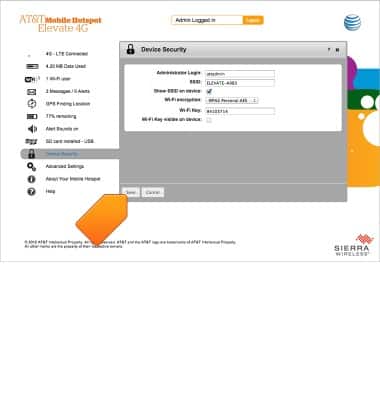
- Click Save.
Wi-Fi network name & password
AT&T Mobile Hotspot Elevate 4G
Wi-Fi network name & password
This article describes how to change the network name.
INSTRUCTIONS & INFO