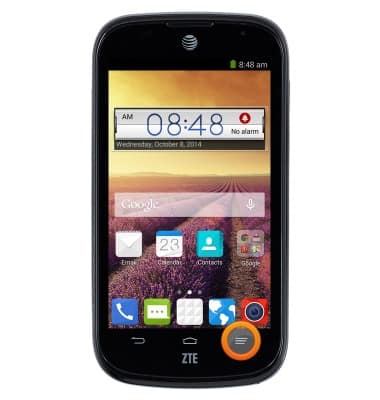
- From the home screen, press the Menu key.
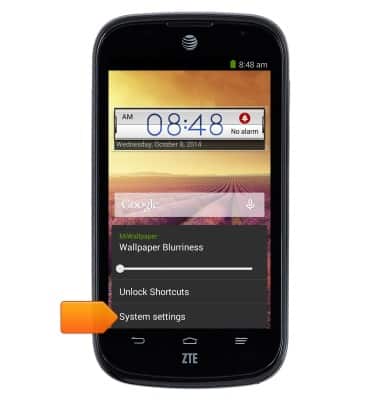
- Tap System settings.
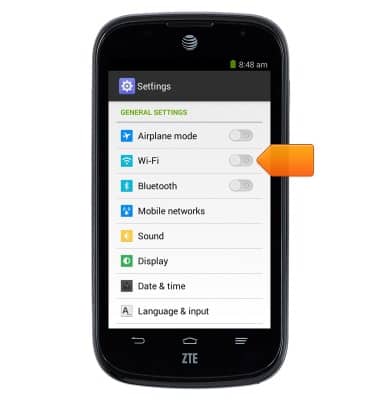
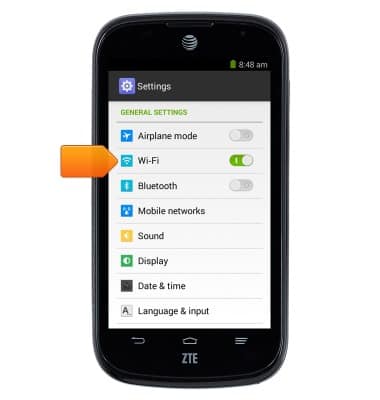
- Tap the Wi-Fi switch to turn Wi-Fi on.
- Tap Wi-Fi.
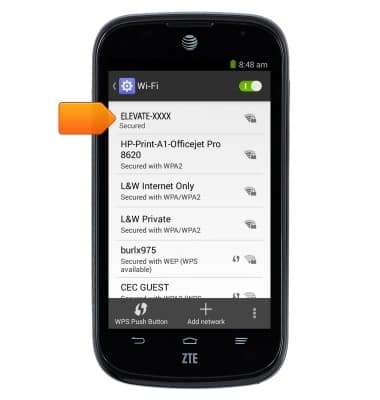
- Tap the Elevate Wi-Fi network.
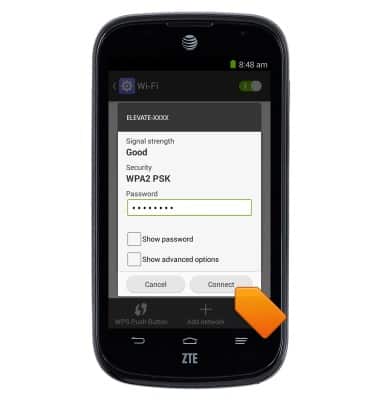
- Enter the required password, then tap Connect.
Connect mobile device to Wi-Fi
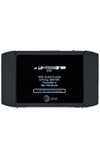
AT&T Mobile Hotspot Elevate 4G
Connect mobile device to Wi-Fi
Learn how to connect your mobile device to Wi-Fi.
INSTRUCTIONS & INFO