- If there is limited or no connectivity between the Elevate and a connected device, conduct a Soft Reset. From any screen, press and hold the Power Key.
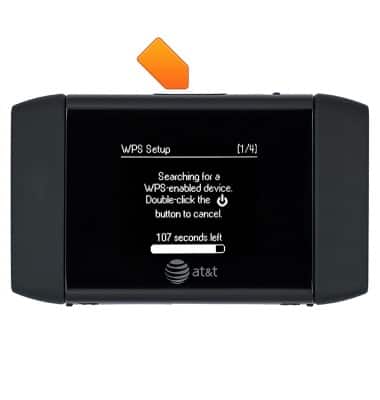
Limited or no connectivity
AT&T Mobile Hotspot Elevate 4G
Limited or no connectivity
This article describes what to do if there is limited or no connectivity.
INSTRUCTIONS & INFO