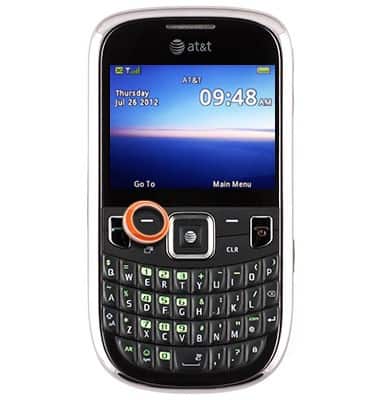
- From the home screen, press the Left Soft key.
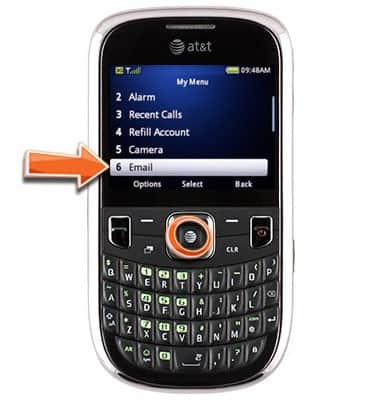
- Scroll to Email, then press the Center Nav key.
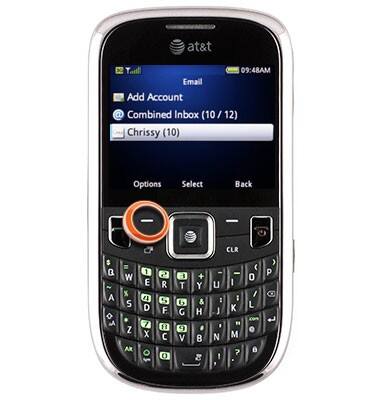
- Scroll to the desired email account, then press the Left Soft key.
- On Edit Account, press the Center Nav key.
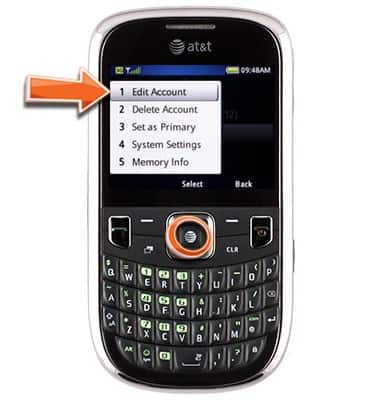
- If necessary, scroll to Use Signature, then press the Center Nav key to toggle on.
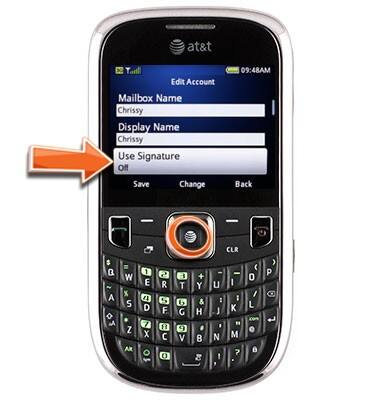
- Scroll to Signature Settings, then press the Center Nav key.
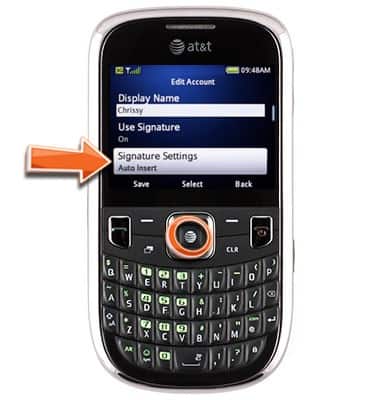
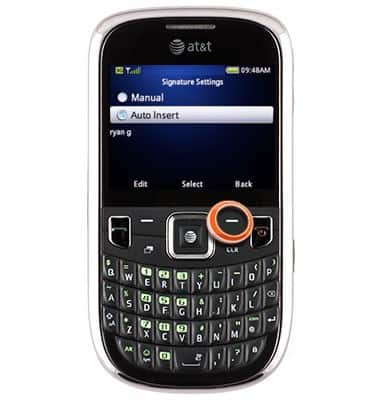
- Press the Left Soft key.
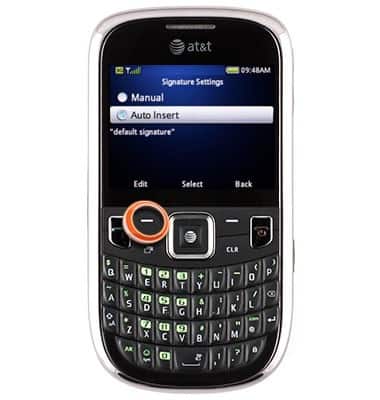
- Enter the desired signature, then press the Center Nav key.
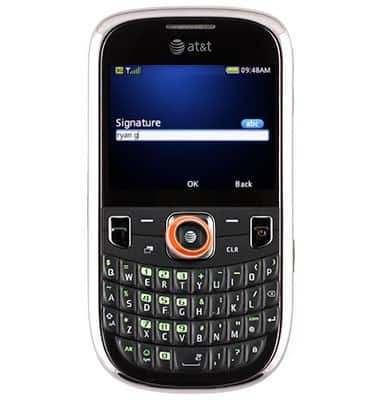
- Press the Right Soft key.
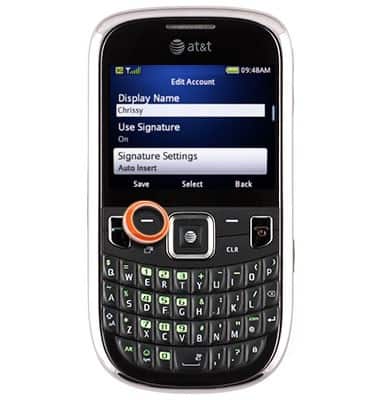
- Press the Left Soft key to save.
Add email signature
ZTE Z431
Add email signature
Add a unique signature, like your phone number, to emails sent from your device.
INSTRUCTIONS & INFO