
- From the home screen, press the Call key.

- Scroll to the desired number, then press the Left Soft key.

- Scroll to Save Number, then press the Center Nav key.

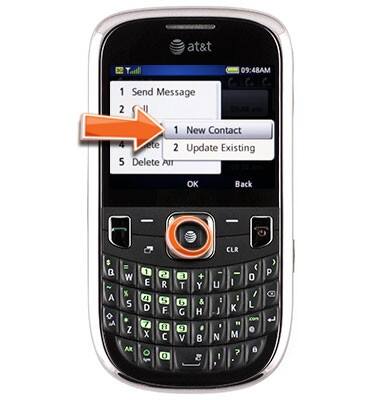
- Scroll to New Contact, press the Center Nav key.
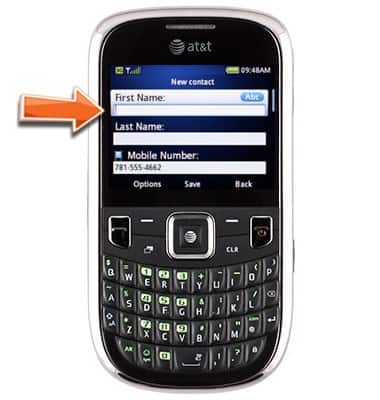
- Enter the desired first name.
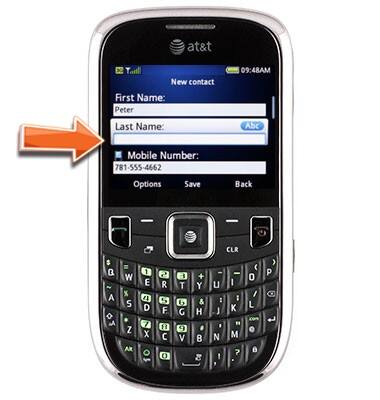
- Scroll to Last Name, then enter the desired last name.
- Press the Center Nav key to save.

Add a contact from a recent call
ZTE Z431
Add a contact from a recent call
Quickly save a recent call as a contact in your device's address book.
INSTRUCTIONS & INFO