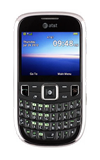
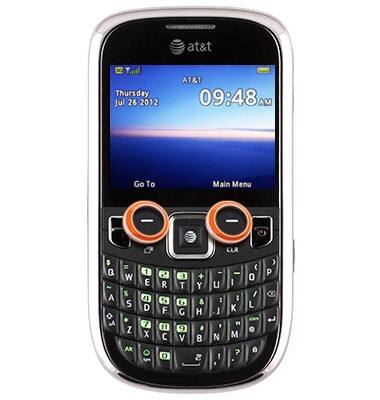
- The Left and Right Soft keys correspond with the action located at the bottom of the screen.
- The Nav keys are used for navigating screens as well as home screen shortcuts.
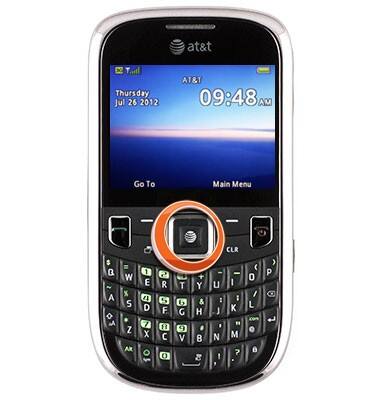
- The Center Nav key is primarily used for selecting on-screen choices. From the home screen, press the Center Nav key for quick internet access.
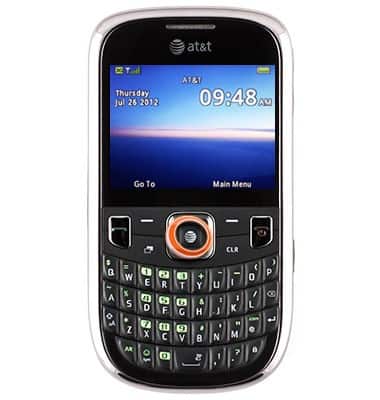
- From the home screen, press the Up Nav key to quickly compose a text message.
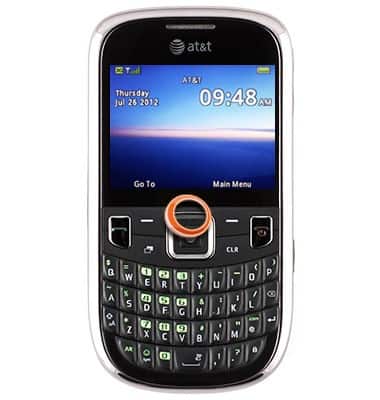
- From the home screen, press the Down Nav key to quickly access the Address Book.
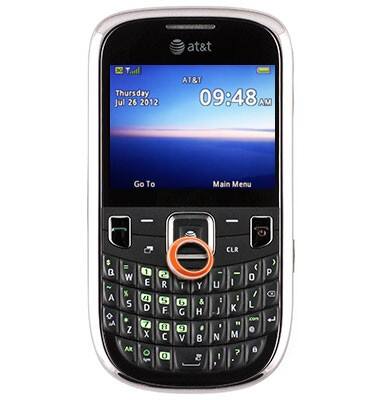
- From the home screen, press the Left Nav key to quickly access My Stuff.
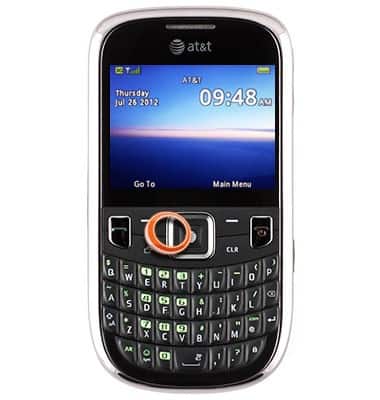
- From the home screen, press the Right Nav key to quickly access AppCenter.
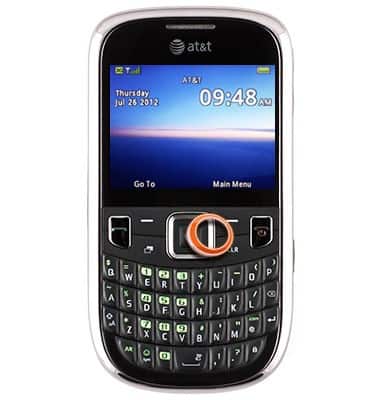
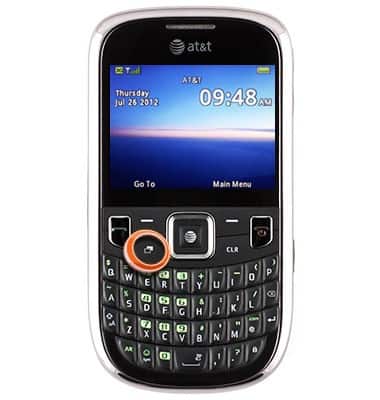
- Press the Recently Used Applications key to access recently opened applications.
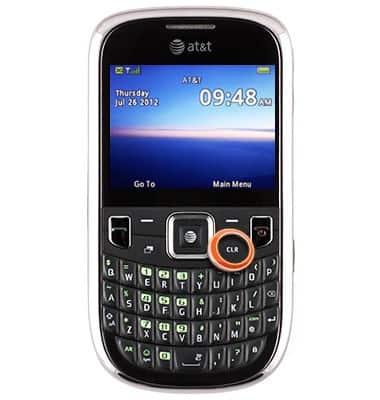
- Press the CLR key to clear text.
- Press the Call key to receive or make calls.
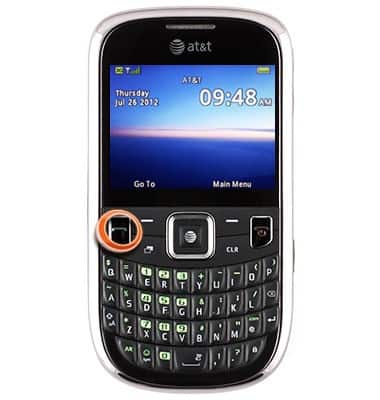
- Press the Call End/Power key to ignore or end calls.
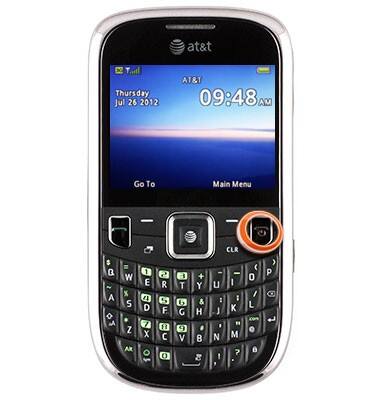
- Press and hold the Call End/Power key to power the device on or off.
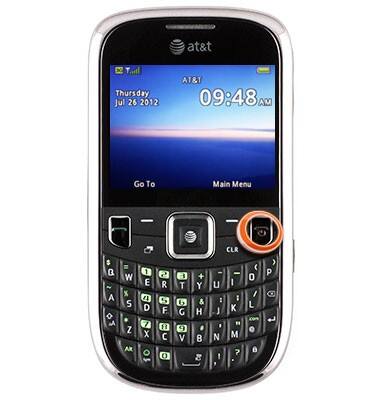
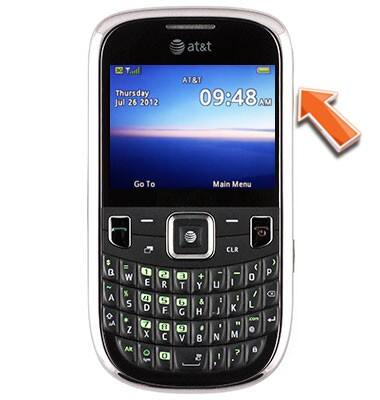
- Press the Volume keys to adjust ringer or media playback volume.
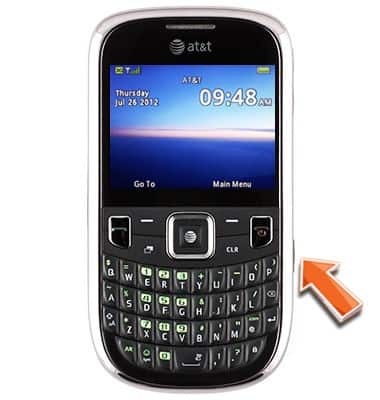
- Press and hold the Camera key for quick access to the device camera.
Device controls
ZTE Z431
Device controls
This article describes the various controls of the device.
INSTRUCTIONS & INFO