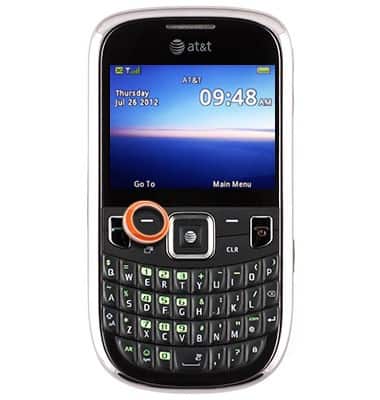
- From the home screen, press the Left Soft key.
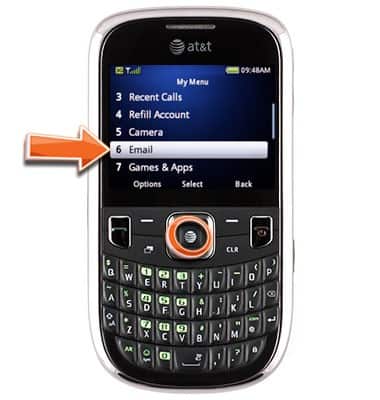
- Scroll to Email, then press the Center Nav key.
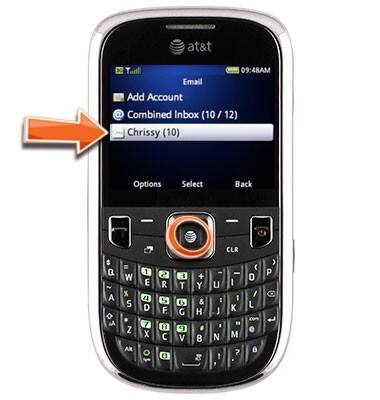
- Scroll to the desired email account, then press the Center Nav key.
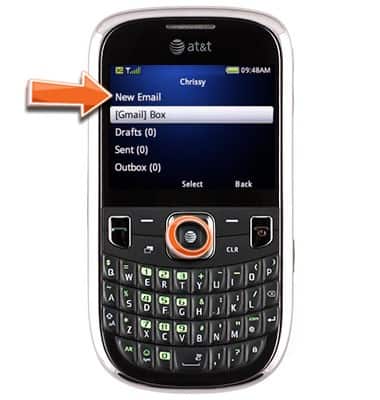
- Scroll to New Email, then press the Center Nav key.
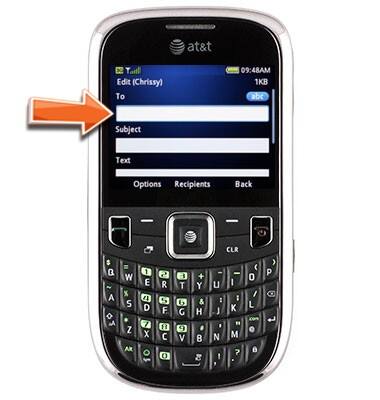
- Enter the desired recipient's email address.
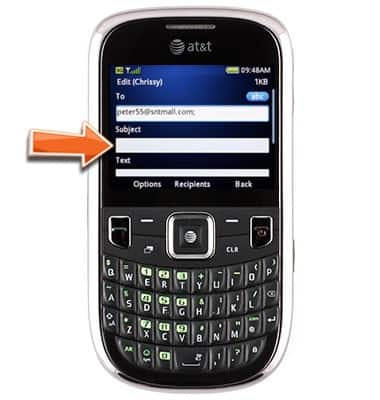
- Scroll to the Subject field, then enter the desired subject line.
- Scroll to the Text field, then enter the desired email body.
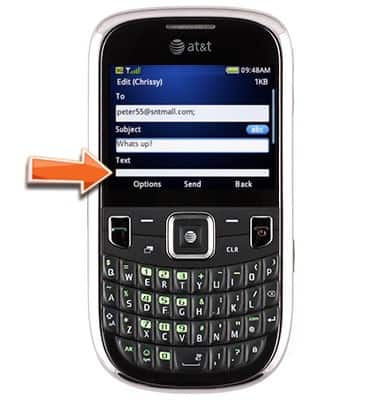
- Press the Center Nav key to send.
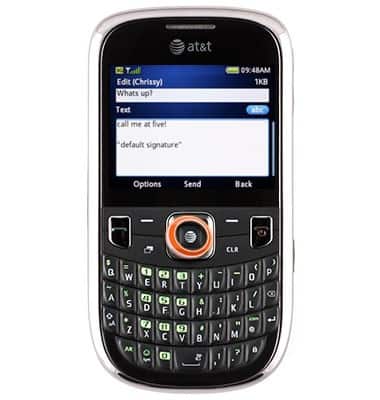
Send email
ZTE Z431
Send email
Create and send an email from your device.
INSTRUCTIONS & INFO