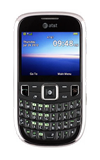
- From the home screen, press the Right Soft key.

- Scroll to Settings, then press the Center Nav key.

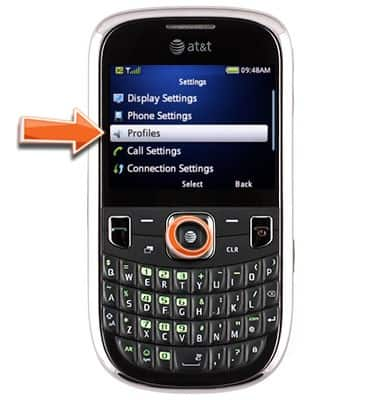
- Scroll to Profiles, then press the Center Nav key.
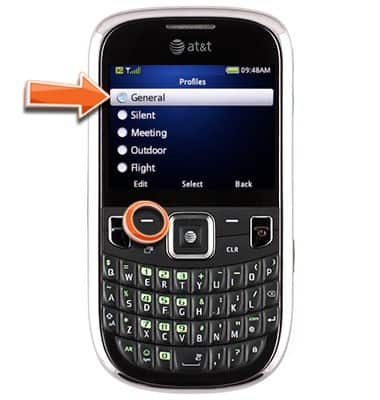
- Scroll to the selected profile, then press the Left Soft key.
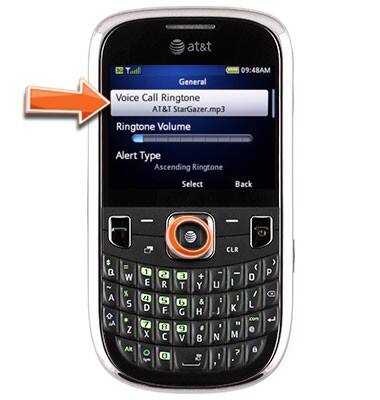
- On Voice Call Ringtone, press the Center Nav key.
- Scroll to the desired ringtone, then press the Center Nav key.
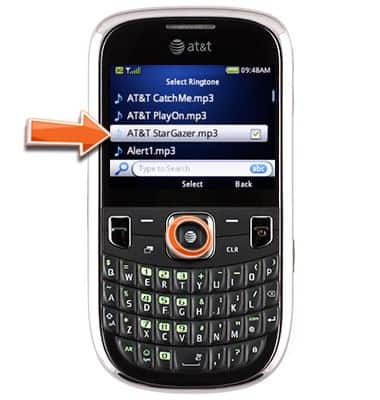
Change ringtone
ZTE Z431
Change ringtone
Set a new ringtone.
INSTRUCTIONS & INFO