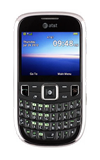
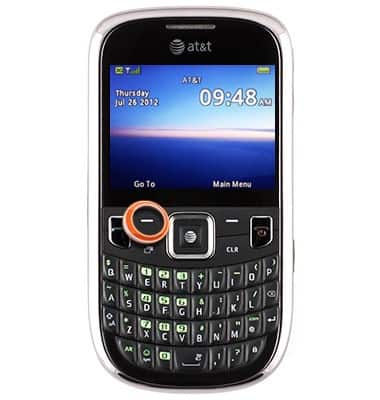
- From the home screen, press the Left Soft key.
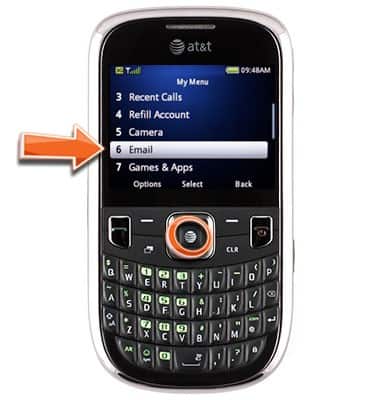
- Scroll to Email, then press the Center Nav key.
- Scroll to the desired mail client, then press the Center Nav key.
Note: This article demonstrates Gmail.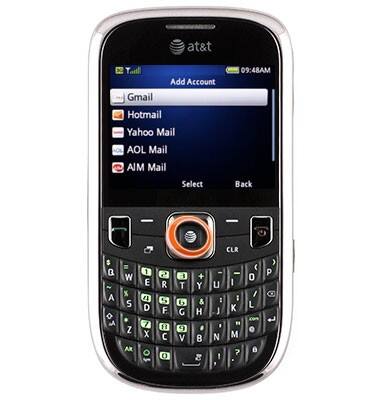
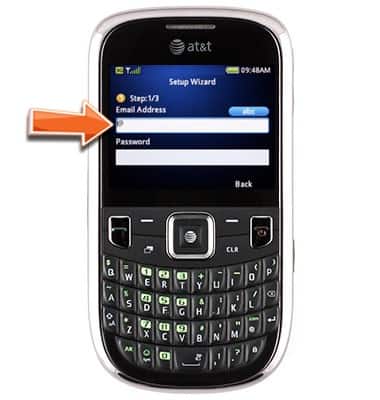
- Enter the desired email address.
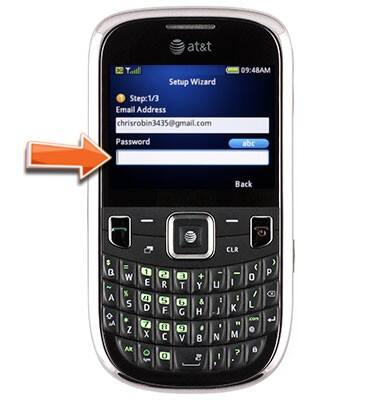
- Scroll to the Password field, then enter the required password.
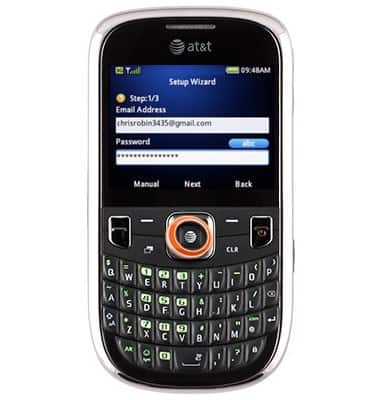
- Press the Center Nav key.
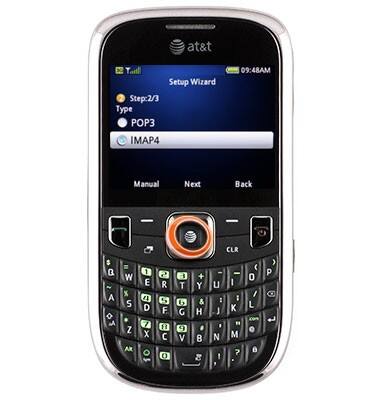
- Scroll to the desired option, then press the Center Nav key.
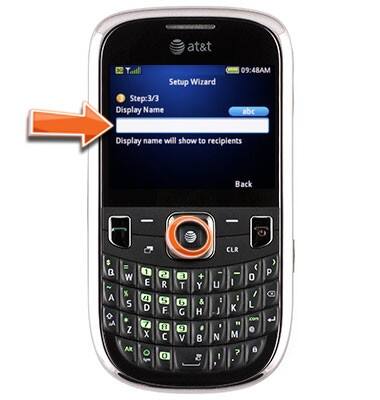
- Enter the desired display name, then press the Center Nav key.
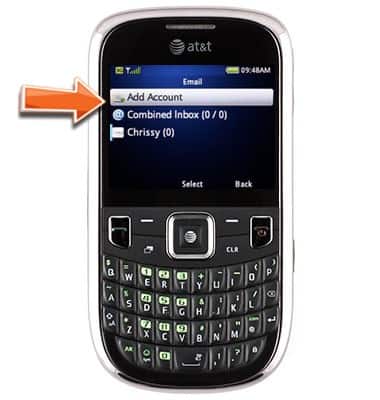
- To add an extra account, scroll to Add Account, then follow steps 3-8.
Setup email
ZTE Z431
Setup email
Add your email accounts so you can read and send email on your device.
INSTRUCTIONS & INFO