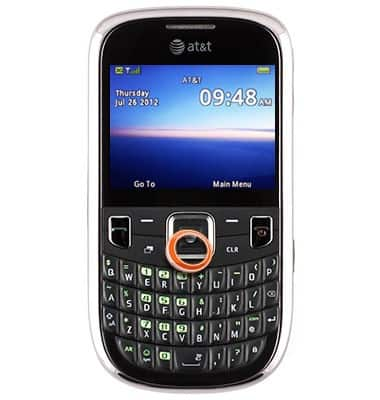
- From the home screen, press the Down Nav key.
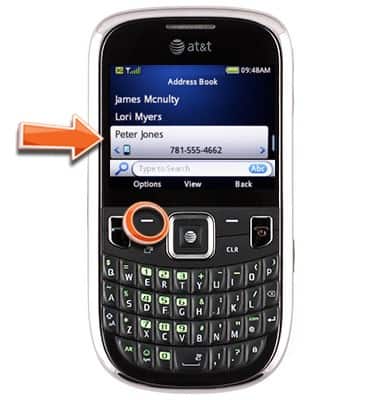
- Scroll to the desired contact, then press the Left Soft key.
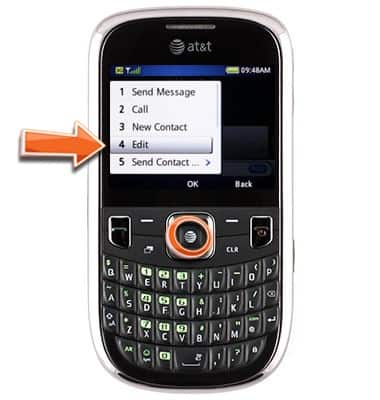
- Scroll to Edit, then press the Center Nav key.
- Scroll to Picture, then press the Left Soft key.
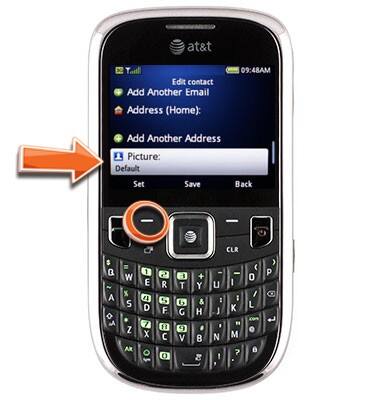
- Scroll to the desired option, then press the Center Nav key.
Note: This article will demonstrate Select from Photo Gallery.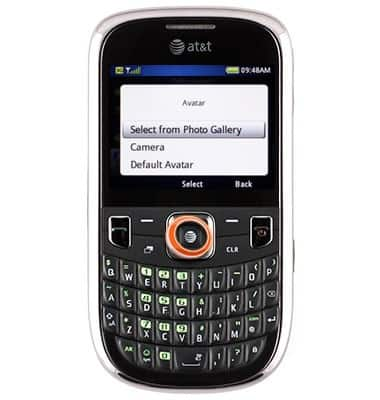
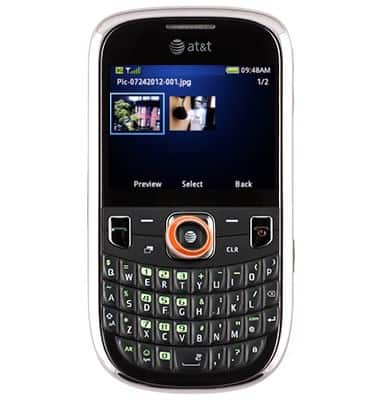
- Scroll to the desired picture, then press the Center Nav key.
- Scroll to Ringtone, then press the Left Soft key.
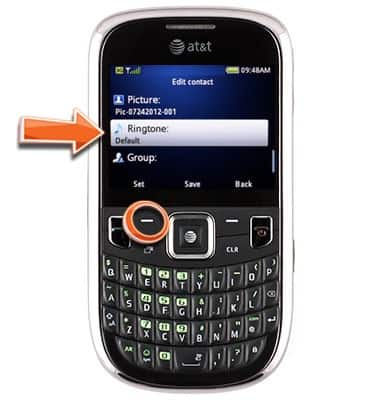
- Scroll to the desired ringtone, then press the Center Nav key.
Note: Ringtone previews will play when scrolled over.
- Press the Center Nav key to save all changes.
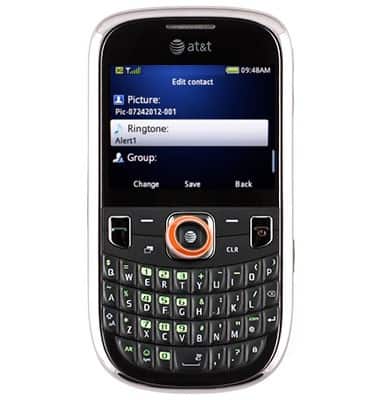
Contact ringtone, photo
ZTE Z431
Contact ringtone, photo
Personalize your contacts by adding a photo or unique ringtone.
INSTRUCTIONS & INFO