
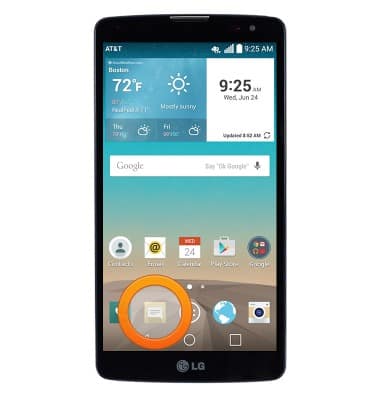
- From the home screen, tap the Messaging icon.
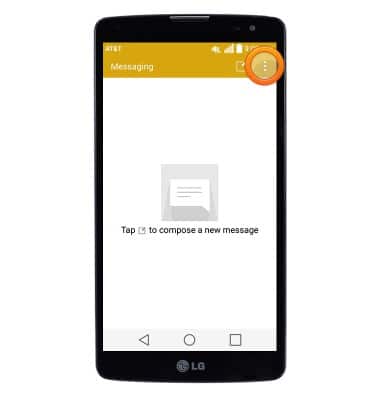
- Tap the Menu icon.
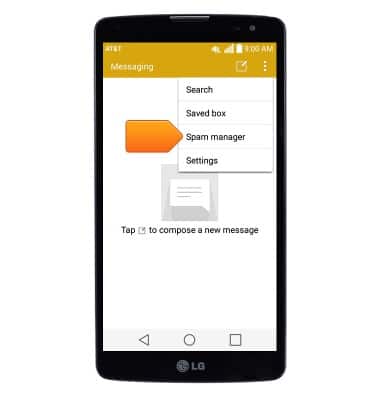
- Tap Spam manager.
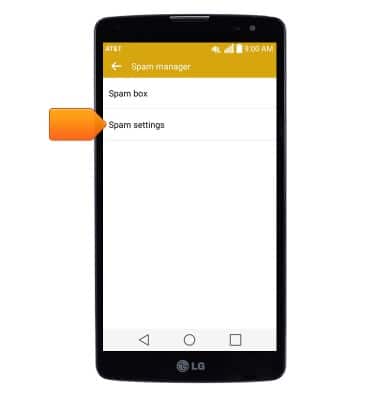
- Tap Spam settings.
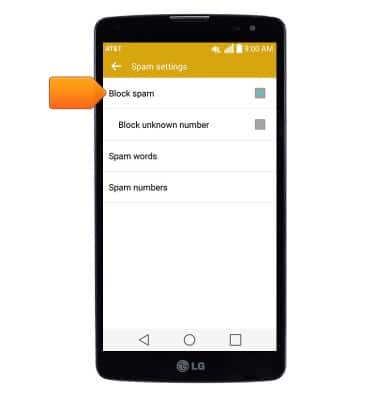
- Tap Block spam to toggle message blocking on/off.
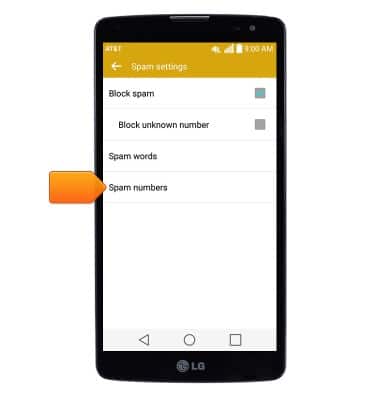
- To view and edit the list of blocked numbers, tap Spam numbers.
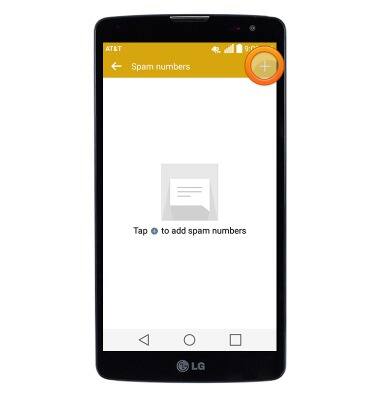
- To add a phone number to the message block list, tap the Add icon.
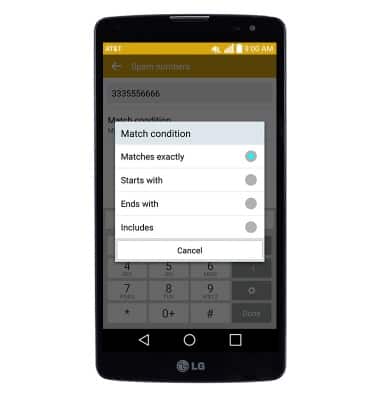
- Enter the desired phone number, then tap Match condition.
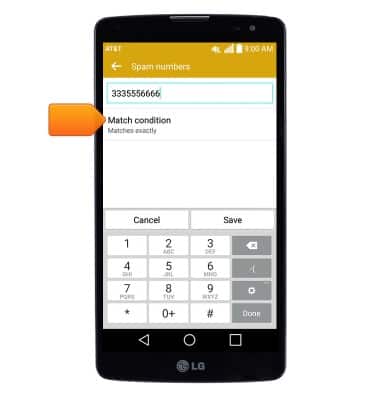
- Tap the desired option.
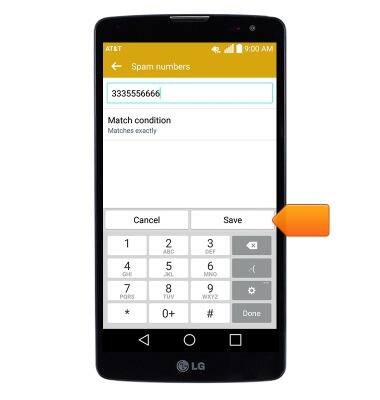
- Tap Save.
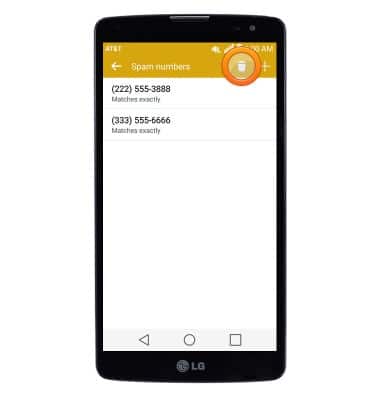
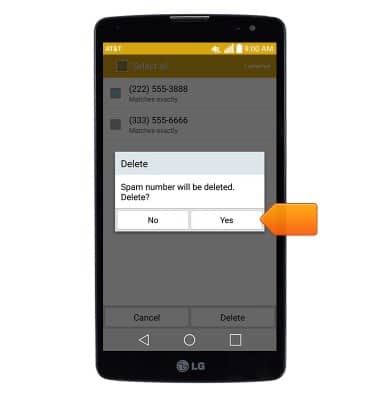
- To delete a number from the message block list, tap the Trash icon.
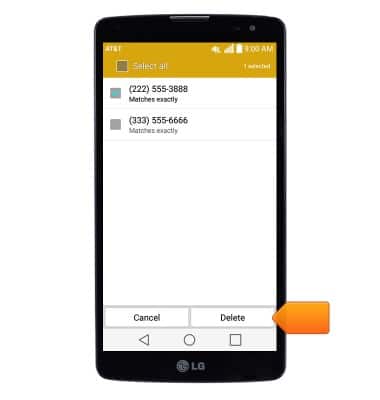
- Select the desired entries, then tap Delete.
- Tap Yes.
Block messages
LG G Vista (D631)
Block messages
Learn how to block messages from your device.
INSTRUCTIONS & INFO