
- Touch and hold within an empty area of the home screen.
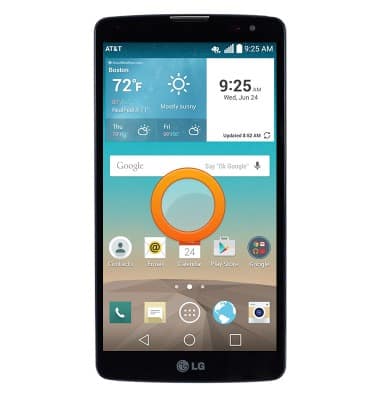
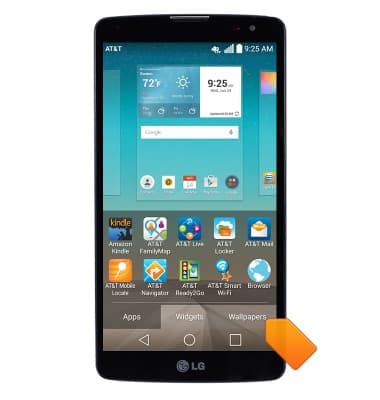
- Tap Wallpapers.
- Swipe along the wallpaper panel to browse available wallpapers.
Note: Live wallpapers can increase battery consumption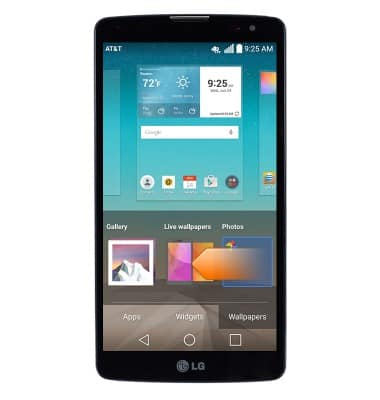
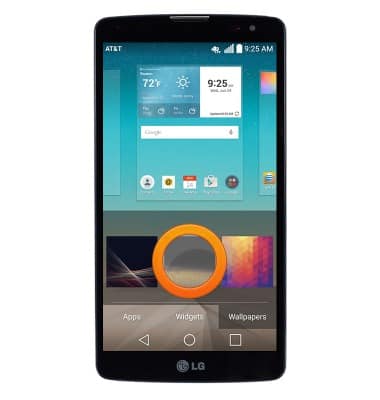
- Tap to set the desired wallpaper.
Change wallpaper
LG G Vista (D631)
Change wallpaper
This article describes how to change the wallpaper, or background, of the home screens.
Settings
This video explains the device's settings.
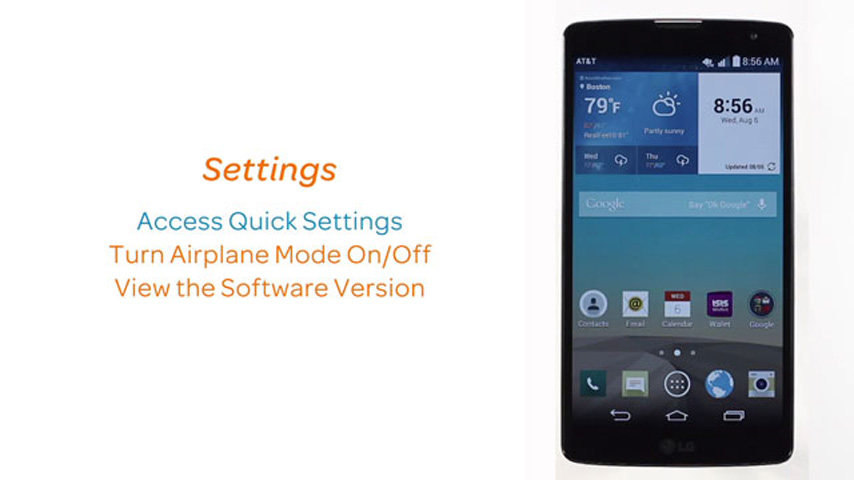
Settings
1:19
INSTRUCTIONS & INFO