
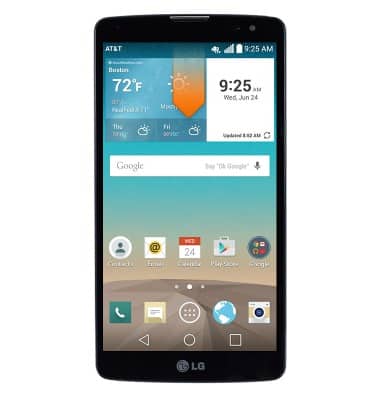
- From the home screen, swipe down from the Notification bar.
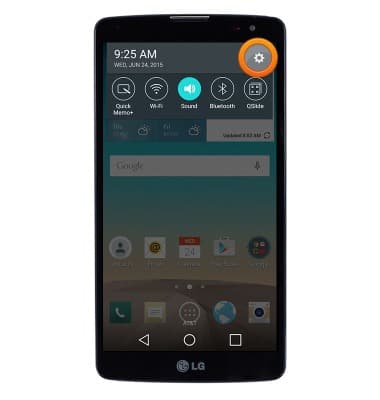
- Tap the Settings icon.
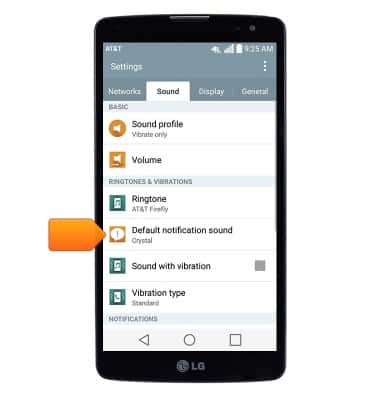
- Under the 'Sound' tab, tap Default notification sound.
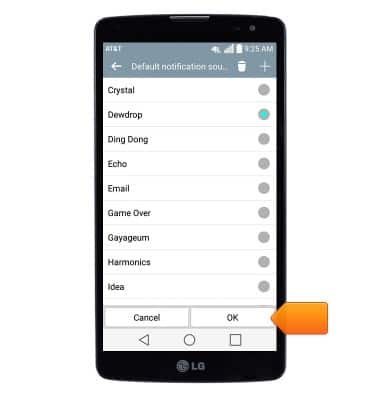
- Select the desired sound, then tap OK.
- Messaging alert settings can be changed from within the Messaging app.
Note: From the home screen, tap the Messaging icon > Menu icon > Settings > Notification settings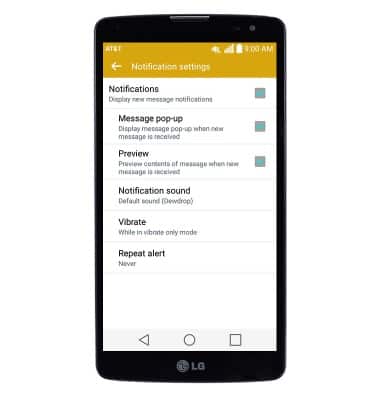
Change alerts
LG G Vista (D631)
Change alerts
This article describes how to change the device's alerts.
INSTRUCTIONS & INFO