
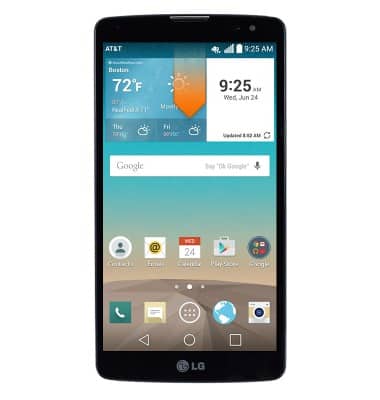
- To enable or disable Dual window, from the home screen, swipe down from the Notification bar.
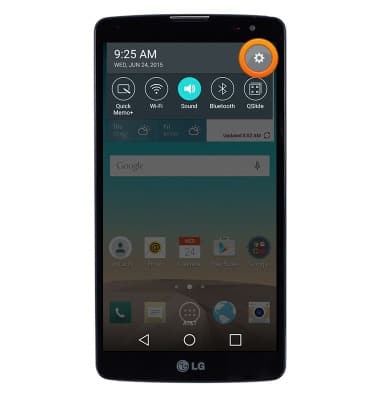
- Tap the Settings icon.
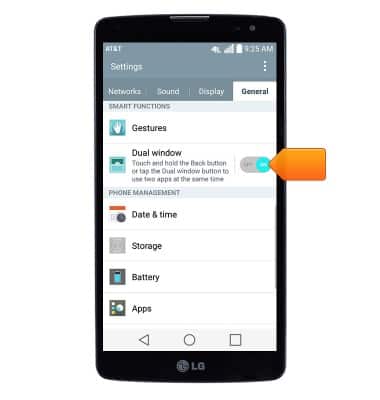
- Under the 'General' tab, scroll to then tap the Dual window switch to toggle on/off.
- To use Dual window, from any screen, press and hold the Back key.
Note: Alternatively, press the Recent apps key, then tap 'Dual window'.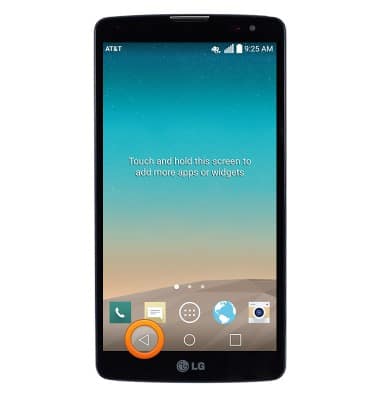
- Tap the app you wish to display in the upper half on the screen.
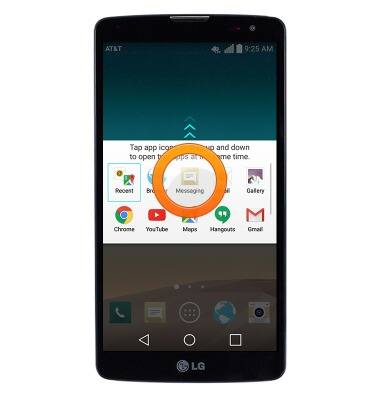
- Tap the app you wish to display in the lower half of the screen.
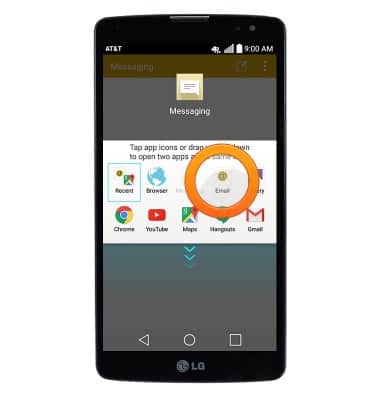
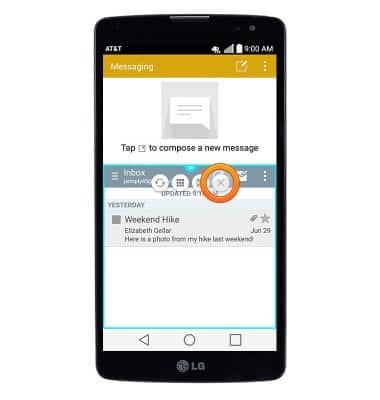
- A Blue border surrounds the active window.
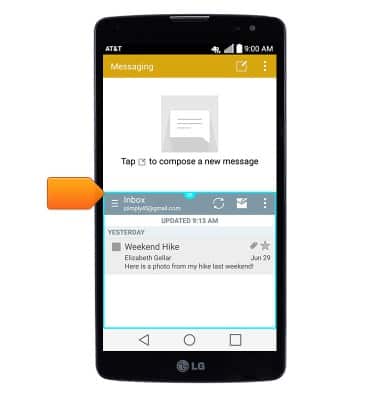
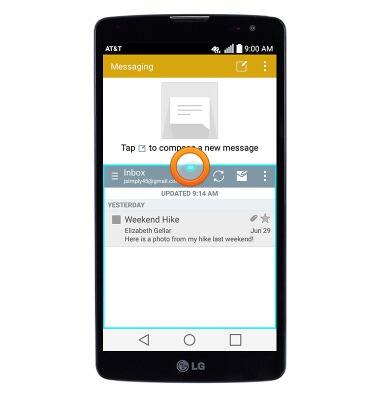
- To resize the windows, drag the Dual window tab up or down.
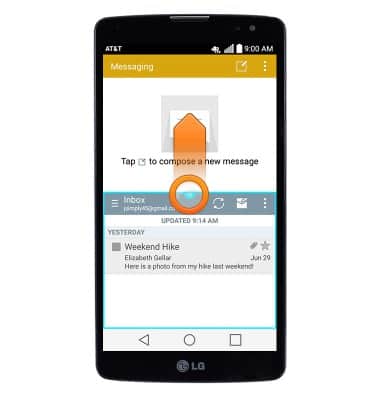
- Tap the Dual window tab to access options.
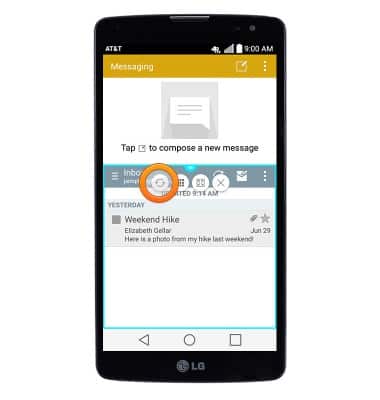
- Tap the Swap icon to switch the apps displayed in the upper and lower windows.
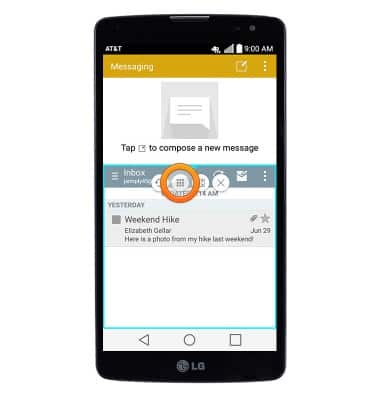
- Tap the Apps icon to access the list of Dual window apps.
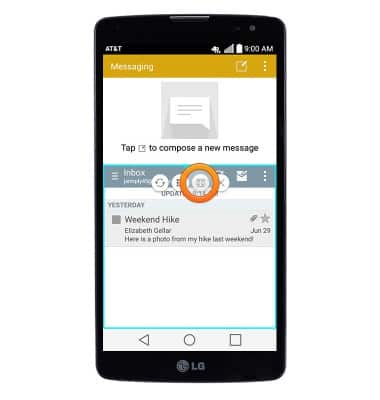
- Tap the Maximize icon to open the active window in fullscreen mode.
- Tap the X icon to close the active window.
Dual window
LG G Vista (D631)
Dual window
Learn how to use Dual Window to have 2 apps open at the same time.
INSTRUCTIONS & INFO