
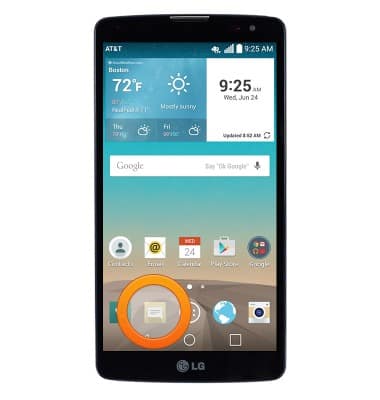
- From the home screen, tap the Messaging icon.
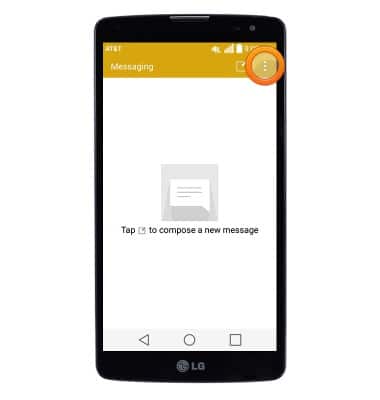
- From the Messaging screen, tap the Menu icon.
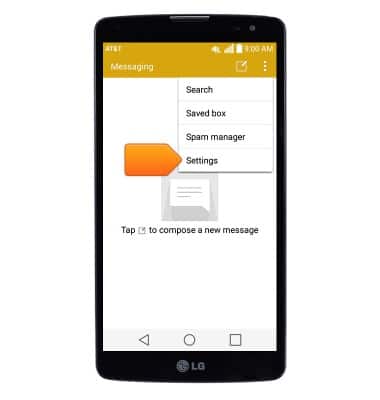
- Tap Settings.
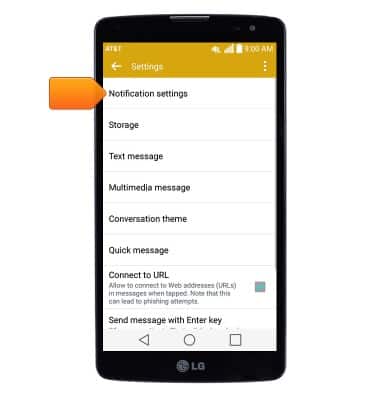
- Tap Notification settings to edit Messaging notifications.
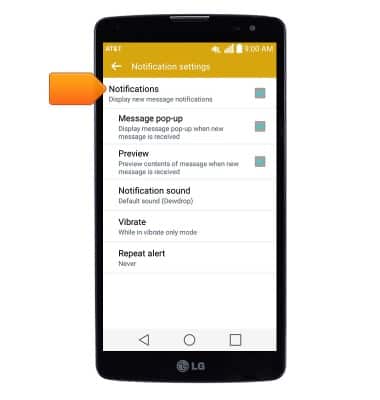
- Tap Notifications to toggle Messaging alerts on/off. Edit additional notification settings as desired.
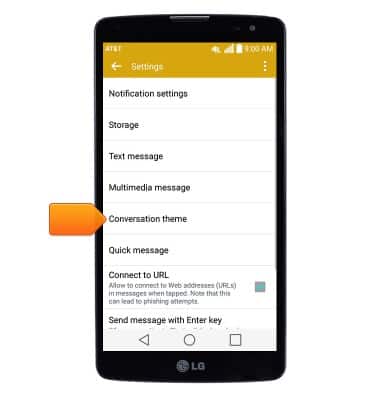
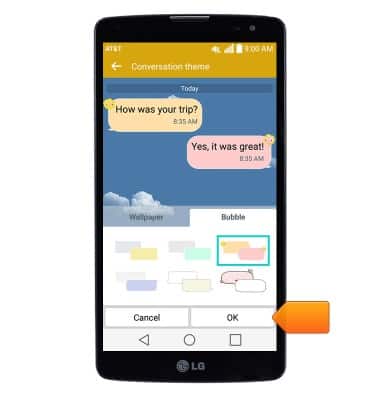
- To change the display style, from the Settings screen, tap Conversation theme.
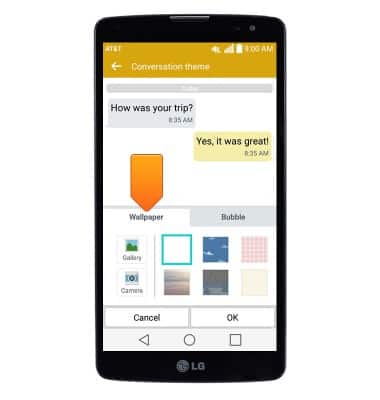
- Tap the Wallpaper tab, then tap the desired wallpaper.
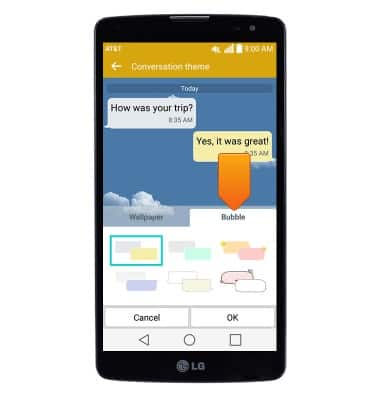
- Tap the Bubble tab, then tap the desired bubble style.
- Tap OK.
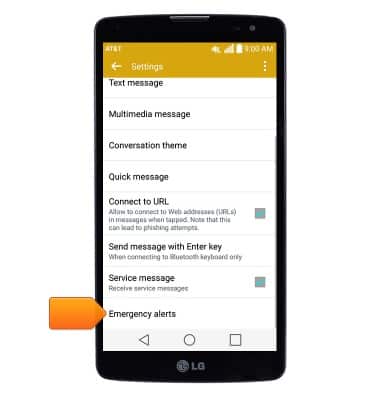
- To edit emergency alert settings, from the Settings screen, tap Emergency alerts.
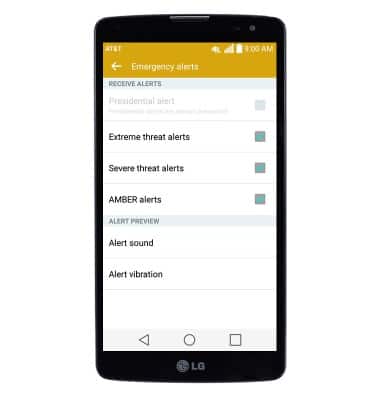
- Edit settings as desired.
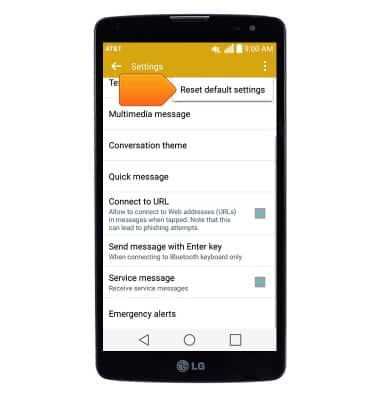
- To restore default messaging settings, from the Settings page, tap the Menu icon.
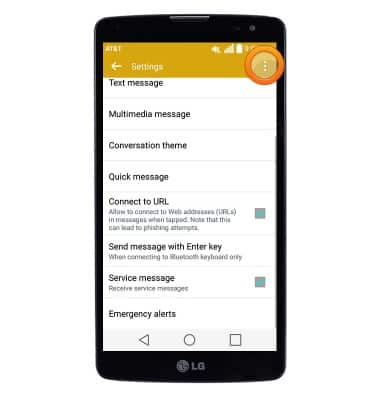
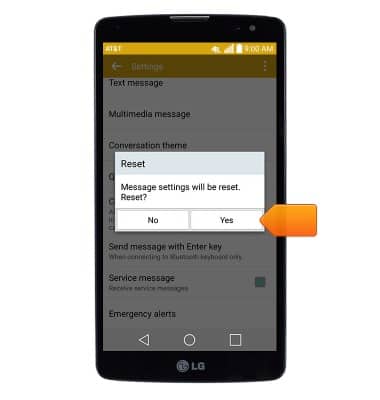
- Tap Reset default settings.
- Tap Yes.
Messaging settings
LG G Vista (D631)
Messaging settings
Set text (SMS) and picture (MMS) message alerts, limits, display options and more.
INSTRUCTIONS & INFO