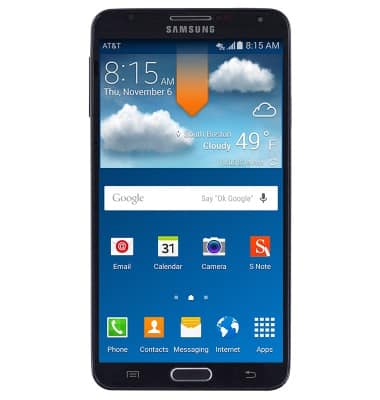
- From the home screen, swipe down from the Notification bar.
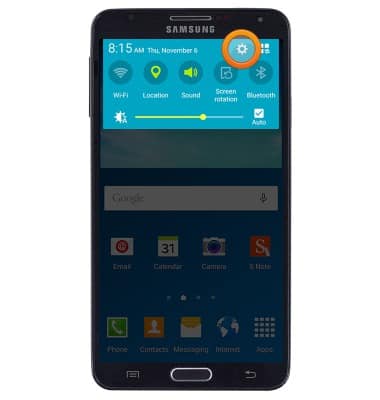
- Tap the Settings icon.
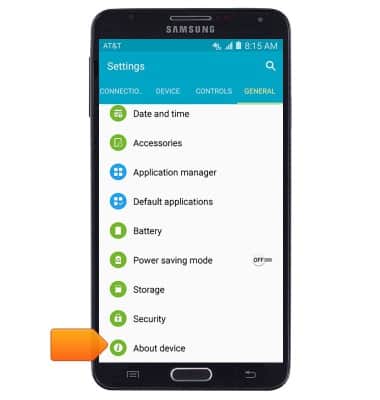
- Under the GENERAL tab, tap About device.
- The device software version will be displayed.
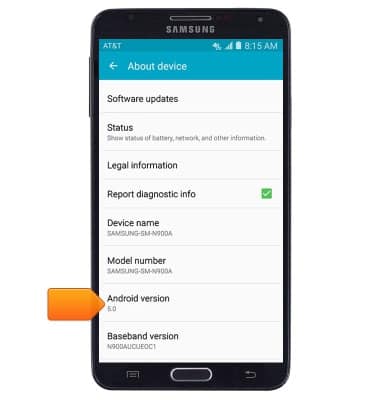
- Tap Software updates to check for software updates.
Note: To see if there is an update available for your device, check att.com/software updates.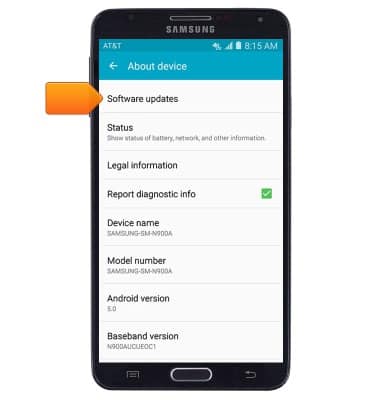
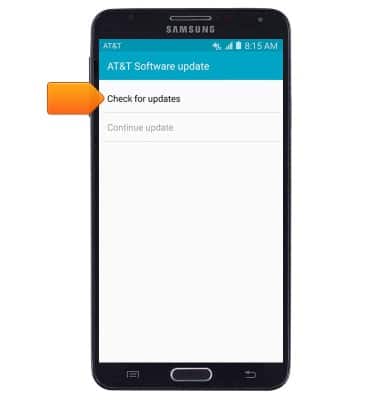
- Tap Check for updates.
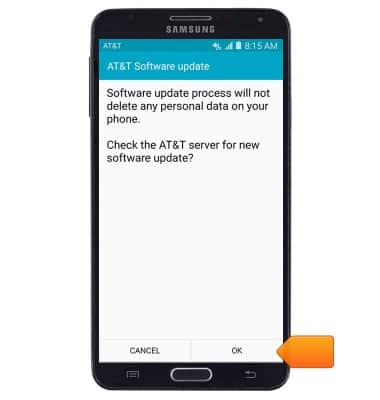
- Tap OK to check for updates. Follow on-screen prompts to complete any available updates.
Software version
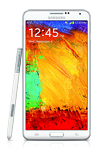
Samsung Galaxy Note 3 (N900A)
Software version
Determine your current device software version and check for updates.
INSTRUCTIONS & INFO