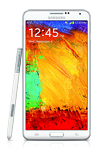
- Accessibility features allow you to improve the usability of your device for users affected by impaired vision or hearing, cognitive difficulty, or reduced dexterity.
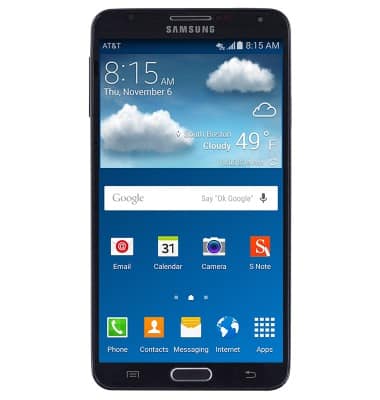
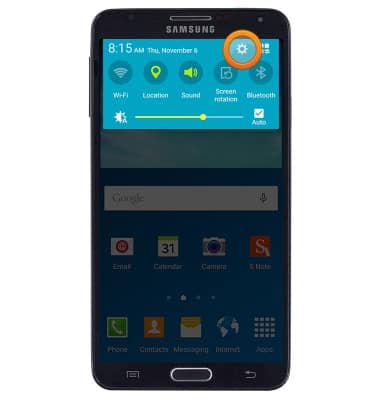
- Swipe down from the Notification bar, then tap the Settings icon.
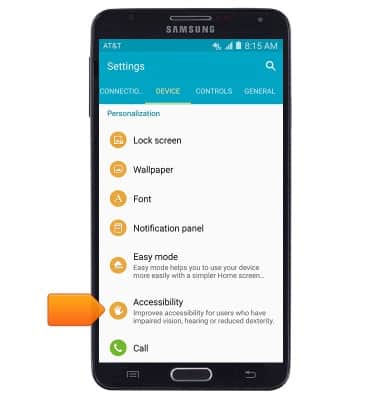
- Scroll to, then tap Accessibility.
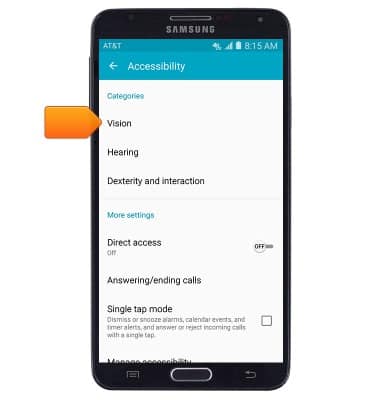
- Edit accessibility settings as desired. To enable TalkBack, tap Vision.
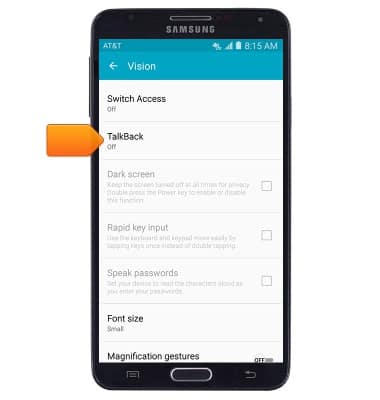
- Tap TalkBack.
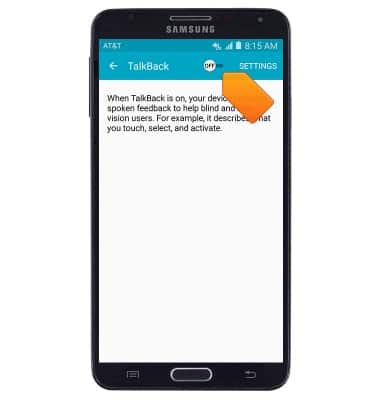
- Tap the TalkBack switch to turn the feature on.
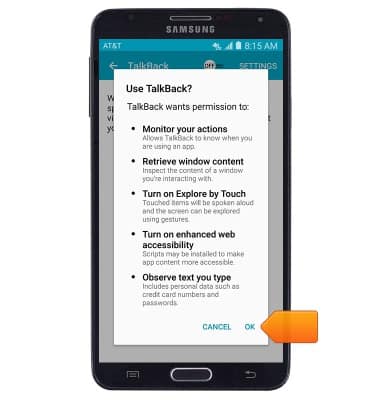
- Tap OK.
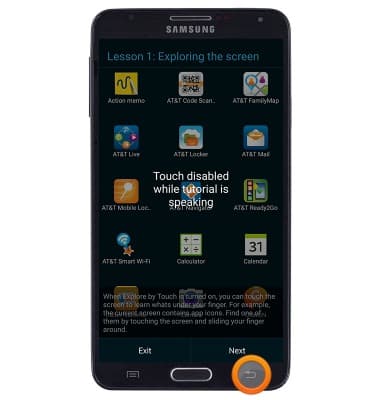
- Press the Back key to exit the tutorial.
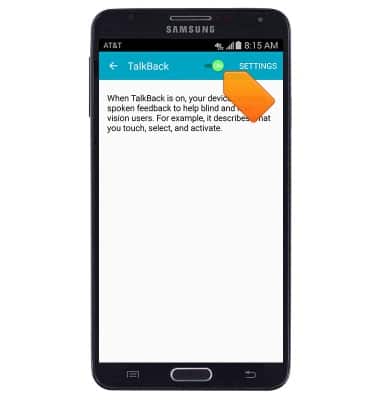
- Triple-tap the TalkBack switch to turn the feature off.
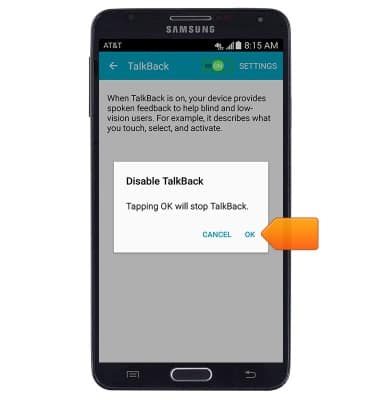
- Triple-tap OK.
Accessibility
Samsung Galaxy Note 3 (N900A)
Accessibility
Turn on features such as TalkBack, Hearing aid mode, and more.
INSTRUCTIONS & INFO