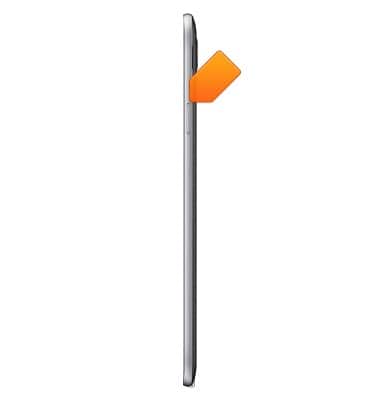
- Press the Volume keys to adjust media or call volume.
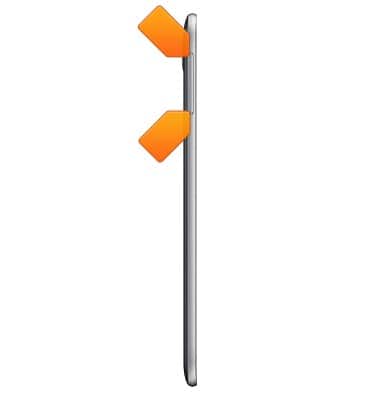
- Press the Power/Lock key to turn the device on or off, or put the display to sleep.
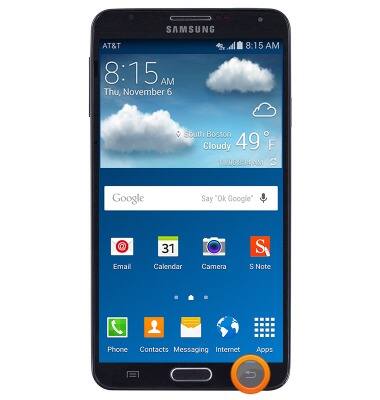
- Press the Back key to return to the previous screen.
- Press the Home key to return to the home screen.
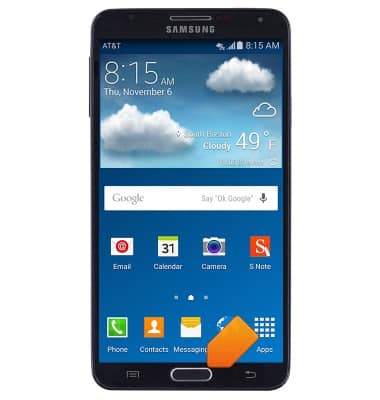
- Press the Recent Apps key to view a list of recently opened apps.
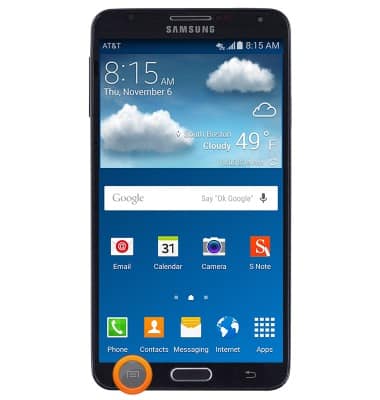
- The Front camera is located on the front of the device.
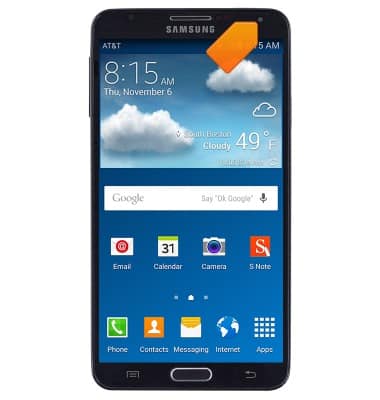
- The Rear camera is located on the back of the device.
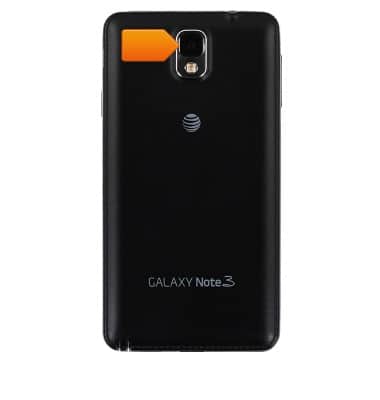
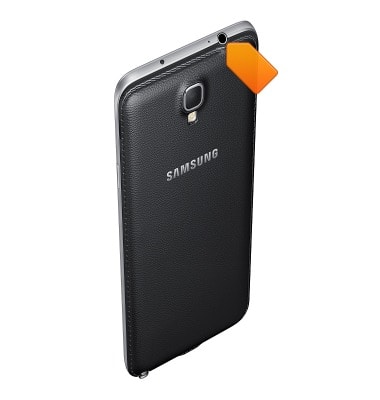
- The 3.5mm Headphone jack is located on the top of the device.
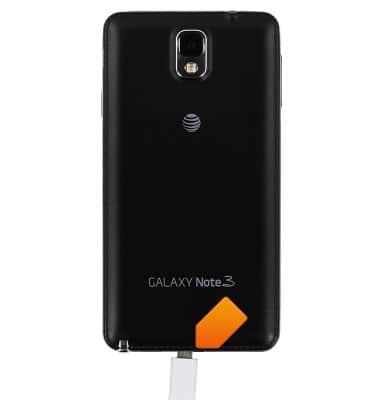
- The MicroUSB/Charging port is located on the bottom of the device.
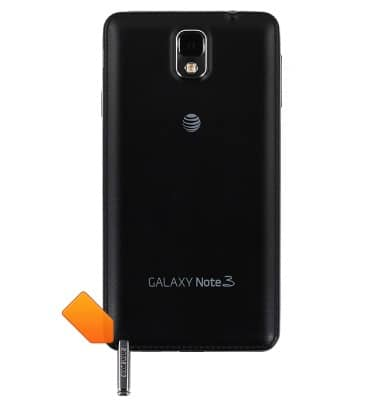
- The S-Pen stylus is stored on the bottom of the device.
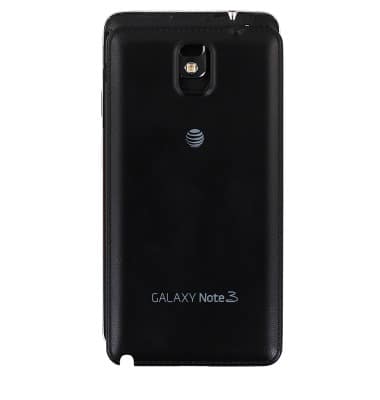
- The Back cover can be removed to access the Battery port, SIM card slot, and MicroSD card slot.
- The battery is stored within the Battery port located inside the device, behind the back cover.
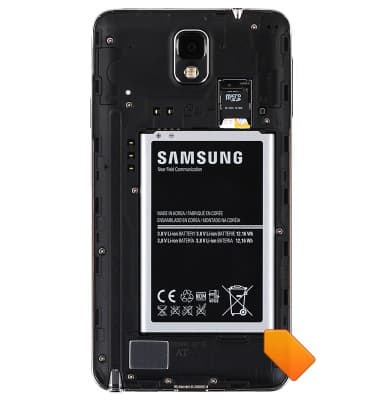
- The Micro-SIM card slot is located inside the device, behind the back cover.
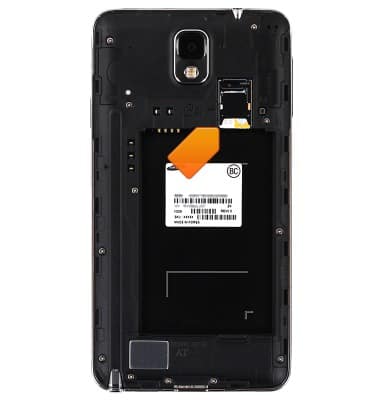
- The MicroSD card slot is located inside the device, on top of the SIM card slot.
Note: microSD card sold separately.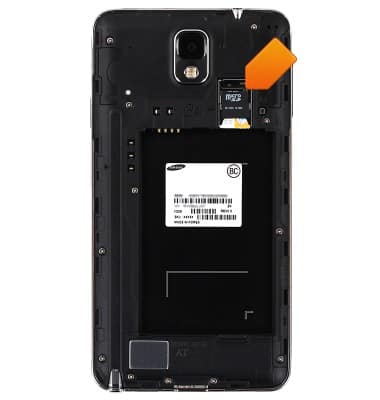
Device layout
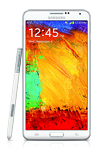
Samsung Galaxy Note 3 (N900A)
Device layout
Provides an overview of the device layout.
INSTRUCTIONS & INFO