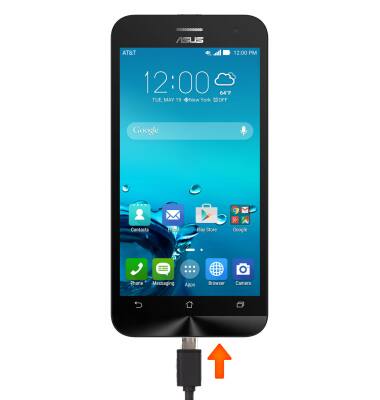
- With the device powered on, insert the microUSB end of the microUSB cable into the port on the bottom of the device.
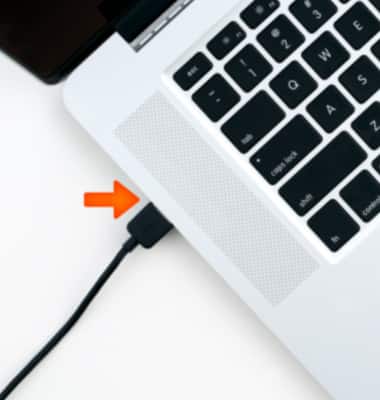
- Insert the USB end of the microUSB cable into an available USB port on the computer.
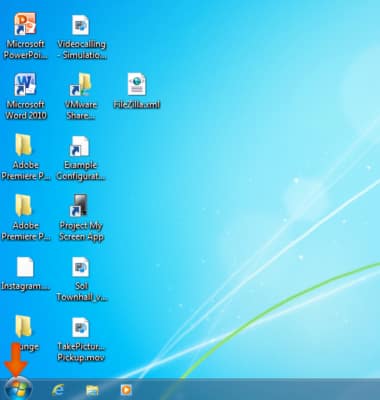
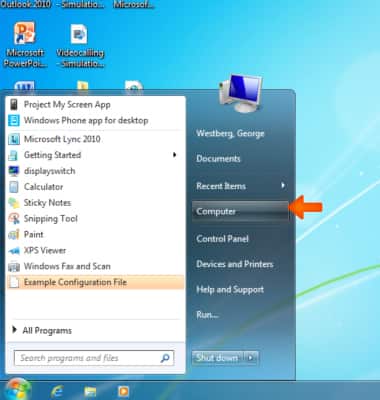
- On the computer, click the Start icon.
- Click Computer.
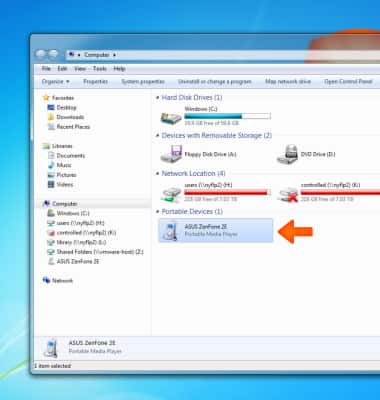
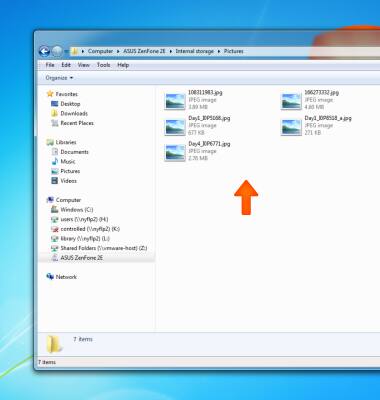
- Double-click the Device icon.
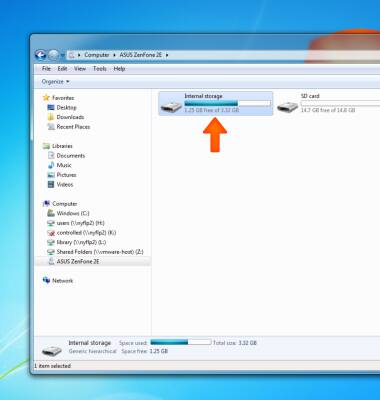
- Double-click the Desired file location.
- Navigate to the Desired files.
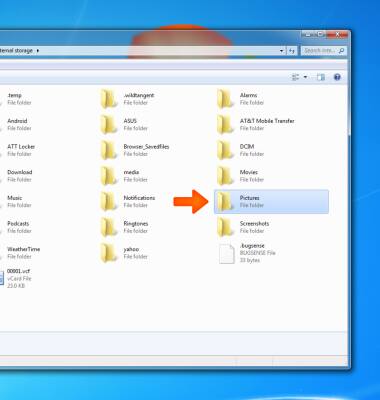
- Drag and drop files to and from the device and the computer.
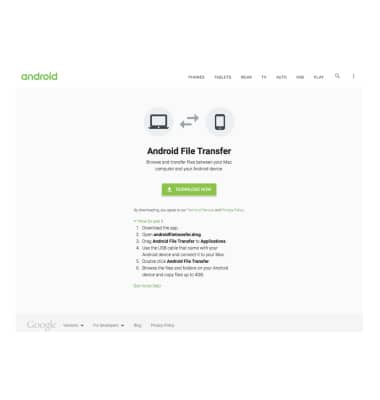
- Android File Transfer is required to transfer media between the device and a Mac. Download Android File Transfer at https://www.android.com/filetransfer/
Backup and Restore with Computer
ASUS ZenFone 2E (Z00D)
Backup and Restore with Computer
Backup and restore your device with a computer.
INSTRUCTIONS & INFO