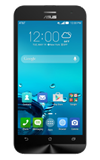
- Inserting a memory (SD) card into your device allows you to transfer and store contacts, music, pictures, and videos.
Note: SD cards are sold separately.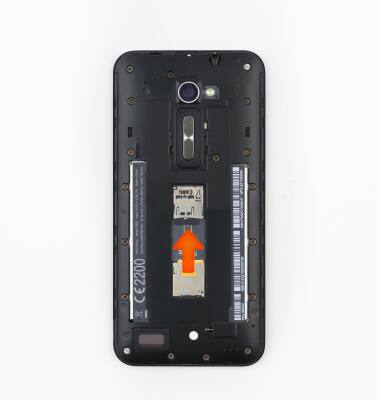
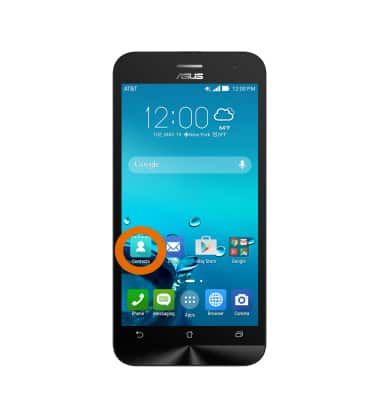
- To backup contacts on an SD card, from the home screen, tap Contacts.
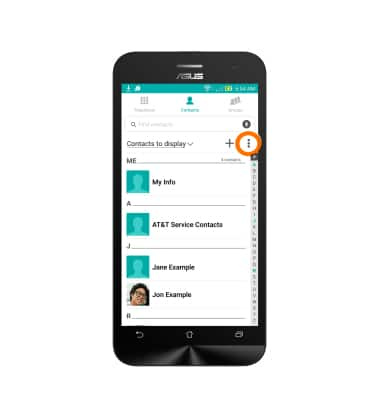
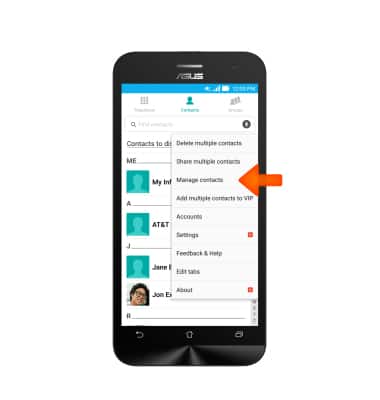
- Tap the Menu icon.
- Tap Manage contacts.
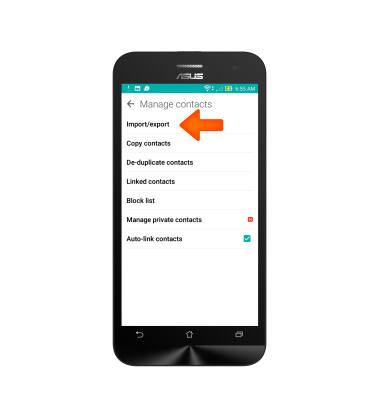
- Tap Import/export.
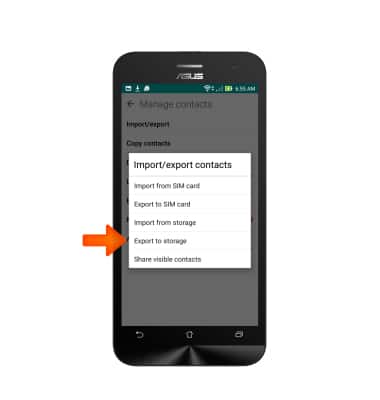
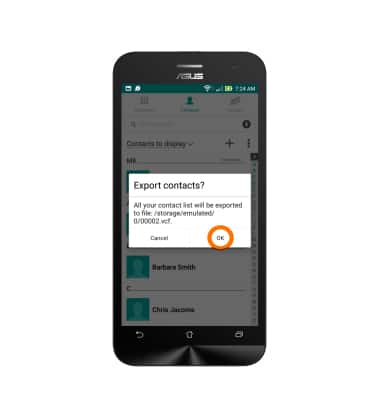
- Tap Export to storage.
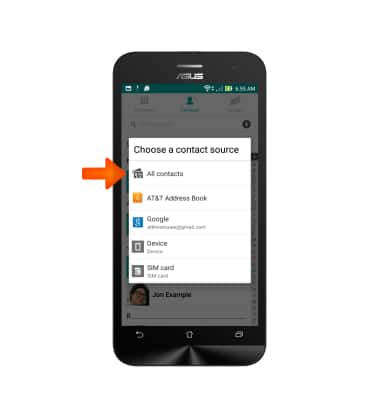
- Tap the Desired contact source.
- Tap OK.
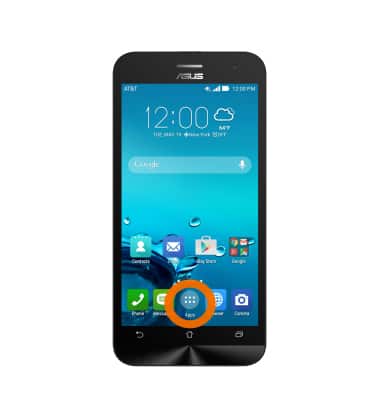
- To backup images, tap the Apps icon.
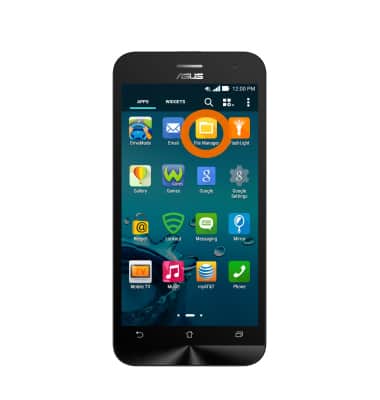
- Swipe to, then tap File Manager.
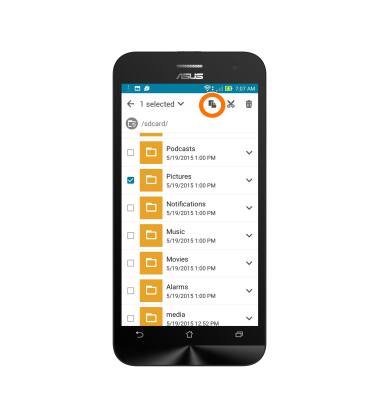
- Navigate to, then tap the Desired folder(s) or file(s).
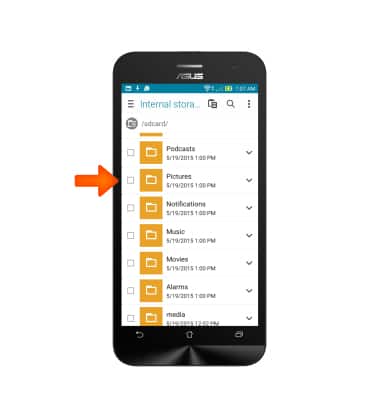
- Tap the Copy icon.
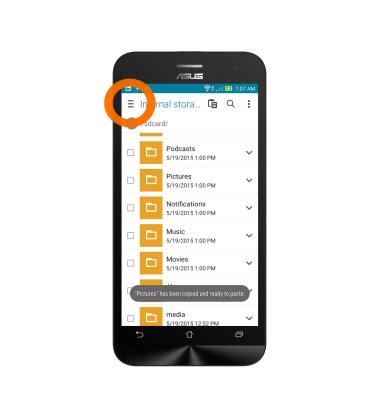
- Tap the Storage select field.
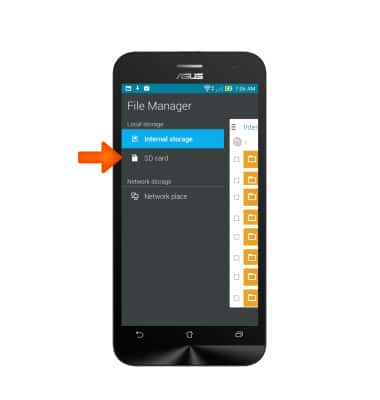
- Tap SD card.
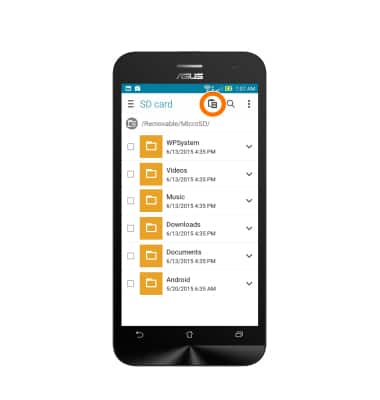
- Tap the Paste icon.
Backup and restore with a memory card
ASUS ZenFone 2E (Z00D)
Backup and restore with a memory card
Backup contacts, photos, and files to increase device memory or transfer to another device.
INSTRUCTIONS & INFO