
- Tap the Recent apps key.

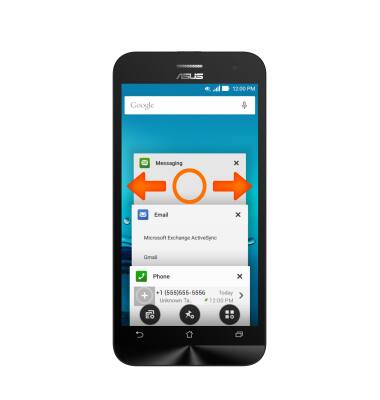
- Swipe left or right, or tap the X icon, to close a Running application.
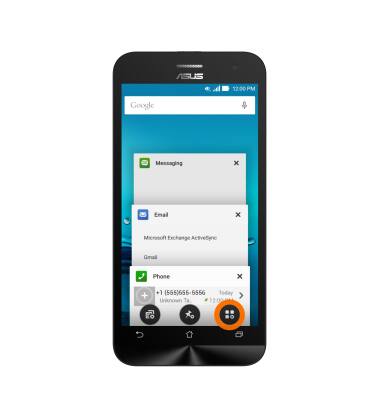
- To close all running apps at once, tap the Close All icon.
- Tap an App preview to open.
Note: For information on viewing app and data usage, please see the 'View & manage data' tutorial.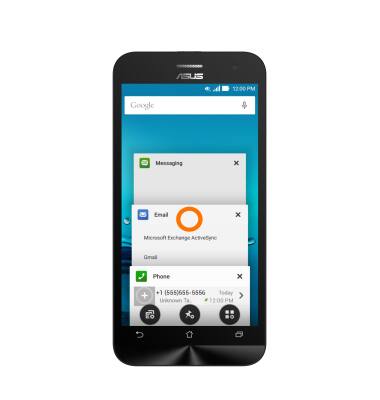
View or Close Running Apps
ASUS ZenFone 2E (Z00D)
View or Close Running Apps
How to view, switch between, and close running applications.
INSTRUCTIONS & INFO