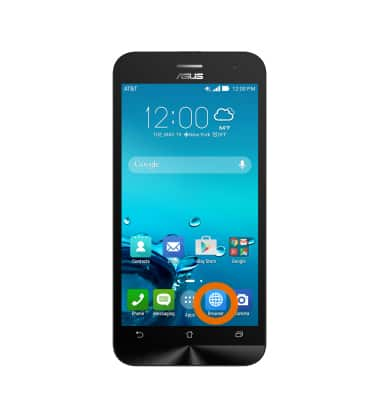
- To access the browser, from the home screen, tap the Browser icon.
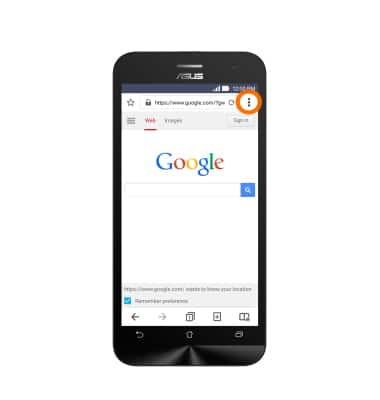
- To set your homepage, tap the Menu icon.
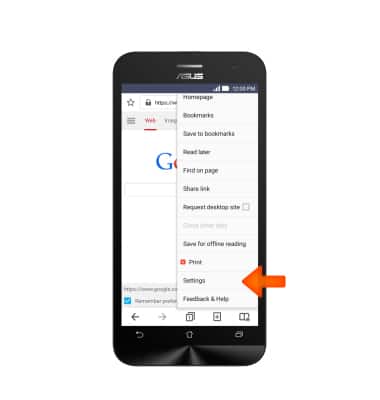
- Scroll to, then tap Settings.
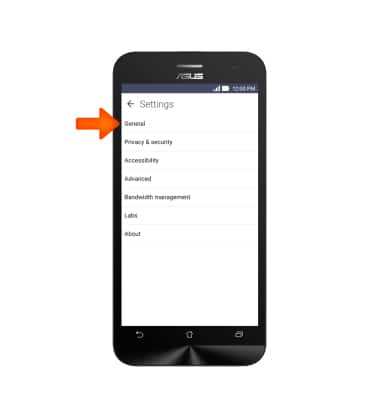
- Tap General.
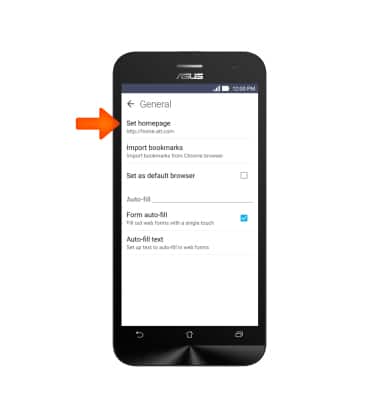
- Tap Set homepage.
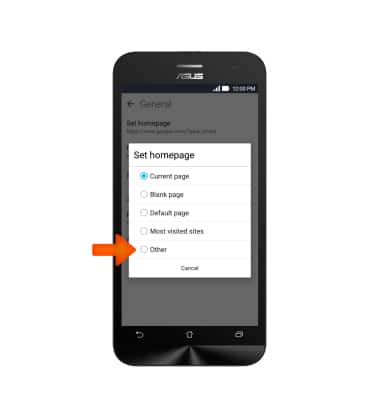
- Choose the Desired option. Note: For this demonstration, Other was chosen.
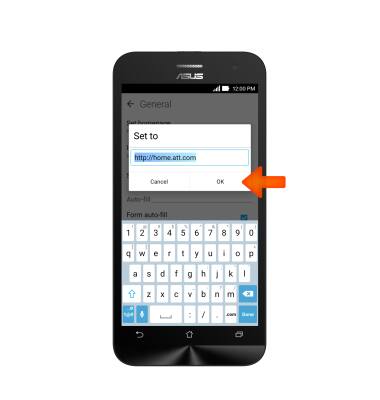
- Enter the Desired URL, and then tap OK.
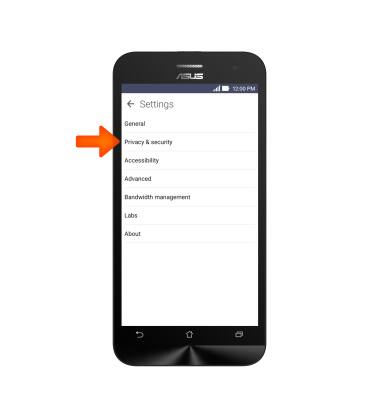
- To clear browser history, tap Privacy & security.
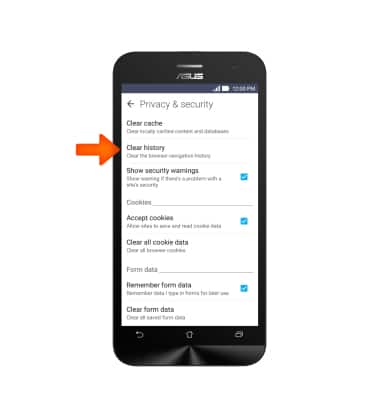
- Tap Clear history.
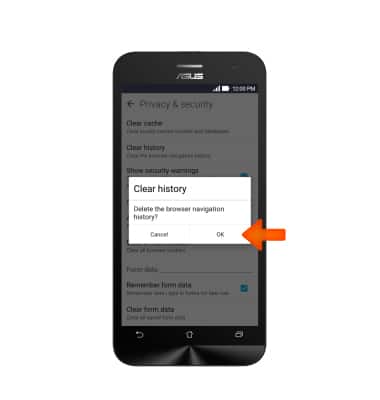
- Tap OK.
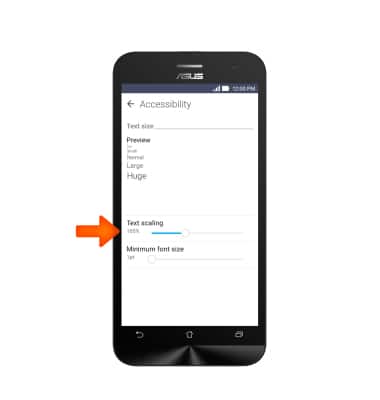
- To adjust text size, tap Accessibility.
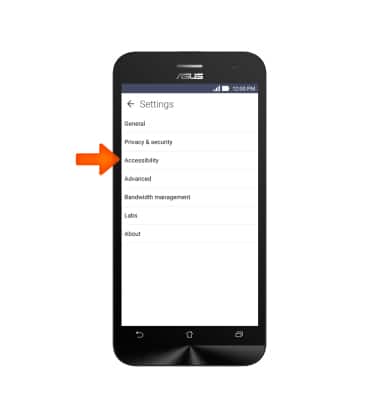
- Adjust Text scaling.
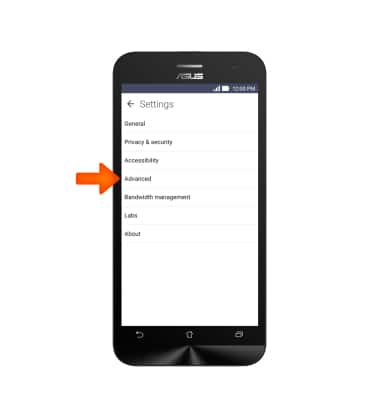
- To block or unblock pop-ups, tap Advanced.
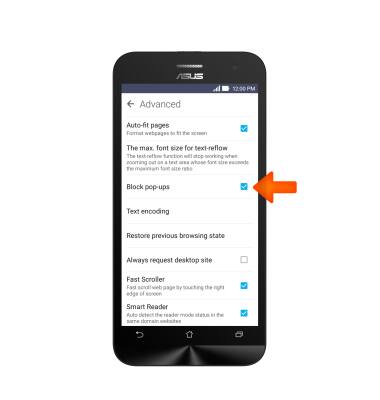
- Tap Block pop-ups.
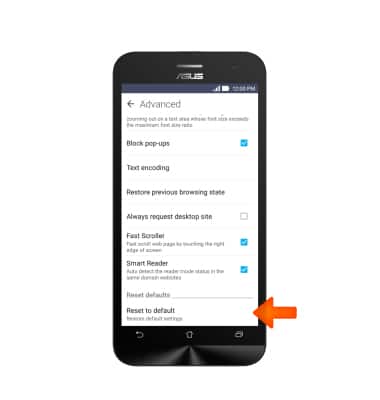
- To restore default browser settings, scroll to, then tap Reset to default.
Browser Options
ASUS ZenFone 2E (Z00D)
Browser Options
Access browser settings to clear history, set homepage, adjust text size, manage pop-up, change the default browser, and restore default settings.
INSTRUCTIONS & INFO