- To get started, you can add the credit or debit card from your iTunes account to Wallet simply by entering the card security code.
Note: Learn more from Apple support article: Set up and use Apple Pay on your iPhone.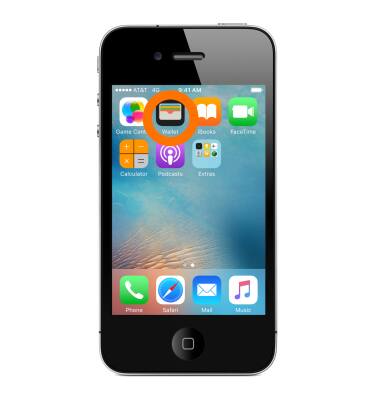
Wallet
Apple iPhone 4S
Wallet
Store your boarding passes, tickets, rewards cards, and with Apple Pay, your credit cards, debit cards, and store credit cards.
INSTRUCTIONS & INFO