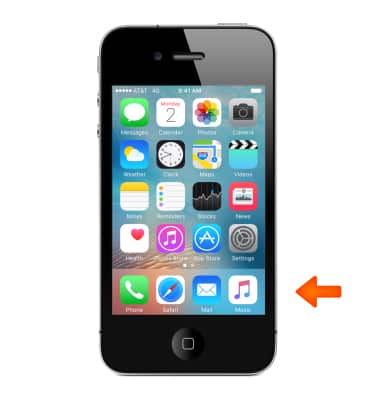
- To listen to music on iPhone, from the home screen, tap Music.
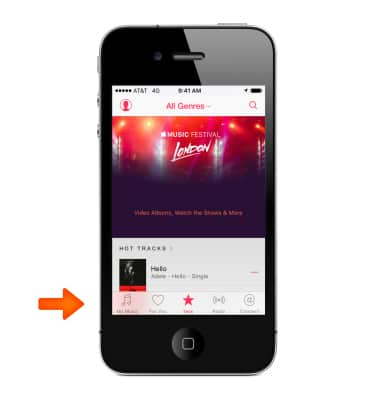
- Tap My Music.
Note: My Music includes Apple Music content you added, music and music videos synced to iPhone, iTunes purchases, and the music you make available through iTunes Match.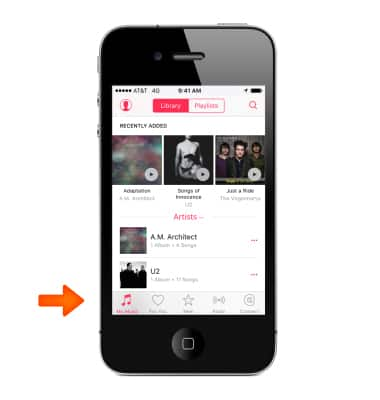
- Tap the desired song to play.
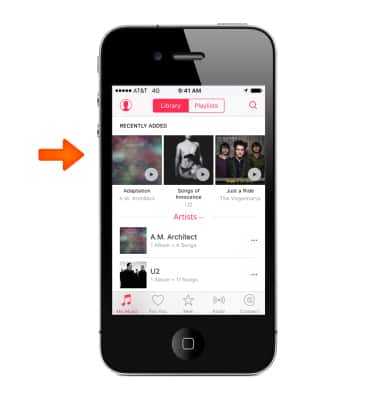
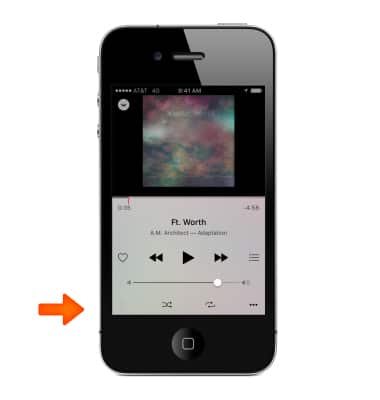
- Tap the Pause icon to pause playback.
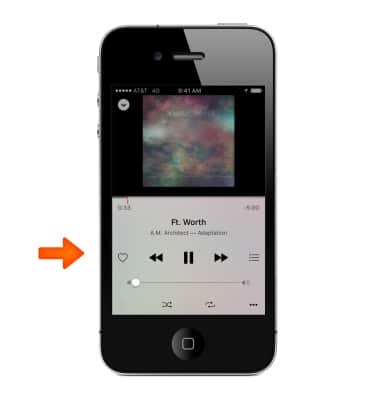
- Tap the Forward / Backward icons to skip back and forth on the playlist.
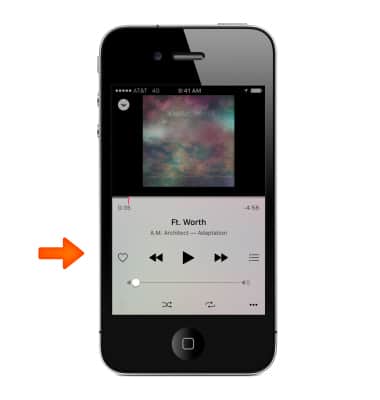
- Touch and drag the Volume slider to adjust playback volume.
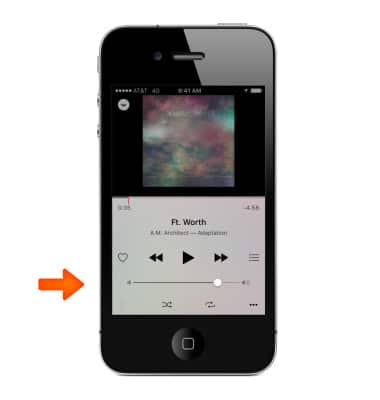
- Tap Repeat to toggle repeat options.
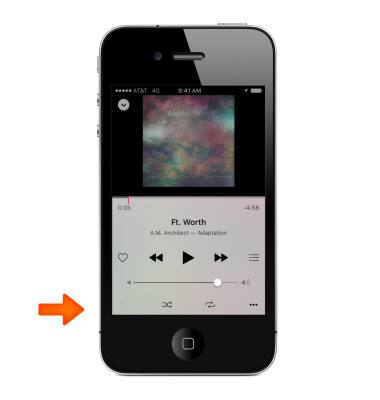
- Tap Shuffle to toggle shuffle playback options.
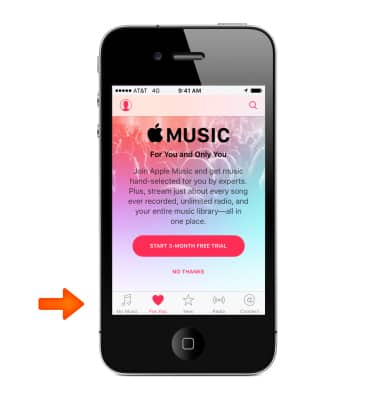
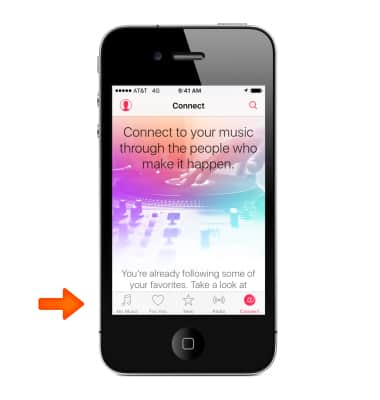
- Tap For You to join Apple Music and get music hand-selected for you by experts.
- Tap New, to browse today’s best music recommendations from Music experts.
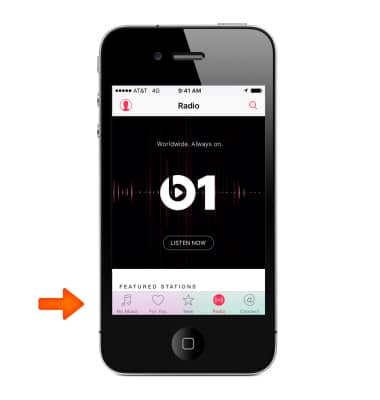
- Tap Radio, to listen to featured stations created by experts. You can also create your own custom stations, based on your pick of artist, song, or genre.
- Tap Connect, to follow your favorite artists, learn more about them, read their recent posts, and comment on what you find.
Play music
Apple iPhone 4S
Play music
Play music, turn the music player off.
INSTRUCTIONS & INFO