
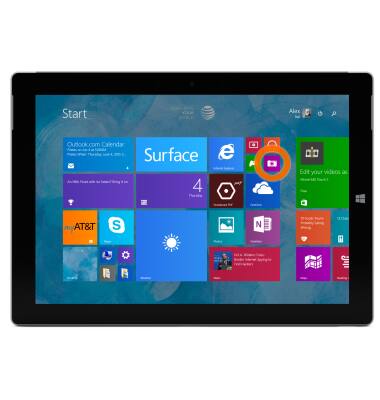
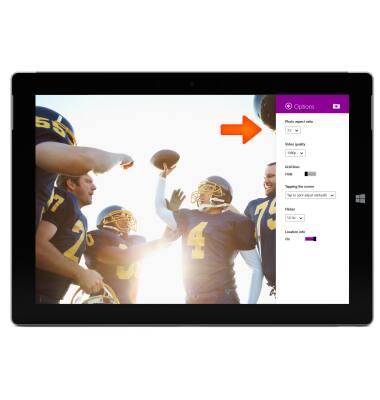
- To change the camera & video settings, from the Start screen, tap the Camera tile to open the camera.
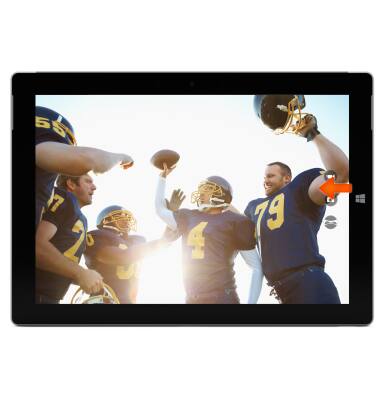
- Swipe left from the right side of the screen to access the Charm bar.
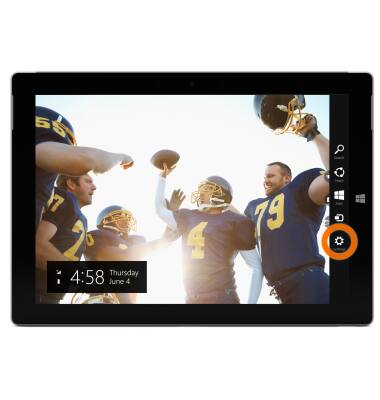
- Tap Settings.
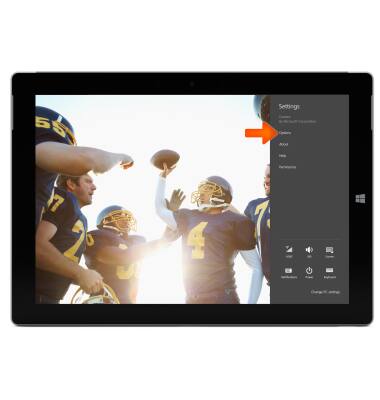
- Tap Options.
- To change photo sizes, tap the Photo aspect ratio drop down menu .
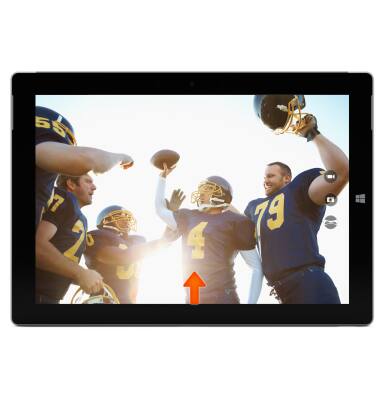
- To set a timer, swipe up from the bottom of the screen.
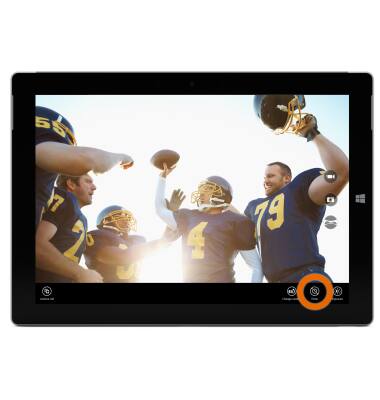
- Tap the Timer icon to toggle the timer between 3 seconds, 10 seconds and off.
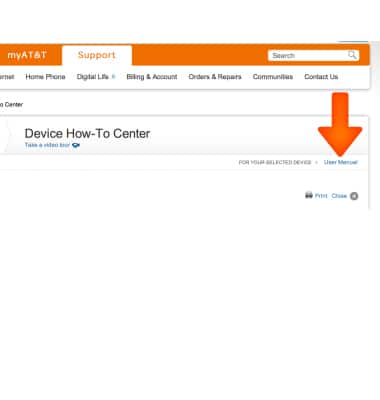
- To learn more about your camera settings and features download the user manual.
Camera & video settings
Microsoft Surface 3 (1657) Windows 8.1
Camera & video settings
Manage camera and video settings including flash, timer, voice control, recording mode, storage location, and more.
INSTRUCTIONS & INFO