
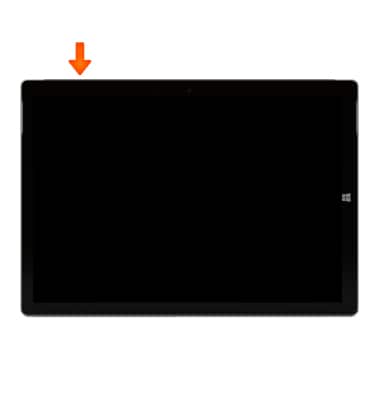
- To lock the device, press the Power button at the top of the device.
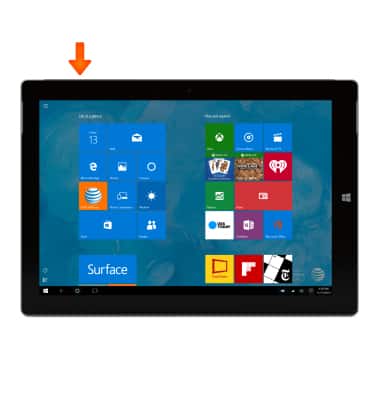
- To unlock the device, press the Power button at the top of the device.
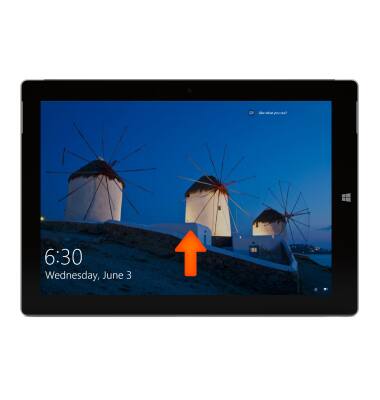
- Swipe up from the lock screen and enter the password to unlock the device.
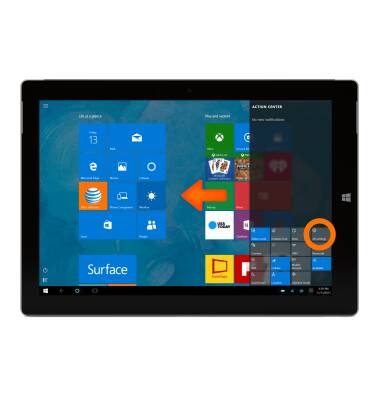
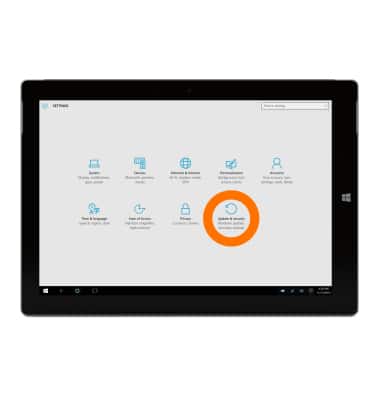
- To change the password swipe from right to left at the edge of the screen to access the Action Center, then tap All settings.
- Tap Accounts.
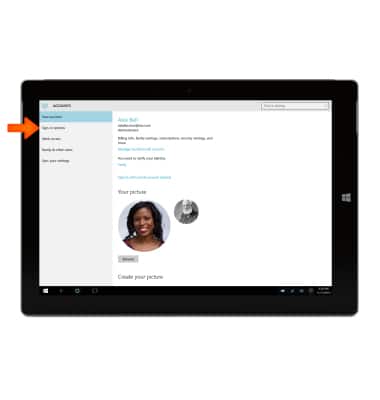
- Tap Sign-in options.
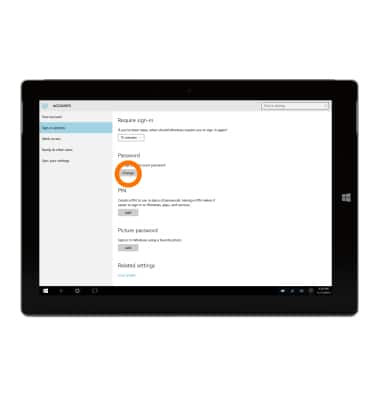
- Tap Change under Password.
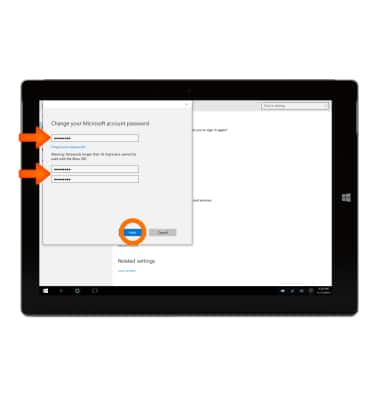
- Enter current password, new password, confirm password, then tap Next.
- Tap Finish.
Note: To learn more about requesting a device unlock for your AT&T mobile device, visit www.att.com/deviceunlock. If your device is locked and is requesting a "PUK" code, click here for instructions on how to obtain your PUK or PUK2 code to unlock your SIM card.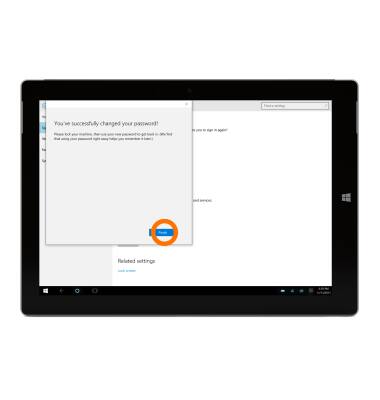
Secure my device
Microsoft Surface 3 (1657) Windows 10
Secure my device
Lock the device screen, set and change security lock, and locate device.
INSTRUCTIONS & INFO