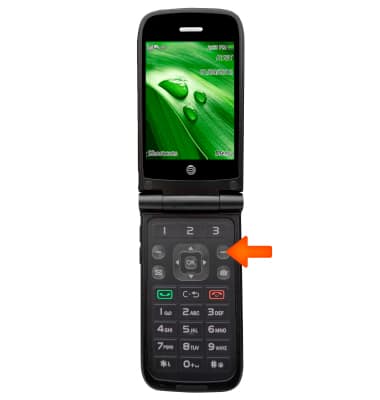
- To access the browser, from the home screen, select Menu.
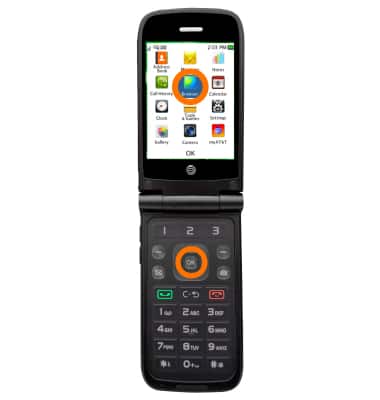
- Select Browser and press OK..
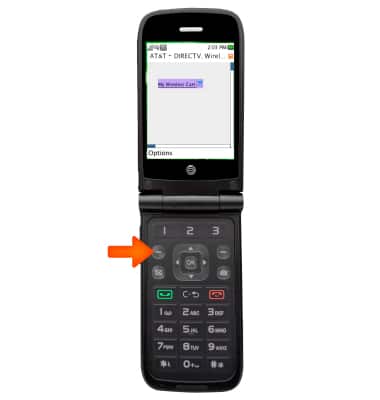
- To access browser options, select Options.
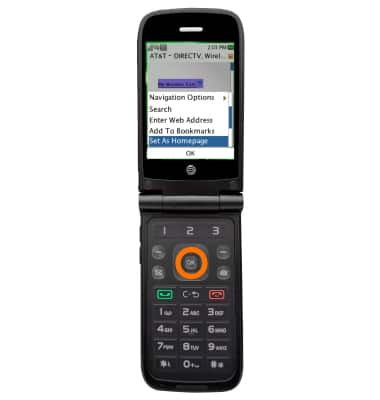
- To set a page as the homepage, scroll to and higlight Set As Homepage, then press OK.
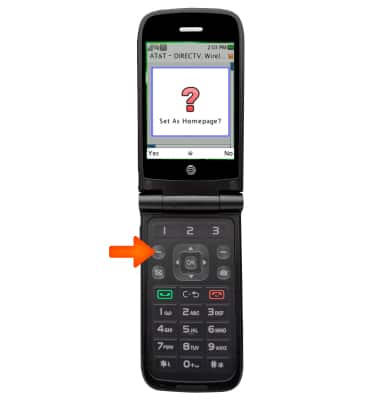
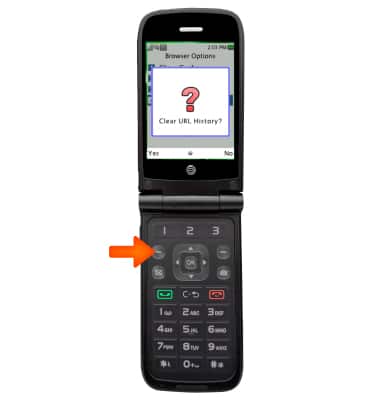
- Select Yes.
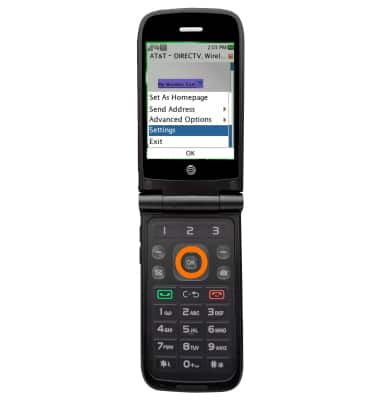
- To clear browser history, from the options menu, scroll to Settings, then press OK.
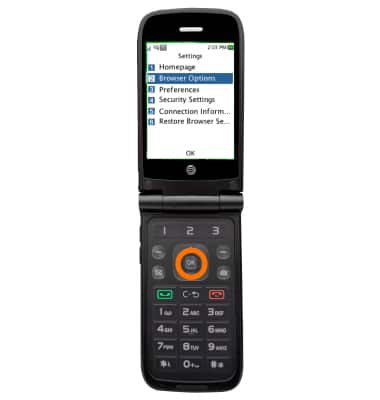
- Select Browser Options and press OK.
- Scroll to and select Clear URL History and press OK.
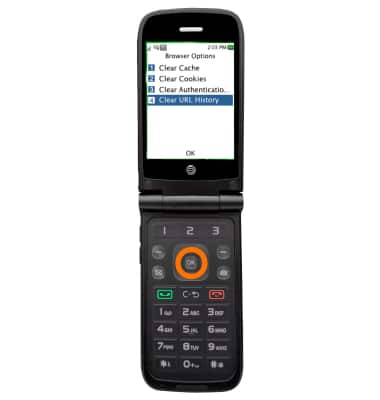
- Select Yes.
Browser Options
AT&T Cingular Flip (M3620)
Browser Options
Access browser settings to clear history, set homepage, adjust text size, manage pop-up, change the default browser, and restore default settings.
INSTRUCTIONS & INFO