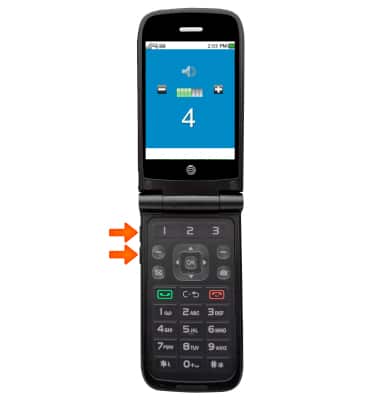
- While on an active call, press the Volume keys to adjust the volume.
- To turn on speakerphone, press OK.
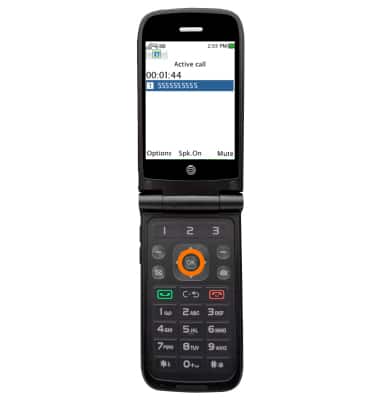
- While speakerphone is enabled, the Option to turn Speakerphone off will display. Press OK to turn speakerphone off.

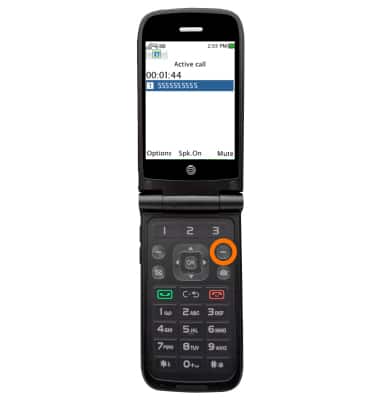
- To mute a call, select Mute.
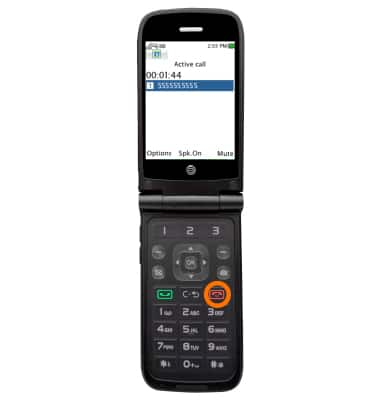
- To end a call, press the END button.
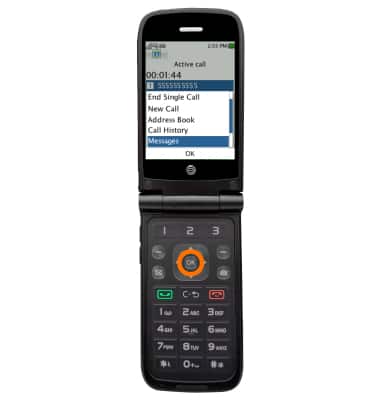
- To access Messages, Contacts, or add a new call, select Options and scroll to the desired option.
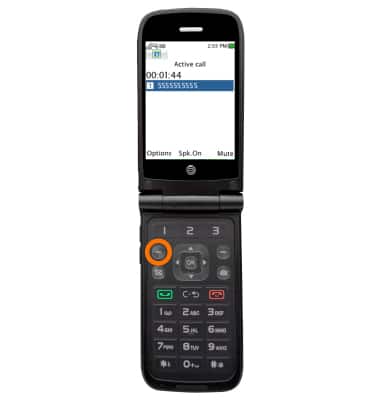
- Press OK.
In-Call Options
AT&T Cingular Flip (M3620)
In-Call Options
Learn what features are available while on an active call.
INSTRUCTIONS & INFO