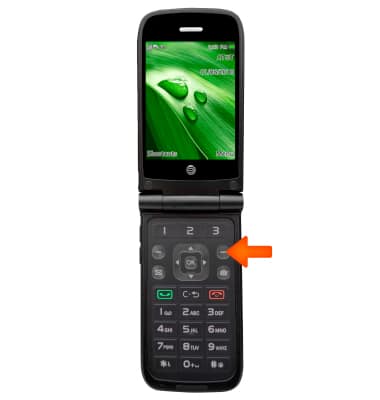
- To access the browser, select Menu.
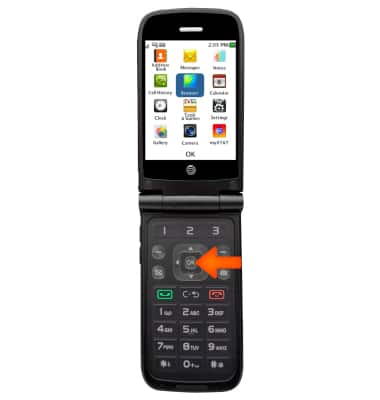
- Press OK.
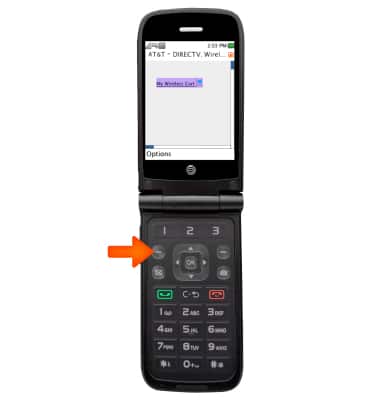
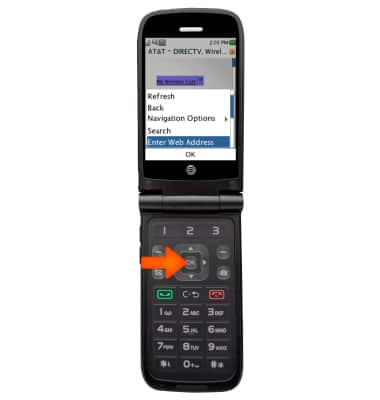
- To enter a URL, select Options.
- Scroll to and select Enter Web Address, then press OK.
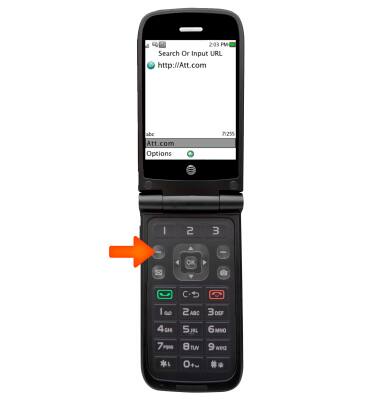
- Enter the desired address, then select Options.
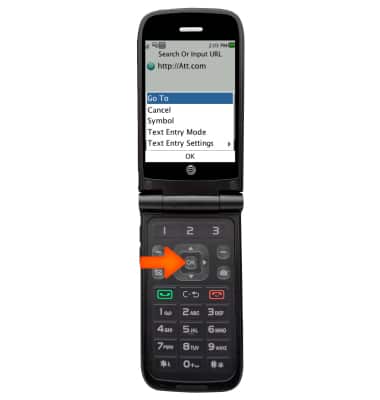
- Select Go To and press OK.
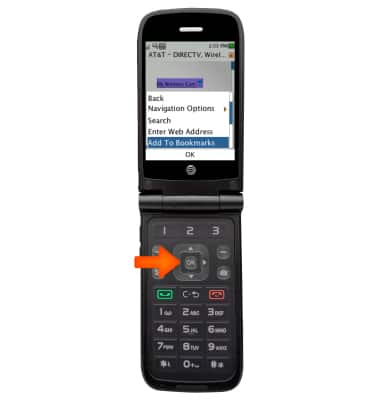
- To bookmark a page, select Options.
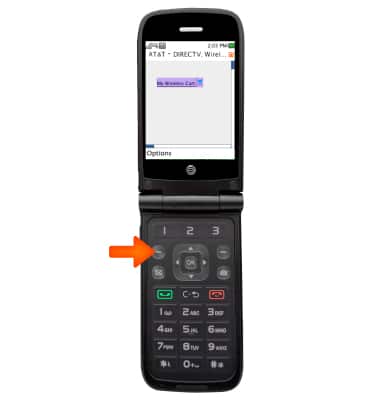
- Scroll to and select Add To Bookmarks, then press OK.
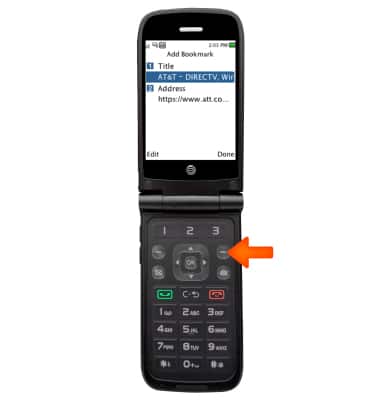
- Edit details as desired, then select Done.
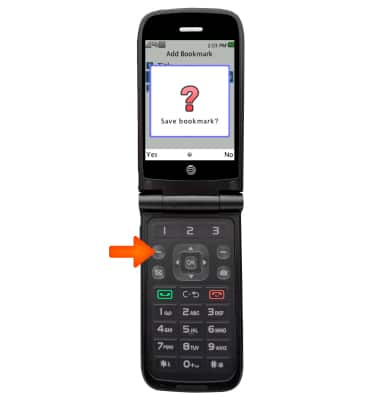
- Select Yes.
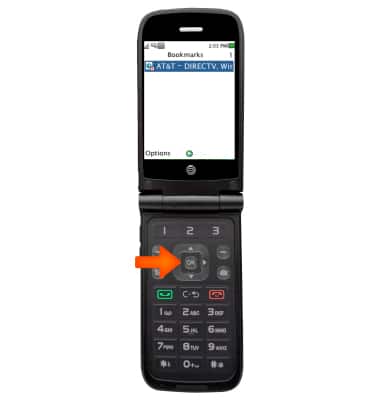
- To open a bookmark, from the options menu, select Navigation Options, then press OK..
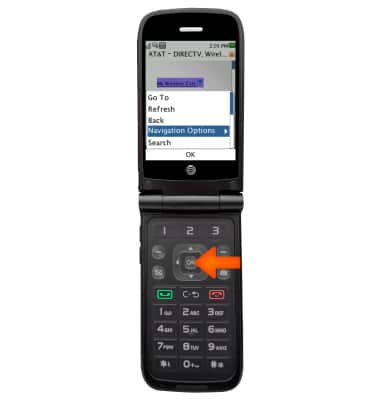
- Select Bookmarks, then press OK..
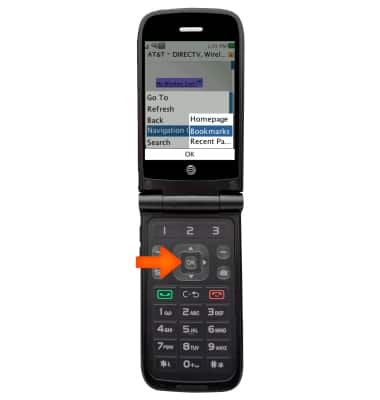
- Select the desired option, then press OK.
Browse the Web
AT&T Cingular Flip (M3620)
Browse the Web
Browse the web, manage browser tabs, and bookmarks.
Browse the Web
Browse the web, manage browser tabs, and bookmarks.
Browse the Web
1:00
INSTRUCTIONS & INFO