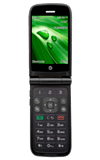
- To access applications, from the home screen press Menu.
Note: You may also set Favorite's using the 1-2-3 keys at the top of your keypad as emergency contacts.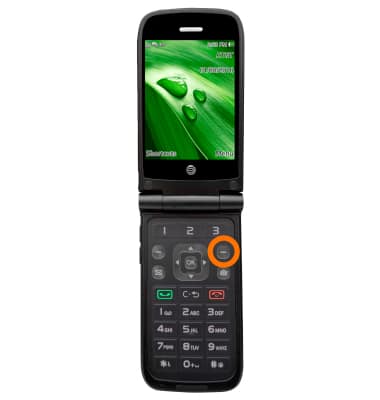
- To open an application select your Desired option and press OK on the keypad.
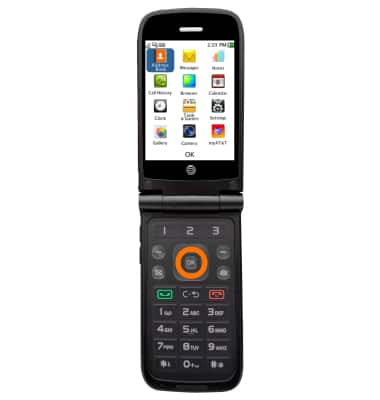
- To access shortcuts from the home screen press Shortcuts.
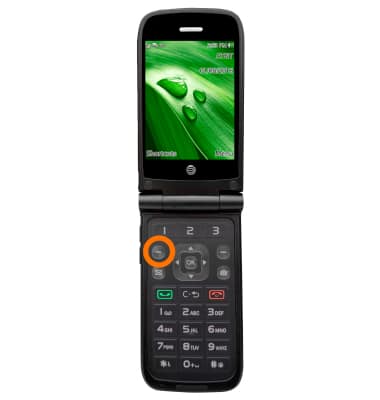
- To access more features from the home screen, press the left arrow on keypad to quickly access your Address Book.
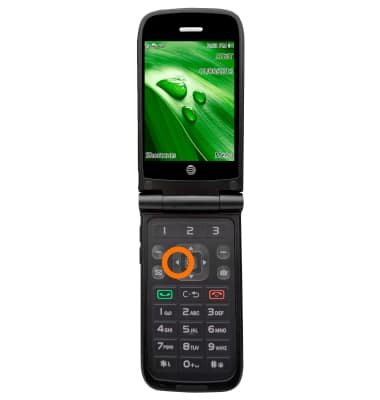
- To access more features from the home screen, press the right arrow on keypad to quickly access your All Calls.
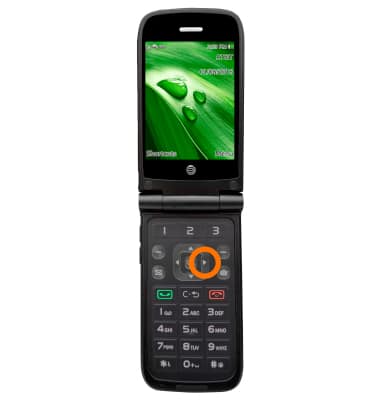
- To access more features from the home screen, press the up arrow for quick access to compose a text message.
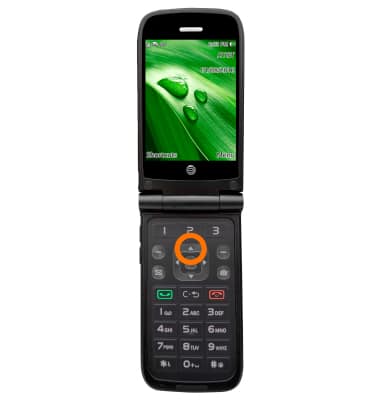
- To access more features from the home screen, press the down arrow on keypad to quickly access your Tools & Games.
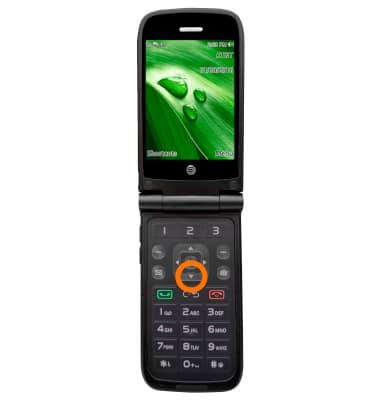
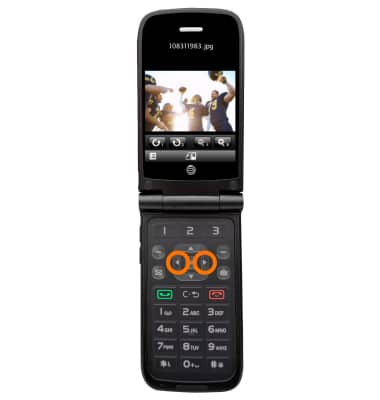
- When taking or viewing a photo, or even on the web, pressing the directional keys left or right will allow you to zoom in and out.
Gestures & navigation
AT&T Cingular Flip (M3620)
Gestures & navigation
Control your device by making specific movements with your hand.
INSTRUCTIONS & INFO