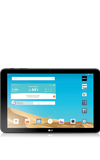
- Before setting up your device, make sure you have completed the online activation process.
Note: Please see Activate your new phone or SIM for more information.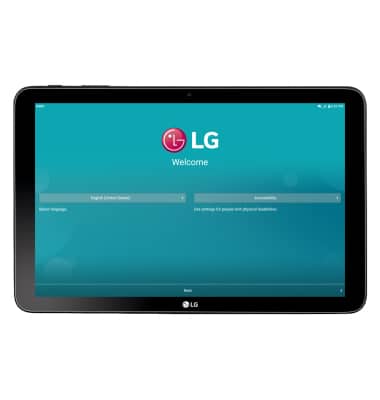
- To begin setting up your device, select the Desired language, then tap the Next icon.
Note: For people with physical disabilities, tap Accessibility to use accessibility settings.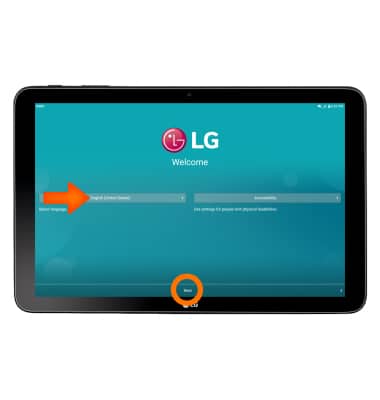
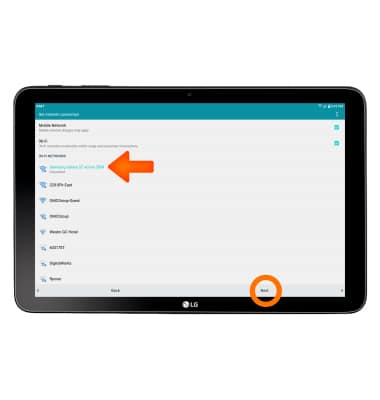
- If desired, select Desired Wi-Fi network and enter the Password. Tap Next to continue.
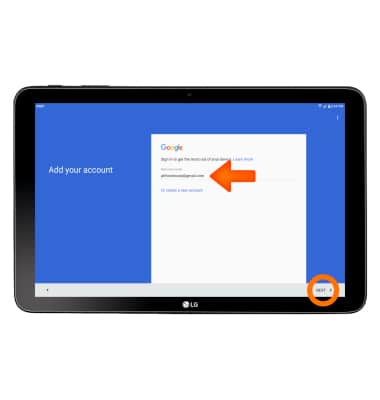
- To set up your Google account, enter your Email address then tap NEXT.
- Enter your Password, then tap NEXT.
Note: If unable to remember your password, tap 'Forgot password?'.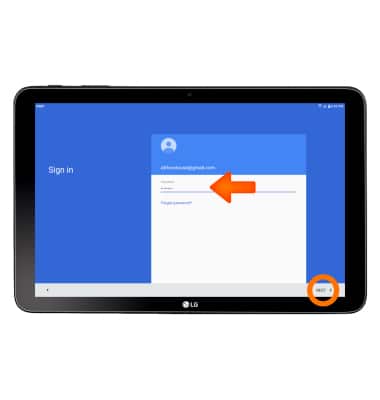
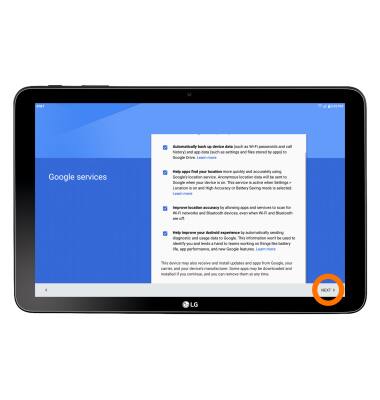
- Review Terms of Service and Privacy Policy then tap NEXT.
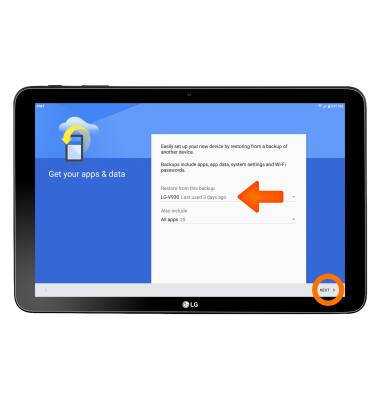
- Select a backup to restore from or to set up as a new device and which apps to restore, then tap Next.
- If you would like to set your screen lock now, tap SET SCREEN LOCK NOW and follow the on screen prompts for setup. Tap SKIP to proceed without activating device protection features.
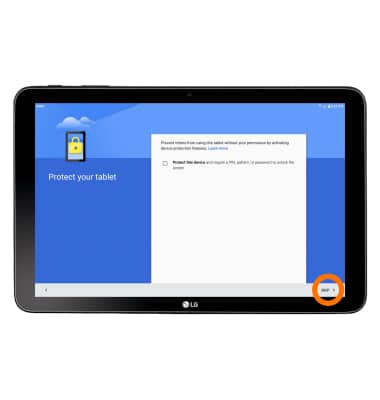
- Tap SKIP ANYWAY.
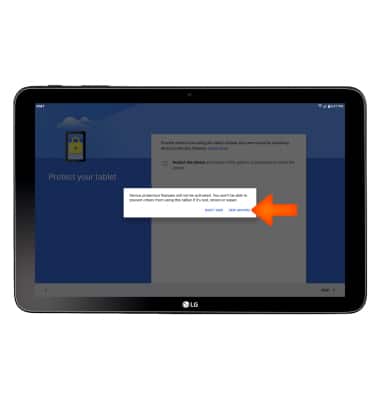
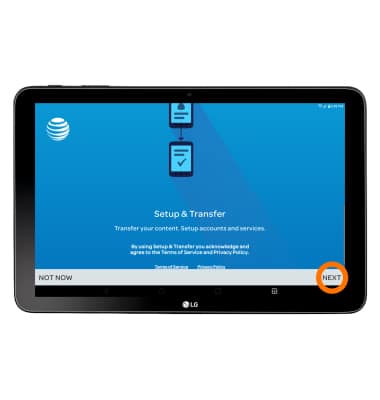
- AT&T Setup & Transfer allows you to transfer content and set up voicemail, accounts and services from a previous device. Tap NEXT.
- If you would like to add any of your accounts tap the icon next to your Desired account and follow the on screen prompts for setup. Tap Next to proceed.
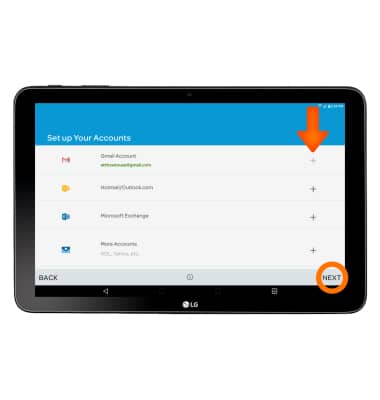
- Tap NEXT.
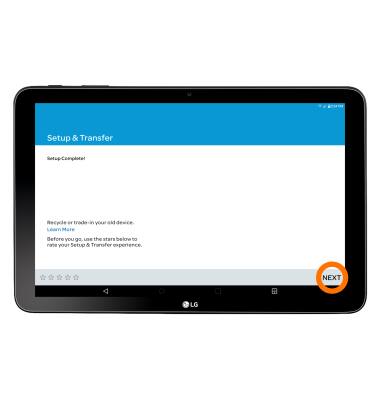
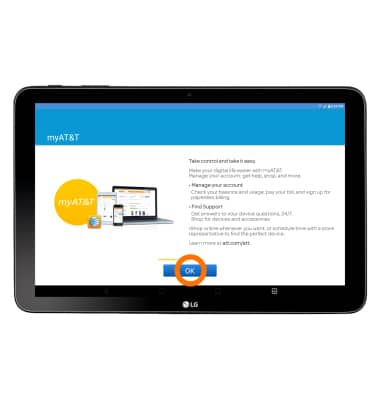
- Tap OK.
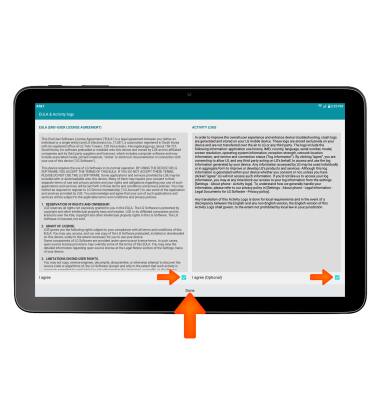
- Review the EULA and Activity Logs, select the I agree box for the terms you agree to then tap Done.
- Your device is now ready to use.
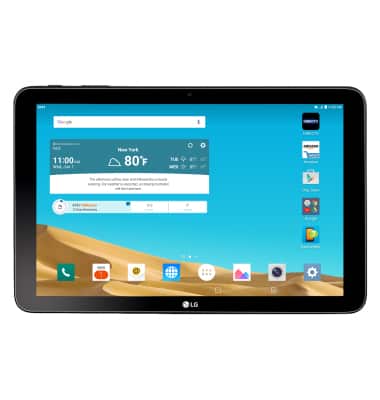
Device setup
LG G Pad X 10.1 (V930)
Device setup
Set up your device for the first time or after having done a factory reset.
INSTRUCTIONS & INFO