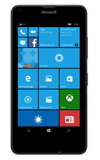
- To change your voicemail password, you must know your current voicemail password. To access your device’s phone menu, tap the Phone tile.
Note: If you have forgotten your existing voicemail password, you will not be able to access Voicemail until you reset your voicemail password.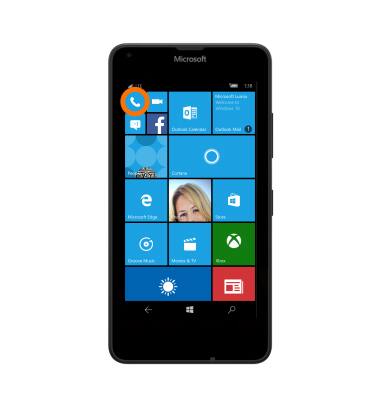
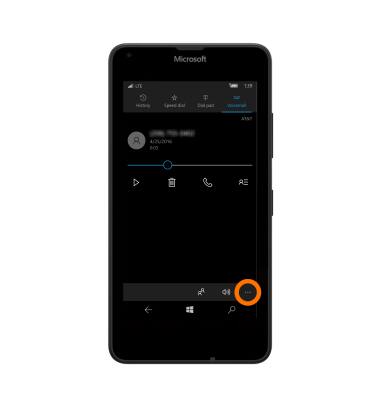
- Tap the Menu icon.
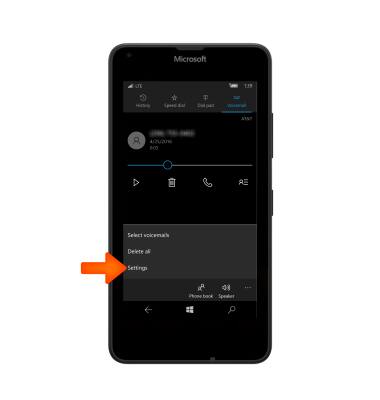
- Tap Settings.
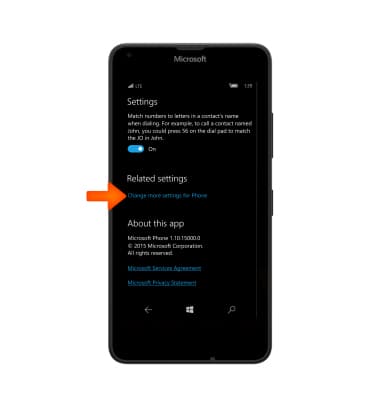
- Tap Change more settings for Phone.
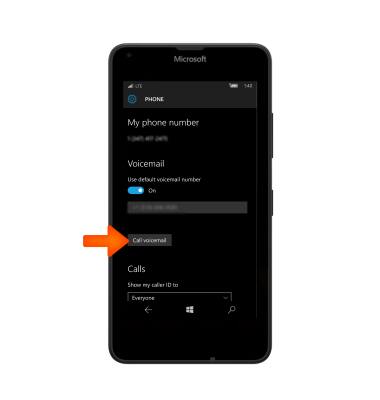
- Access your voicemail by tapping Call voicemail.
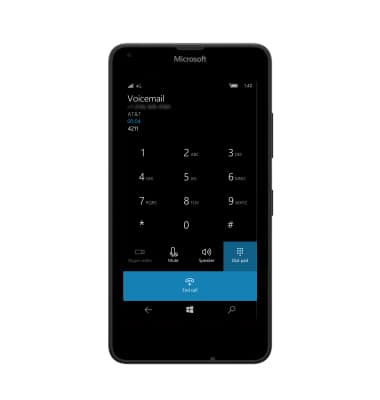
- Once connected, enter your current voicemail password if prompted, then press the 4 key > 2 key > 1 key > 1 key. Enter your new password, then press #.
Change or Reset Voicemail Password
Microsoft Lumia 640
Change or Reset Voicemail Password
Reset a forgotten password or change an existing voicemail password.
INSTRUCTIONS & INFO