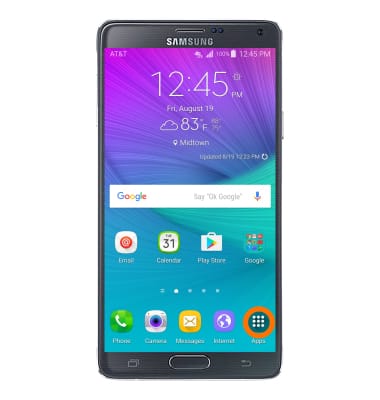
- To use Smart Remote so you can use your device as a remote for your TV from the home screen, tap the Apps icon.
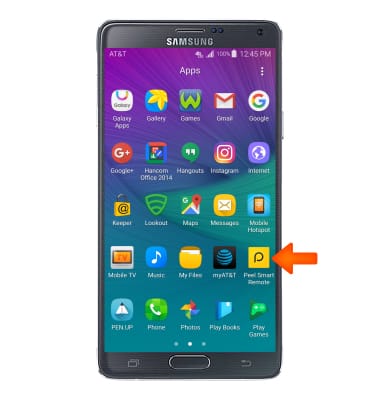
- Swipe to and tap the Peel Smart Remote icon.
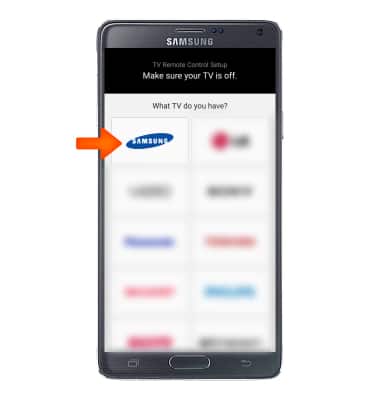
- Select the brand of TV you own.
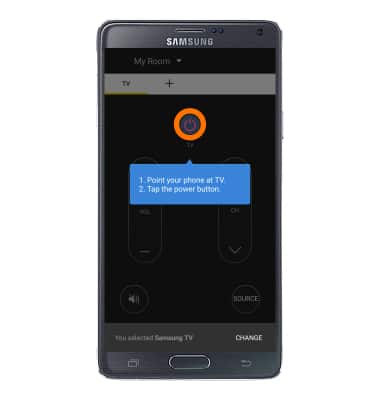
- Point the device at the TV and tap the Power key.
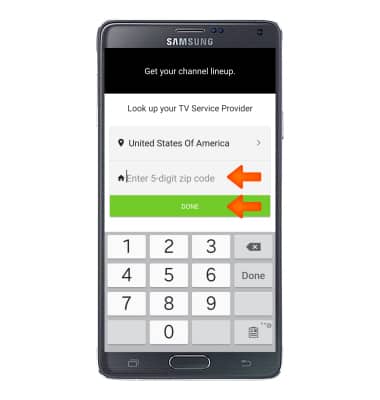
- Enter your Zip Code to look up your TV Service Provider then tap Done.
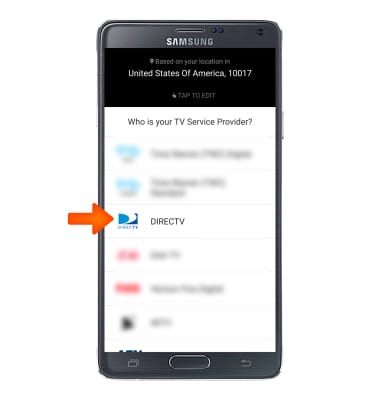
- Select the TV Service Provider.
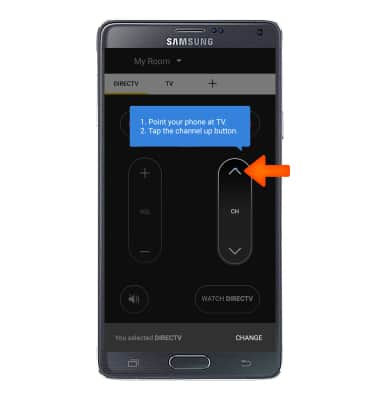
- Point the device at the TV and tap the Channel up key.
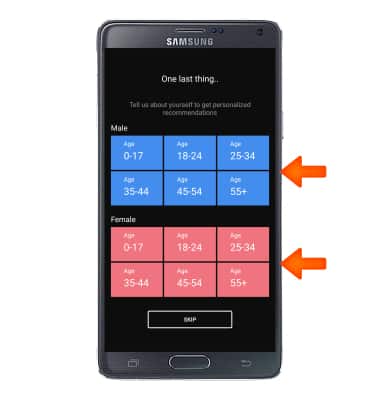
- Tap Desired age range and gender.
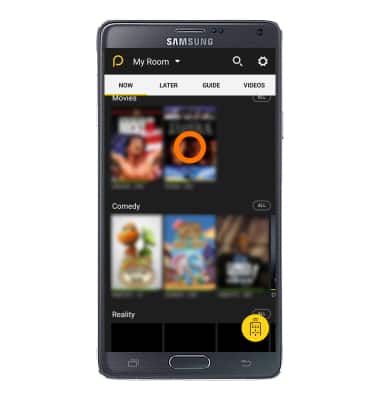
- Point the device at the TV and tap the Desired show.
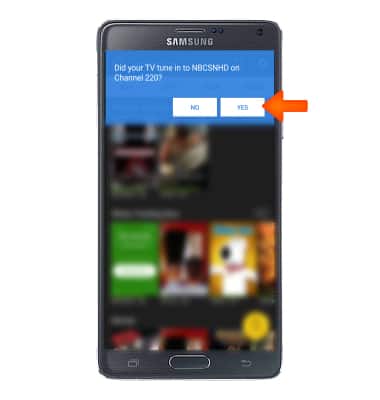
- Tap YES if it is the right program.
Smart Remote
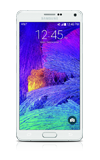
Samsung Galaxy Note 4 (N910A)
Smart Remote
Use your device as a remote for your TV
INSTRUCTIONS & INFO