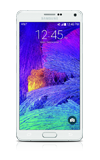
- To view your photos and videos, from the Apps screen tap the Gallery app.
Note: To access the Apps screen, tap the Apps icon on your home screen. When in "Easy" mode, you can't access settings, more info, copy to clipboard, or the photo studio.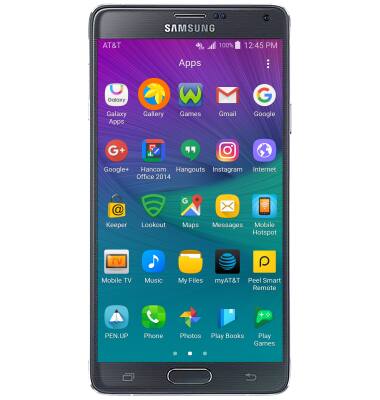
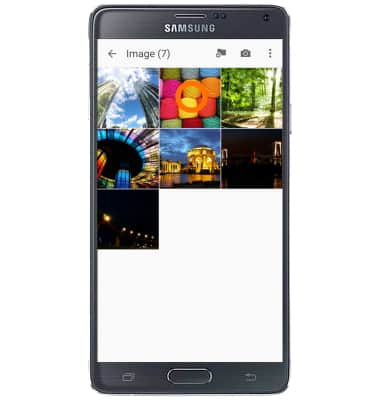
- Tap the Desired photo or video.
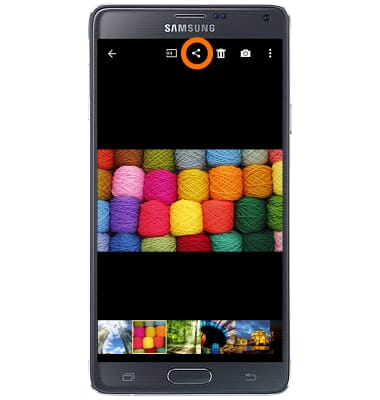
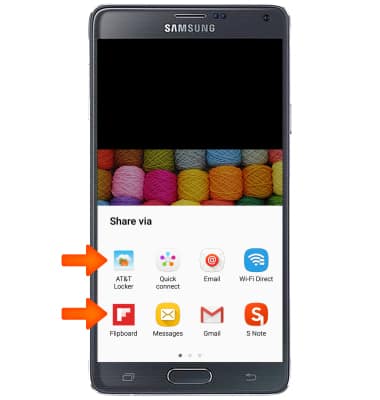
- To share the photo or video, tap the Share icon.
- Tap the Desired sharing method, then follow the on-screen prompts.
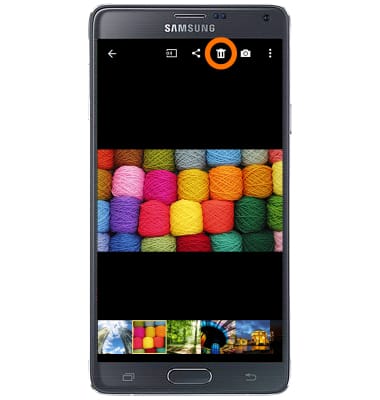
- To delete a photo or video, tap the Delete icon.
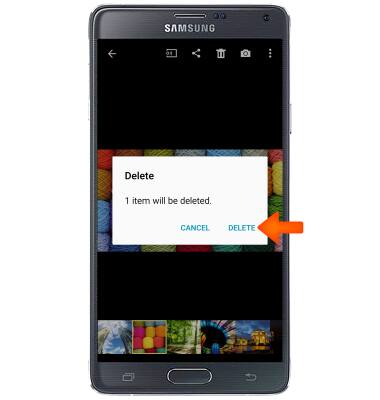
- Tap DELETE.
View & share photos or videos
Samsung Galaxy Note 4 (N910A)
View & share photos or videos
Access, view, and share your photos and videos.
INSTRUCTIONS & INFO