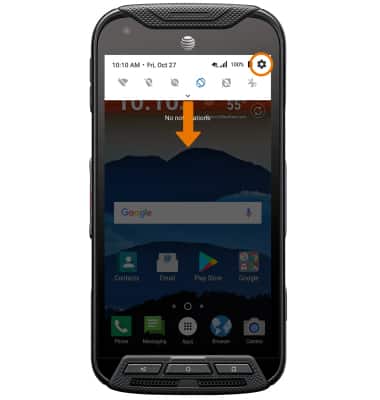
- ACCESSIBILITY FEATURES: Swipe down from the Notification bar, then select the Settings icon.
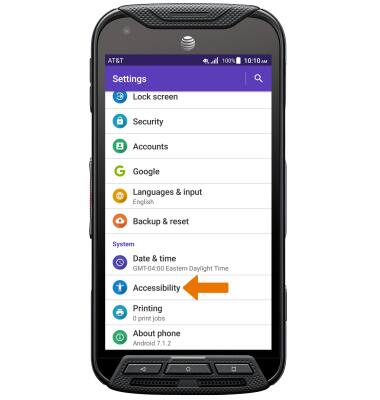
- Scroll to and select Accessibility.
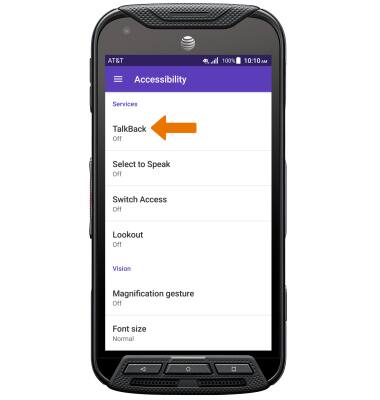
- TURN ON TALKBACK: Select TalkBack.
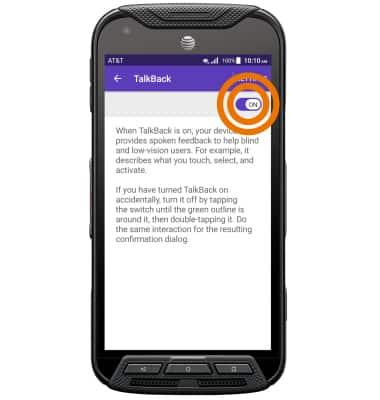
- Select the TalkBack switch to activate TalkBack.
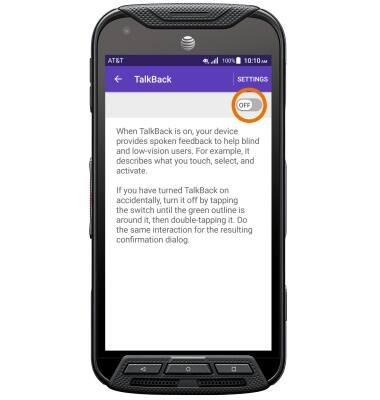
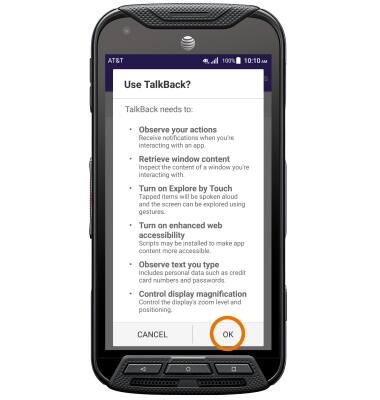
- Review the prompt, then select OK.
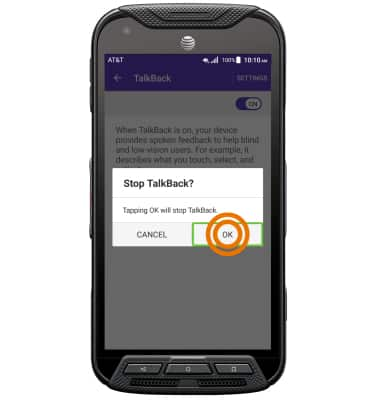
- TURN OFF TALKBACK: Select the TalkBack switch to highlight, then double-tap the TalkBack switch to select.
- Select OK to highlight, then double-tap OK to select.
Note: Alternately, you can turn TalkBack off by drawing an "L" on the screen then selecting Pause feedback.