ACCESS RECENT APPS: Select the Recent apps button.

- OPEN AN APP: Select the desired app.
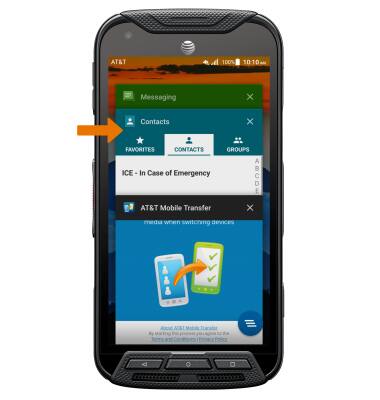
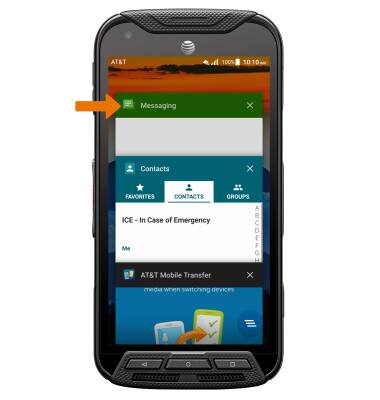
SWITCH BETWEEN APPS: Scroll to and select the desired app.
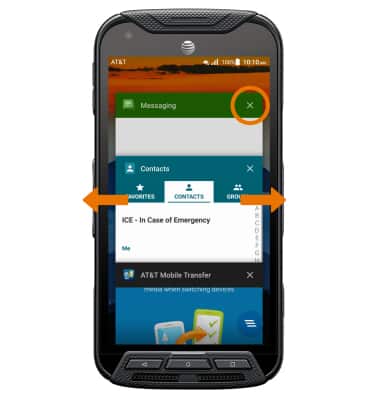
CLOSE AN APP: Select the X icon on the desired app or swipe left or right on the desired app.
CLOSE ALL APPS: Select the Clear all icon.
Note: For information on viewing app and data usage, please see the View & Manage Data tutorial.