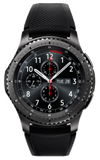
- To set a screen lock, from the watch face, press the Power/Home button.
Note: Gear S3 will automatically lock when Bluetooth connection is ended. If PIN is forgotten, reconnect to phone via Bluetooth to unlock Gear and adjust PIN setting, if desired.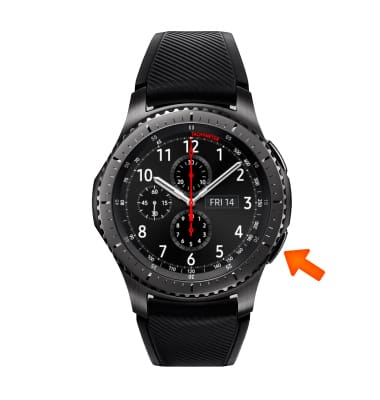
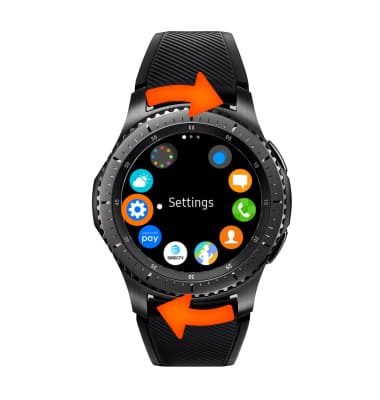
- Rotate the bezel to, then select the Settings icon.
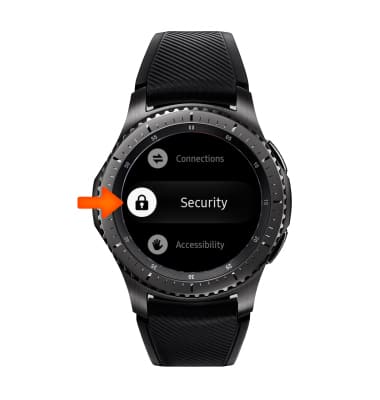
- Scroll to, then select Security
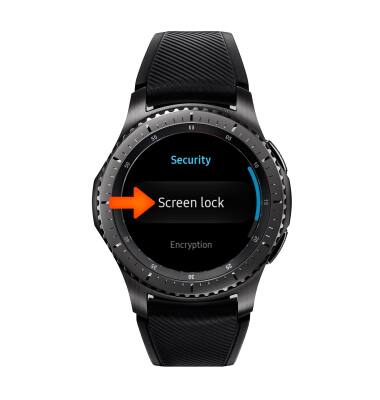
- Scroll to, then select Screen lock.
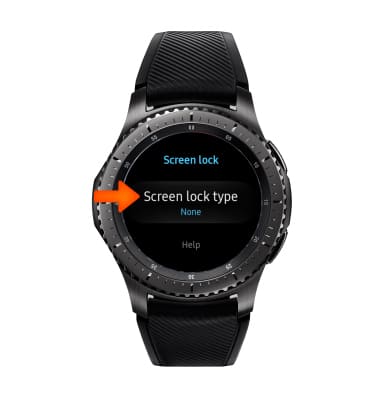
- Select Screen lock type.
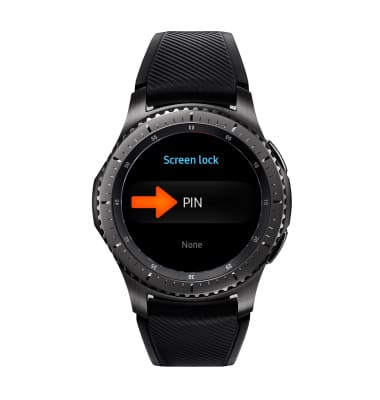
- Select PIN.
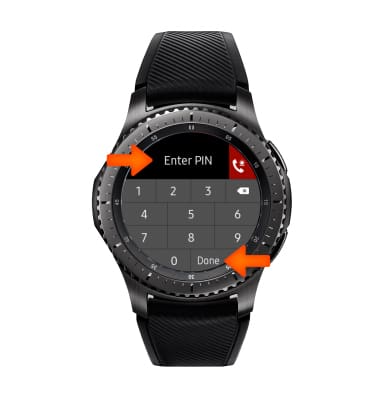
- Enter desired 4 digit PIN, then select Done.
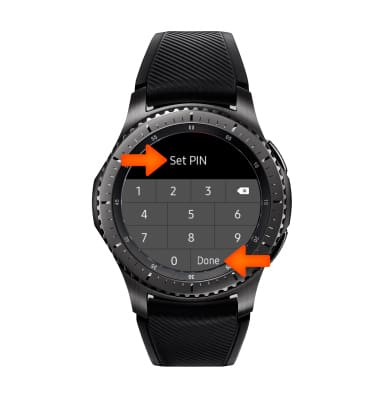
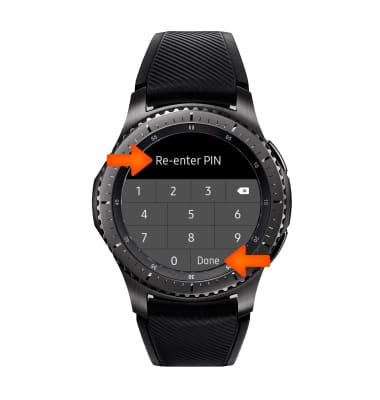
- Re-enter the 4 digit PIN, then select Done.
- To access the watch when the screen is locked, enter your 4 digit pin. You can still see the time without unlocking.
- To learn more about requesting a device unlock for your AT&T mobile device so that it can operate on another compatible wireless network, visit www.att.com/deviceunlock.
Note: If your device is locked and is requesting a "PUK" code, click here for instructions on how to obtain your PUK or PUK2 code to unlock your SIM card.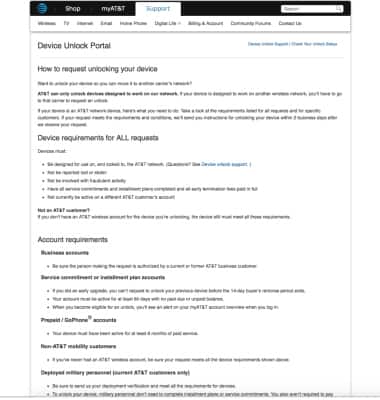
Secure My Device
Samsung Gear S3 frontier (R765A)
Secure My Device
Lock the device screen, set and change security lock, and locate device.
INSTRUCTIONS & INFO