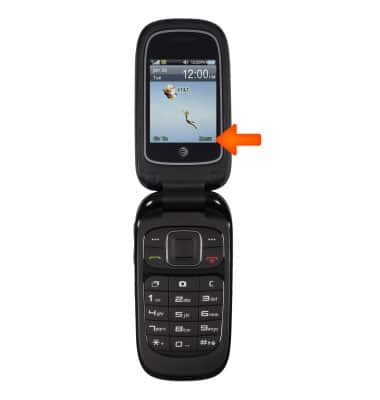
- To set up speed dial, from the home screen, select Menu.
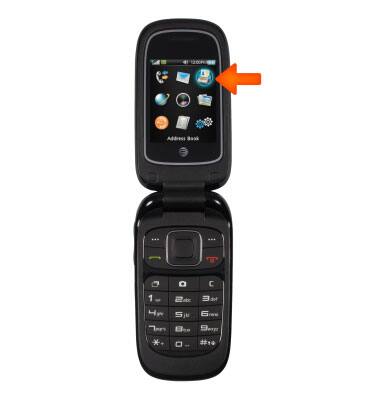
- Select Address Book.
- Select Options.
Note: Alternatively. Choose desired contact, then select Options > Set as speed dial > Assign to a number.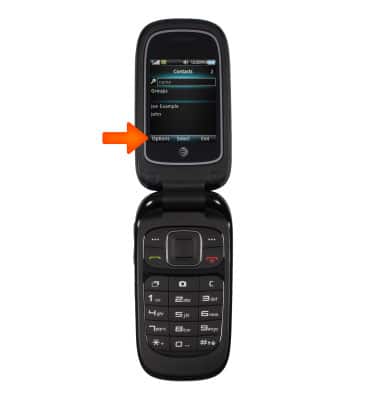
- Select Settings.
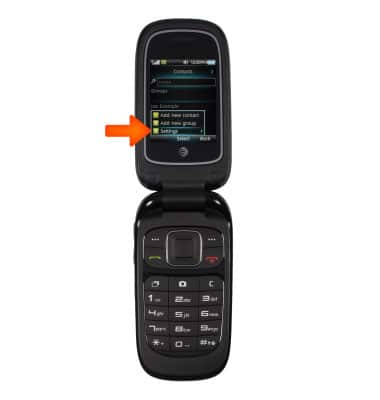
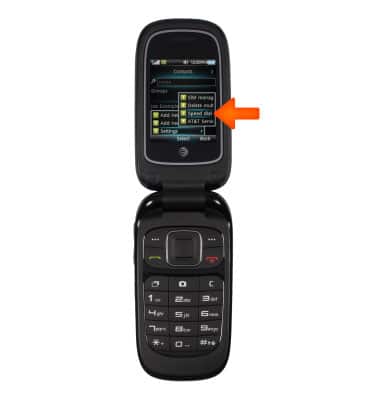
- Select Speed dial.
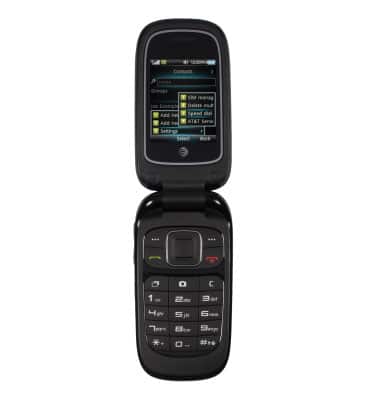
- Choose desired number, then Assign desired contact.
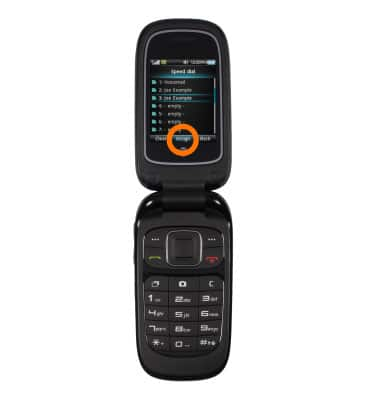
- The contact is now assigned to the desired speed dial button.
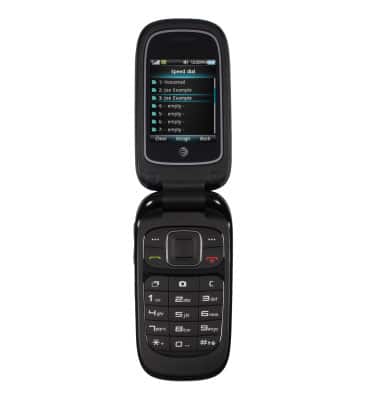
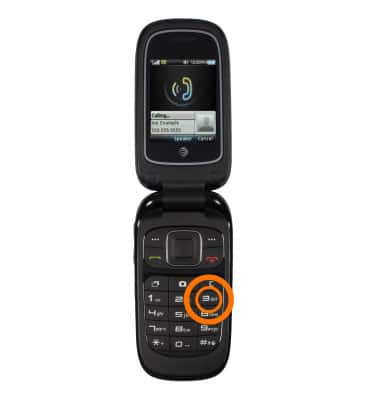
- To use speed dial, from the home screen, press and hold the number assigned to the Desired contact.
- To remove a contact from speed dial, from the Address Book, select Options > Settings > Speed dial.
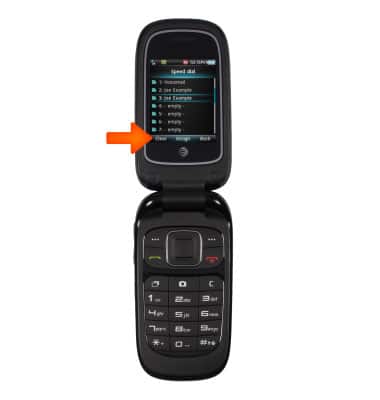
- Choose desired contact, then select Clear.
Speed dial
AT&T Z223
Speed dial
Use speed dial and manage speed dial contacts.
INSTRUCTIONS & INFO