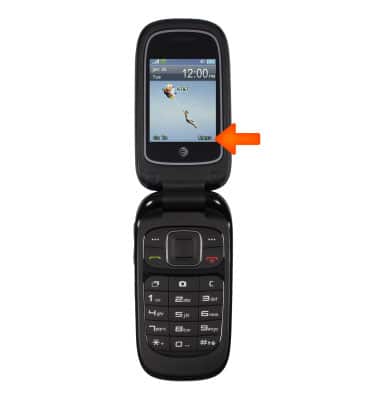
- To access contacts, from the homescreen, select Menu.
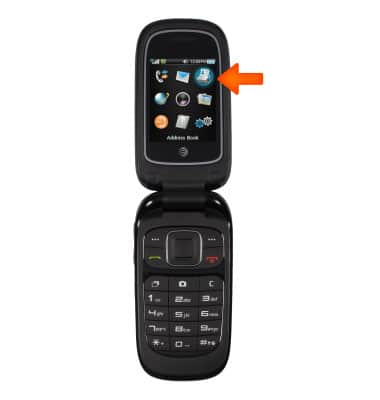
- Select Address Book.
- To create a contact, press the left softkey key to access Options.
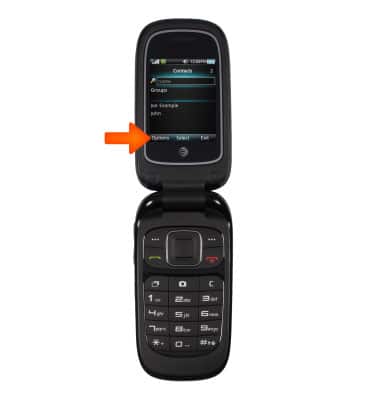
- Select Add new contact and press the OK key.
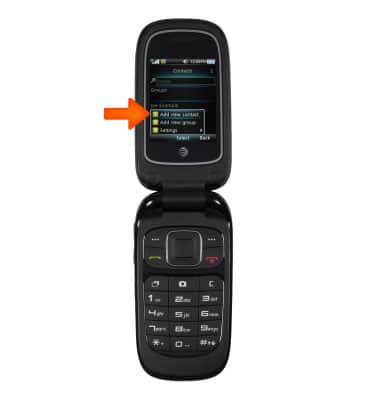
- Enter the desired contact information.
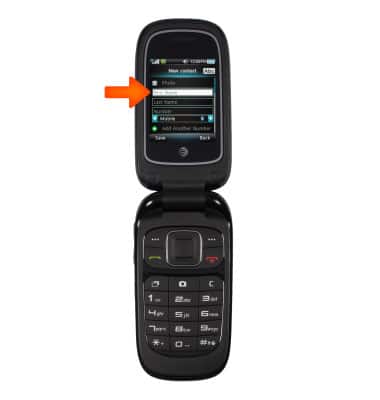
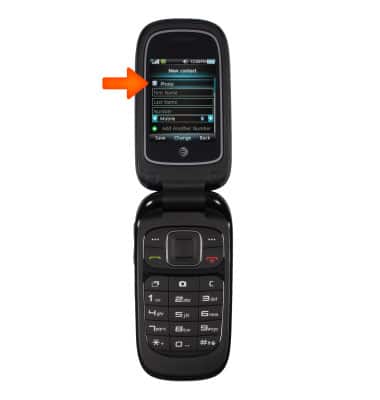
- To add a picture to a contact, select Photo, and select the desired option.
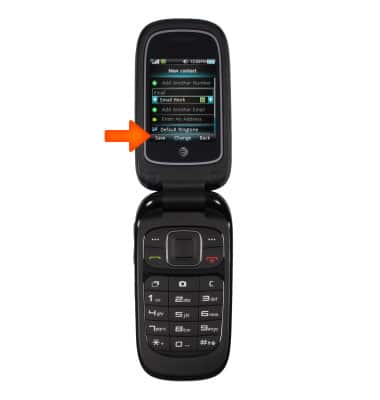
- To set a ringtone, select Default Ringtone, and select the desired option.
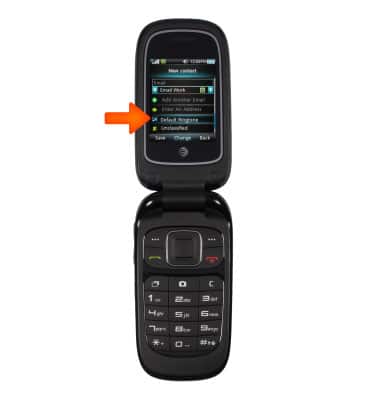
- Select Save with the left softkey to save contact.
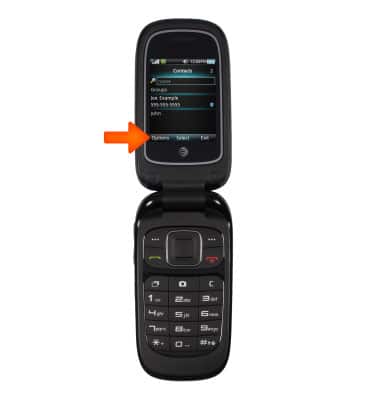
- To edit a contact, scroll to desired contact, press the left softkey key to access Options.
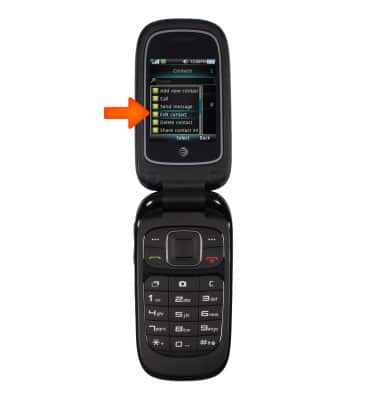
- Select Edit contact.
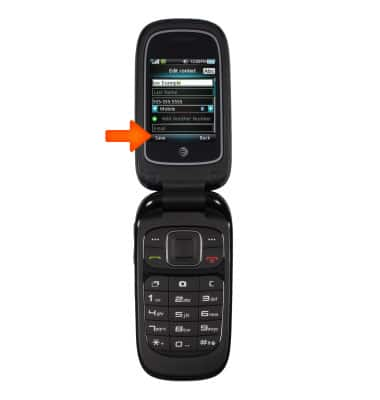
- Edit desired details, then tap Save.
Contacts
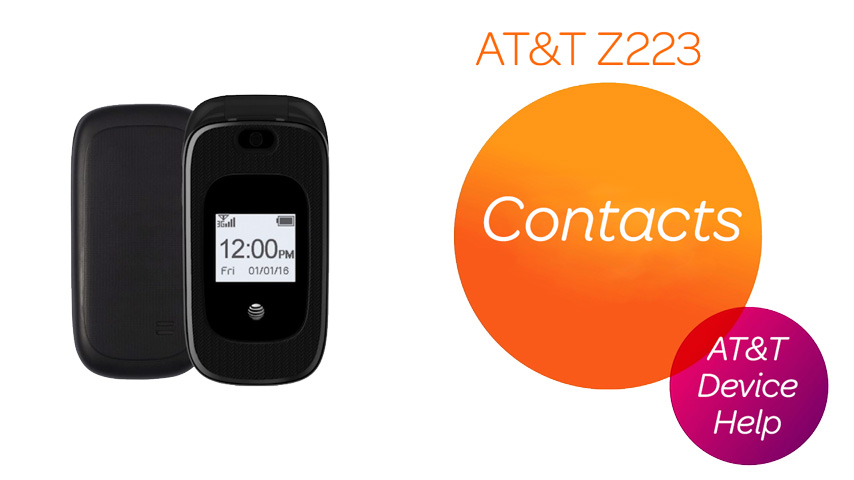
AT&T Z223
Contacts
Add, view, delete, and customize contacts by adding a picture or ringtone.
Contacts
Add, view, delete, and customize contacts by adding a picture or ringtone.
Contacts
2:35
INSTRUCTIONS & INFO