
1. From the Home screen, select the AT&T AllAccess widget.
Note: Learn how to Activate service on your device or SIM.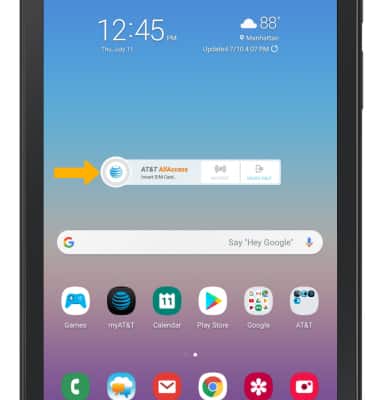
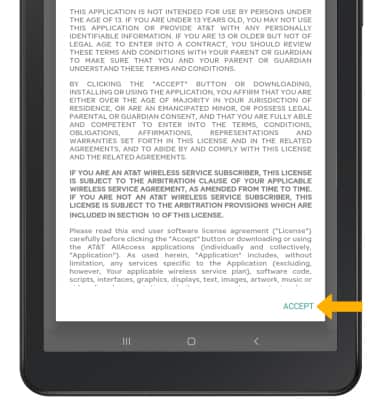
2. Review the Terms and Conditions, then select ACCEPT.
3. Select Select Here to Activate the App.
Note: If prompted to update, select OK. The device will take a moment to update the app.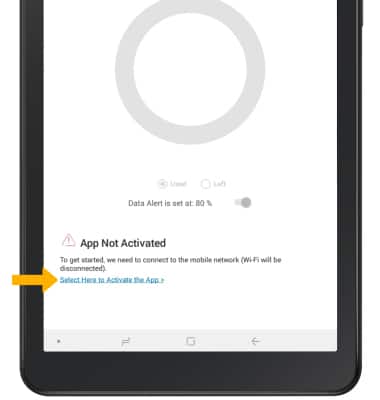
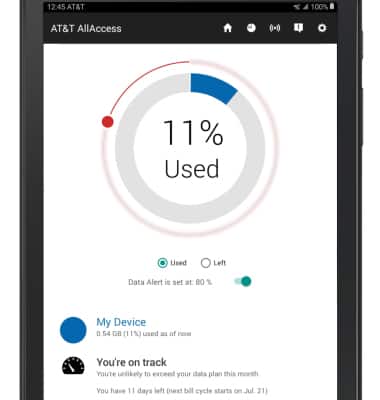
4. AT&T service and the AT&T All Access app are now activated.