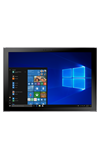
- ACCESS PLAY STORE: From the home screen, select the Microsoft store app.
Note: You must have a Microsoft account set up on the device to access Windows Phone Store. Click here for more information.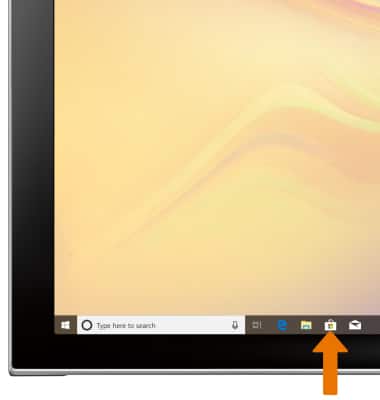
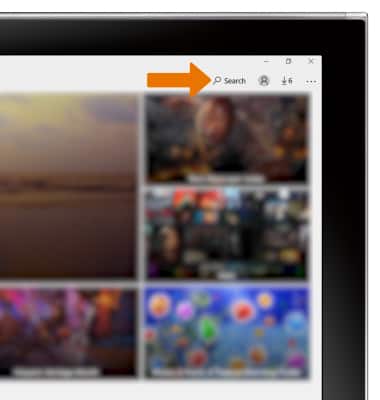
- DOWNLOAD AN APPLICATION: Select the Search field.
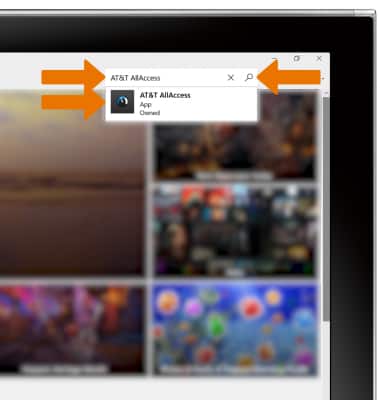
- Enter the desired app name. Select a suggestion or the Search icon.
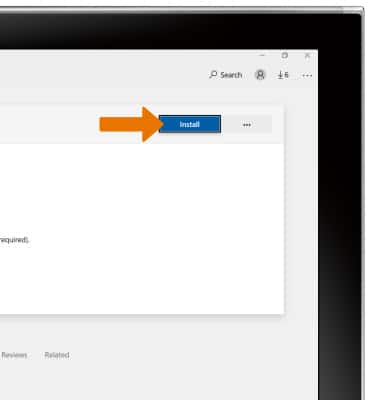
- From the desired app screen, select INSTALL.
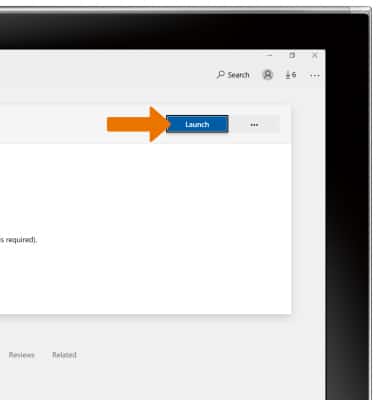
- OPEN AN APP: Select Launch.
Download Apps & Games
Samsung Galaxy Book2 (W737A)
Download Apps & Games
Download apps, games, movies, music, books, magazine, newspapers and more.
INSTRUCTIONS & INFO