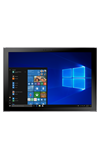
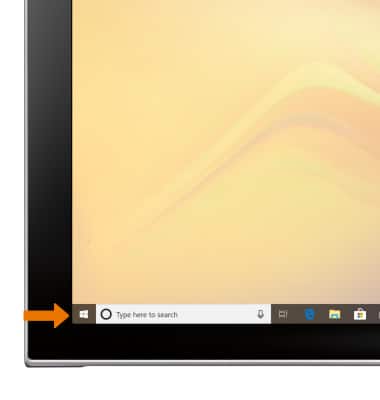
- VIEW DATA THROUGH AT&T ALLACCESS: From the home page, select the Start Icon.
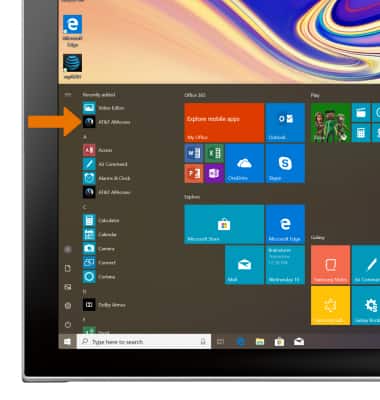
- Select AT&T AllAccess.
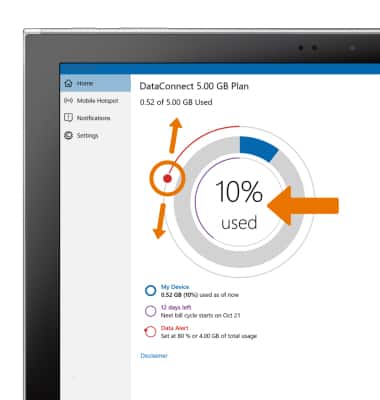
- Your data usage will be displayed. Select and drag the Data alert icon to the desired location to set the data alert.
Note: For more information on how to manage your wireless usage, click here.
View & Manage Data
Samsung Galaxy Book2 (W737A)
View & Manage Data
View data usage and set data limits using AT&T AllAccess.
INSTRUCTIONS & INFO

Starting December 31, 2022, the AT&T AllAccess app is going away. As a result, some features on your device may no longer be supported. You'll be able to view data usage and notifications on your myAT&T account page, and you can explore other options to stay connected with your device on the go. Learn more about mobile hotspot options.