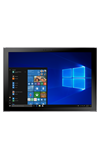
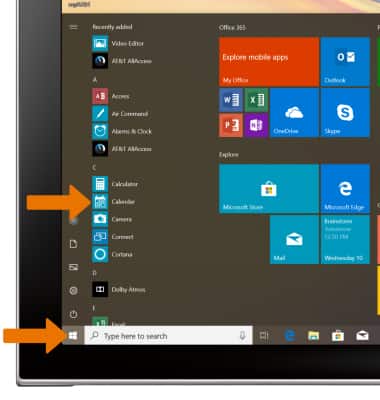
- ACCESS CALENDAR APP: From the home screen, select the Start icon, then select Calendar.
- CHANGE VIEW MODE: Select the desired view mode.
Note: For this demonstration, Month was selected.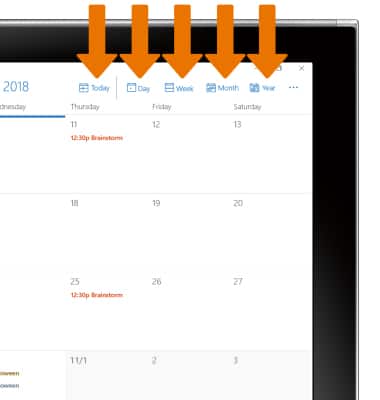
- CREATE AN EVENT: Select New event.
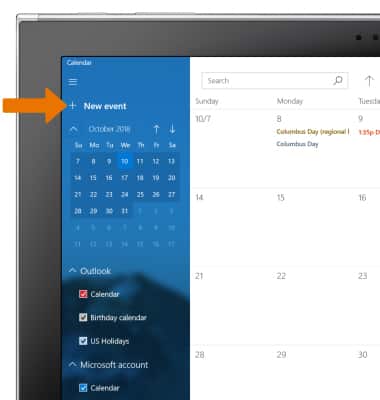
- Enter the desired information, then select Save.
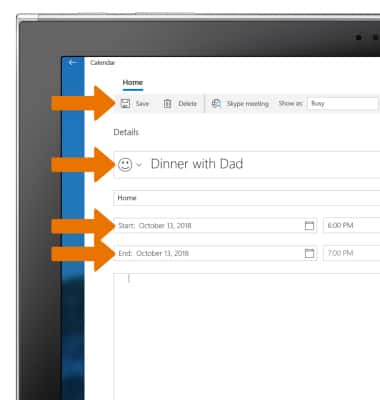
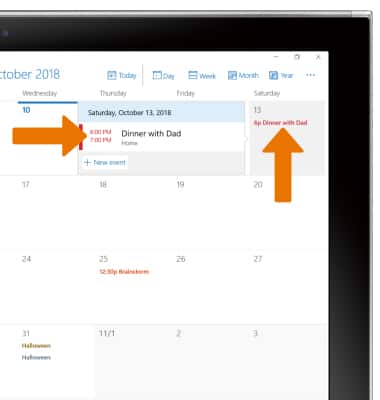
- VIEW EVENT INFORMATION: Select the desired date, then select the desired event.
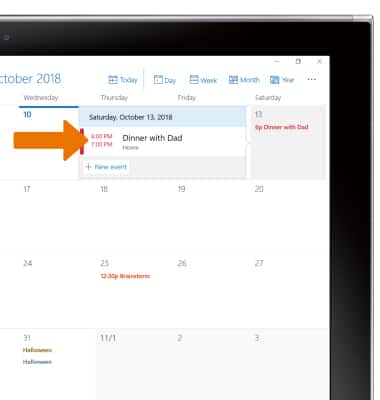
- EDIT AN EVENT: Select the desired event.
- Edit the event as desired, then select Save.
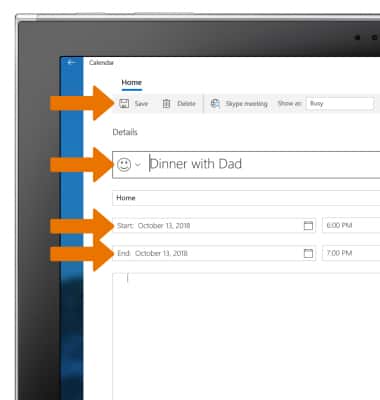
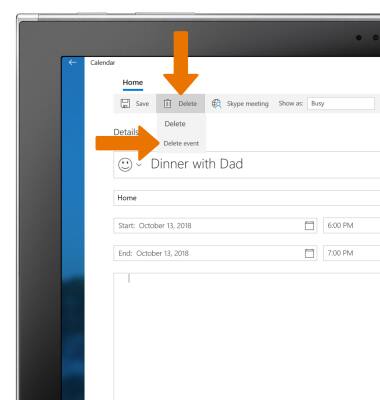
- DELETE AN EVENT: From the desired event screen, select Delete, then select Delete event.
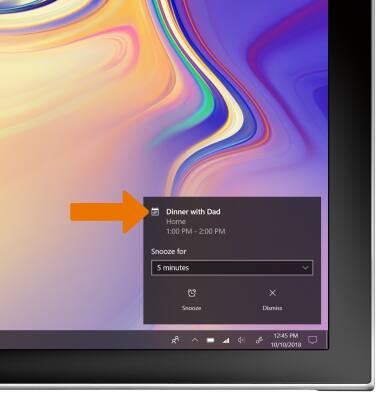
- When there is an upcoming event, you will receive a notification.
Calendar
Samsung Galaxy Book2 (W737A)
Calendar
Access the calendar to create, edit and delete events.
INSTRUCTIONS & INFO