In this tutorial, you will learn how to:
• Access files
• Share files
Access files
1. From the home screen, select the File Explorer app.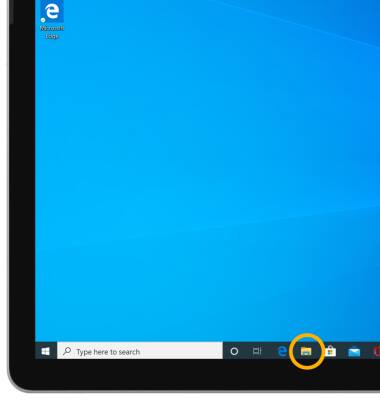
2. Select the desired category to view files.
Note: For this demonstration, Pictures was selected.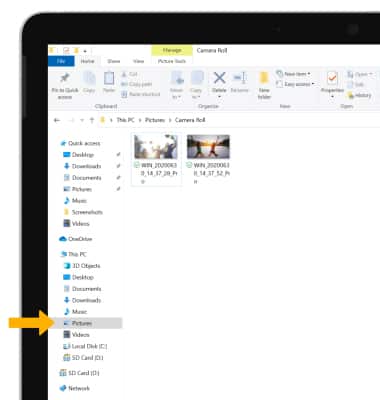
Share files
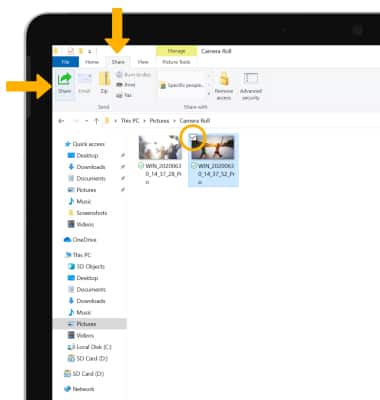
1. Select desired file(s). Select the Share tab, then select Share.
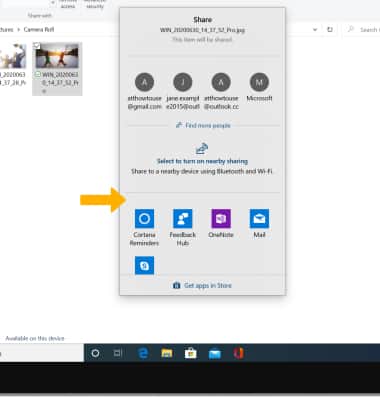
2. Select the desired sharing method, then follow the prompts.