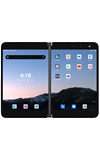
In this tutorial, you will learn how to:
• Access camera settings
• Change the picture size
• Turn the flash on or off
• Set a timer
Access camera settings
From the home screen, select the  Camera app then select the
  Menu icon.
Change the picture size
From the Camera settings screen, select Photo size > desired option > OK.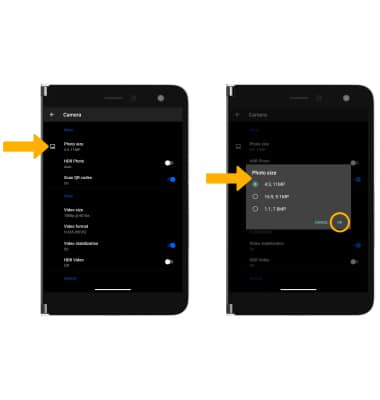
Turn the flash on or off
From the camera screen, select the  Flash icon then select the desired option.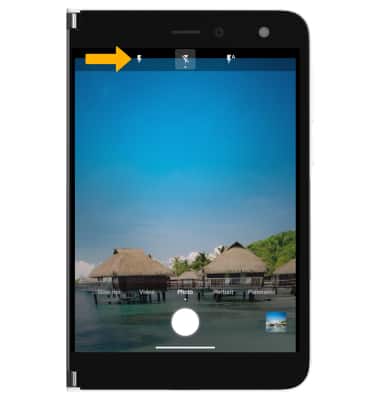
Set a timer
From the camera settings screen, select  Timer icon then select the desired time.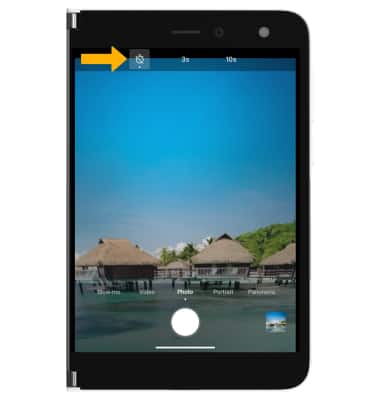
Tips
ALTERNATE METHODS TO ACCESS CAMERA: From the lock screen, swipe up from the  Camera icon. Double-press the Power/Lock button from any screen.