
• Switch between front and rear camera
• Focus the camera
• Zoom in and out
• Take a photo
This tutorial requires you open the Camera app. To access the camera from the home screen, select the
 Camera app.
Switch between front and rear cameras
Select the Switch camera icon.
Note: When using the front-facing camera, select the  Standard angle icon for standard mode or select the
  Ultra-wide angle icon to better capture a group. The front camera lens will illuminate when in selfie mode so you or the group can see where to look for the picture. You cannot switch the camera while you are recording a video.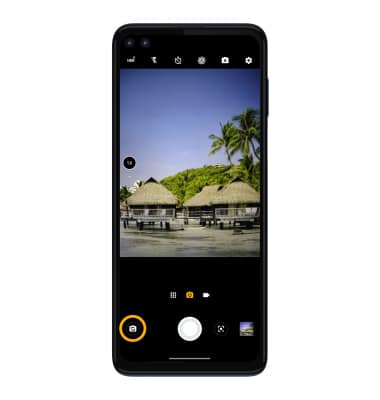
Focus the camera
Select the desired area of the photo you wish to focus on. A circle will appear when the area is selected.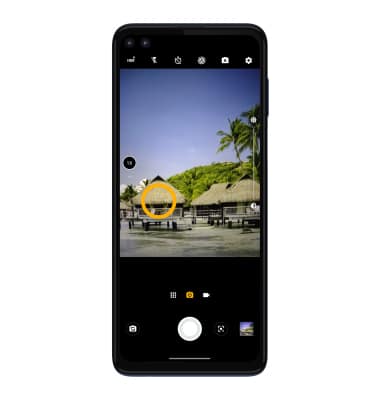
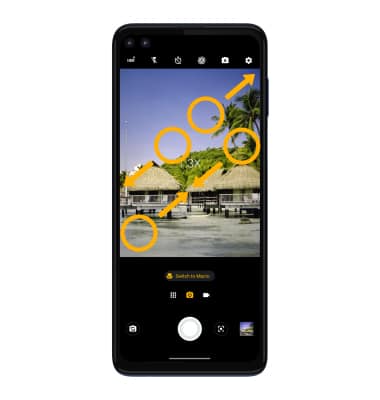
Zoom in and out
Move two fingers apart towards the edge of the screen to zoom in. Move two fingers inward towards the middle of the screen to zoom out.
Note: Zoom out all the way to 0.5X to capture Ultra-wide angle photos and videos.
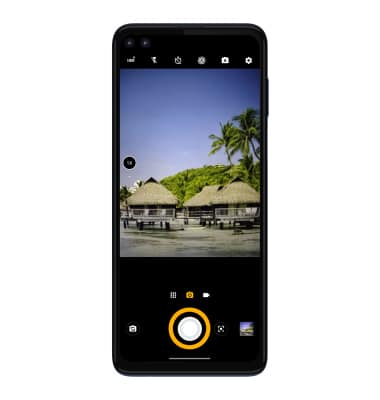
Take a photo
Select the Capture icon.
Note: Alternately, you can take a picture by pressing one of the Volume buttons.