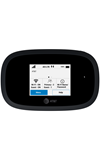
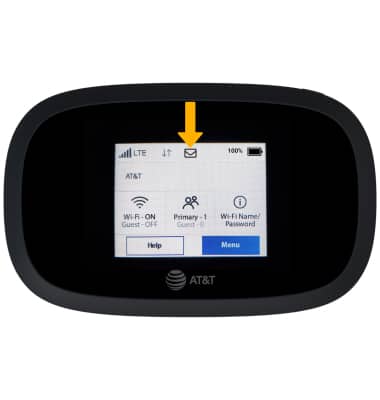
Notifications will appear in the Notification bar on the device. When an Inseego system message is received, a Message icon will appear on the home screen of the MiFi 8000. Select the Message icon to view.
Note: Alternately, view your messages from a connected device. From the connected device, visit http://my.mifi then click Sign In in the top right corner. Messages can be viewed from the Sign Indrop-down menu.
We use cookies to help enhance your experience on our site and for analytics. We also may use cookies for marketing purposes. You can manage your preferences and opt out of the sharing for targeted advertising and sales of cookie data.
Learn more about our approach to privacy at att.com/privacy.