• Access the Microsoft Store
• Download an app
• Open an app
Access the Microsoft Store
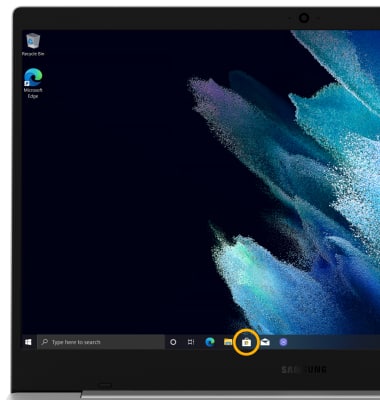
From the home screen, click the Microsoft Store app.
Note: You must have a Microsoft account set up on the device to access the Microsoft Store. Click here for more information.
Download an app
1. Click the Search field.
2. Enter the desired app name. Click a suggestion or the Search icon.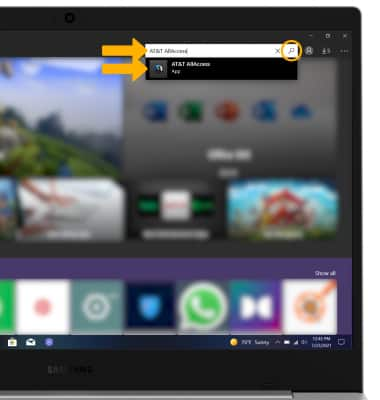
3. From the desired app screen, click Install.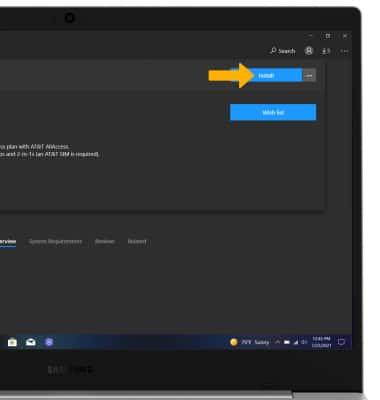
Open an app
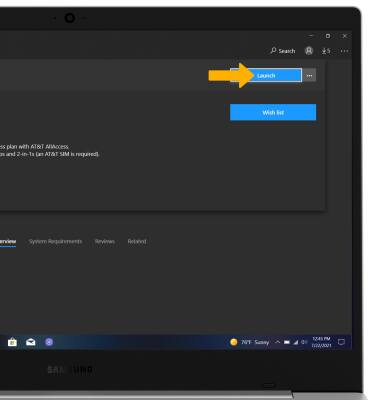
Click Launch.