
• Take a photo
• Record a video
This tutorial requires you to open the Camera app. From the home screen, click the  Start icon then click the
  Camera app.
Take a photo
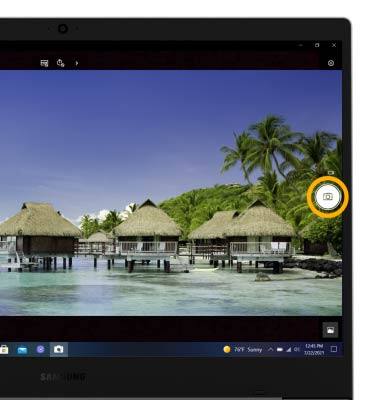
Click the Capture icon.
Record a video
1. Click the Video icon to access Video mode.
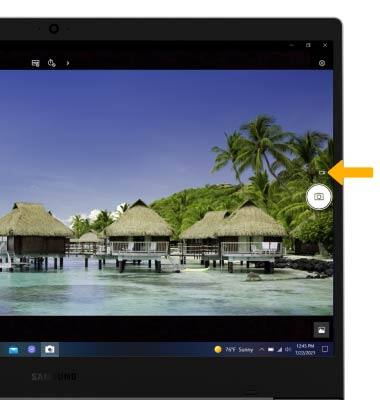
2. Click the Video icon again to begin recording.

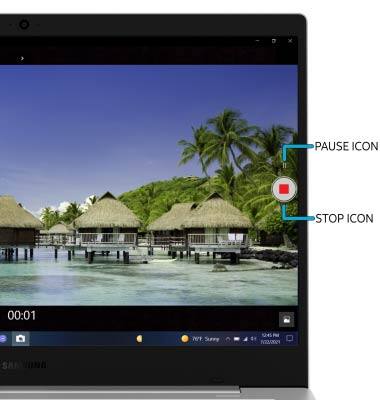
3. To pause the video, click the Pause icon. Click the Pause icon again to resume recording. Click the Stop icon to finish recording.
Note: Videos are automatically saved when recording ends.