Apple iPad 10th Generation Device Help & How-To Guides
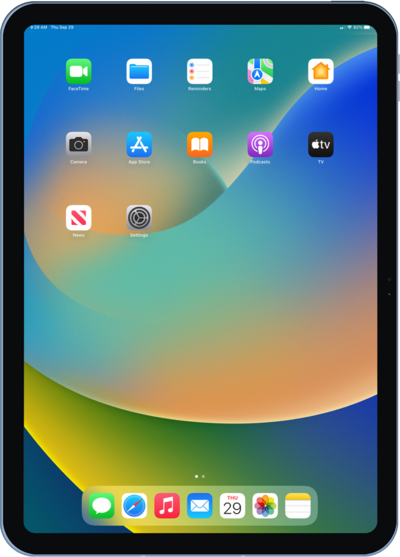
What would you like to learn about your device?
Trending iPad 10th Generation topics
Resetting network settings, resetting all settings, and deleting all eSIMS on your iPad
If you are having trouble connecting to the Internet you may need to reset your network connections. Resetting your network connections will disconnect any Bluetooth devices connected to your device and disconnect your device from any Wi-Fi networks it is connected to.
ExploreFinding your iPad's IMEI number
Discover where to find your devices IMEI in the settings section of your device. In some instances, your IMEI number is also your Device ID number.
ExploreSetting up Apple Pay
Discover how to set up Apple Pay on your compatible iOS device. Once set up, you can make payments directly from your iPhone or Apple Watch.
ExplorePerforming a factory reset
A factory reset will erase all data from your device and is irreversible. This is good to do if you are going to trade in or sell your device. It will wipe all of your personal information from the device.
Explore